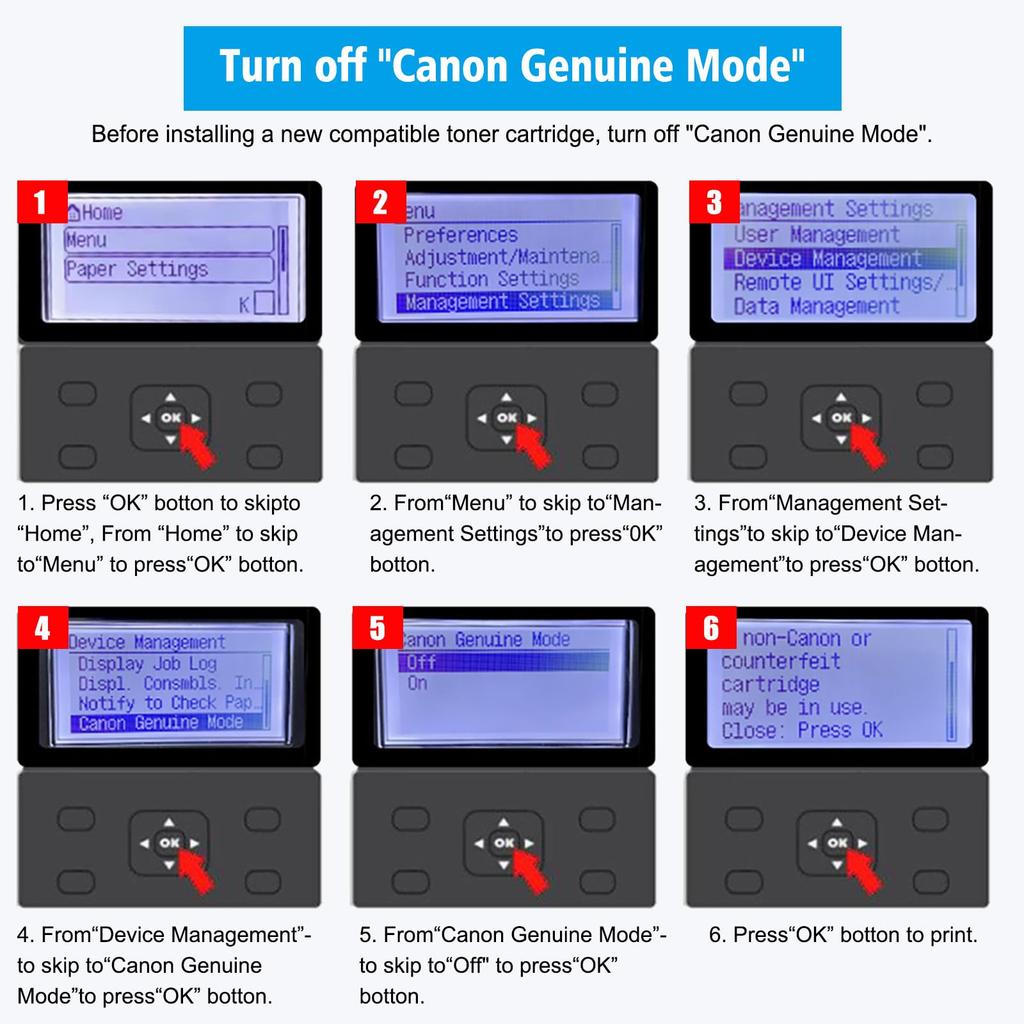
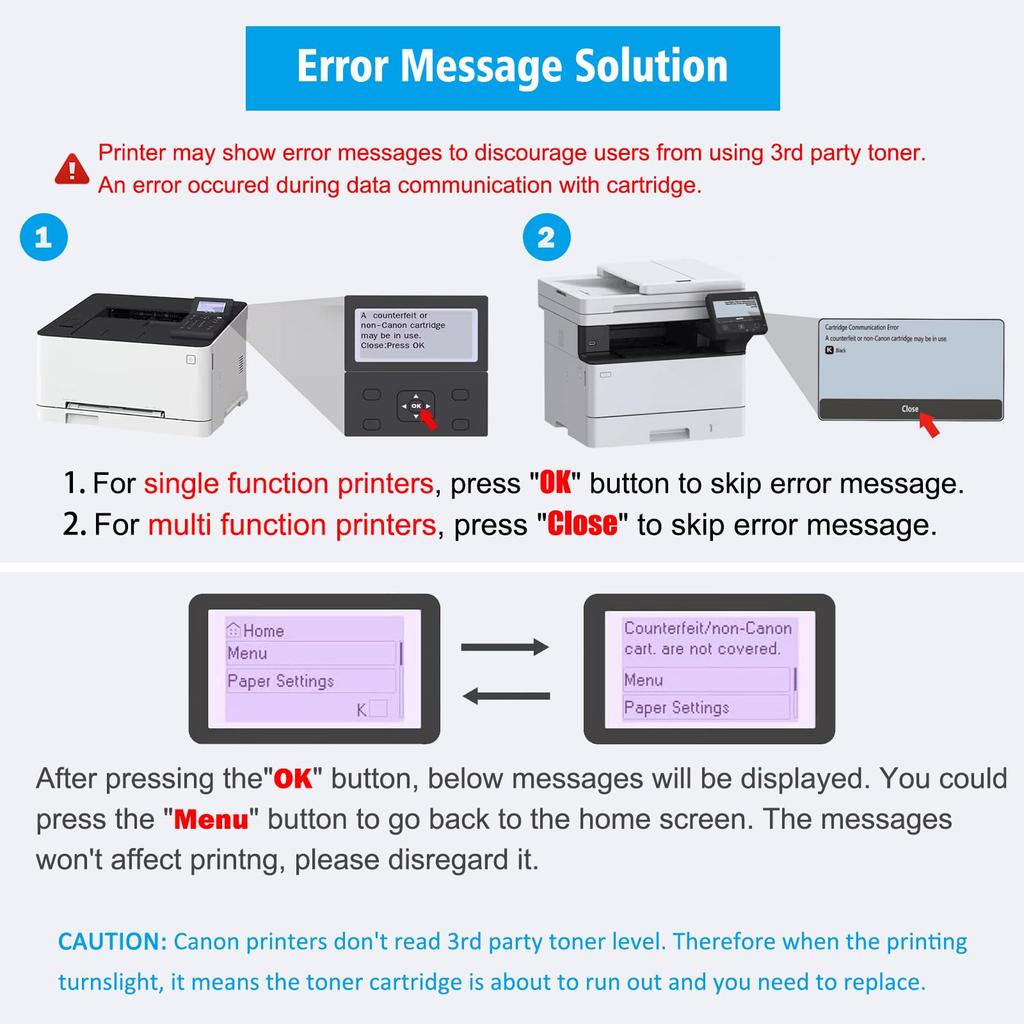
1. Note: If your printer has a "Canon Genuine Printer Mode," you must close this mode. Follow these steps to close Canon Genuine Printer Mode: [Administrative Settings] > [Device Management] > [Canon Genuine Printer Mode] > [Off]. After closing Canon Genuine Printer Mode, when you install compatible toner, the printer will display the message "An error occurred during data communication with the cartridge." If you are using a single-function printer, simply press the "OK" key; if you are using a multifunction printer, simply click "Close" on the screen, and the toner should work.
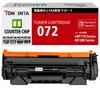
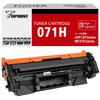
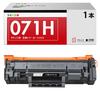
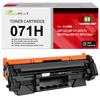
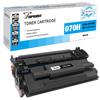
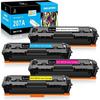
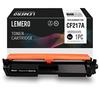
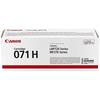
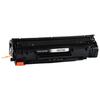
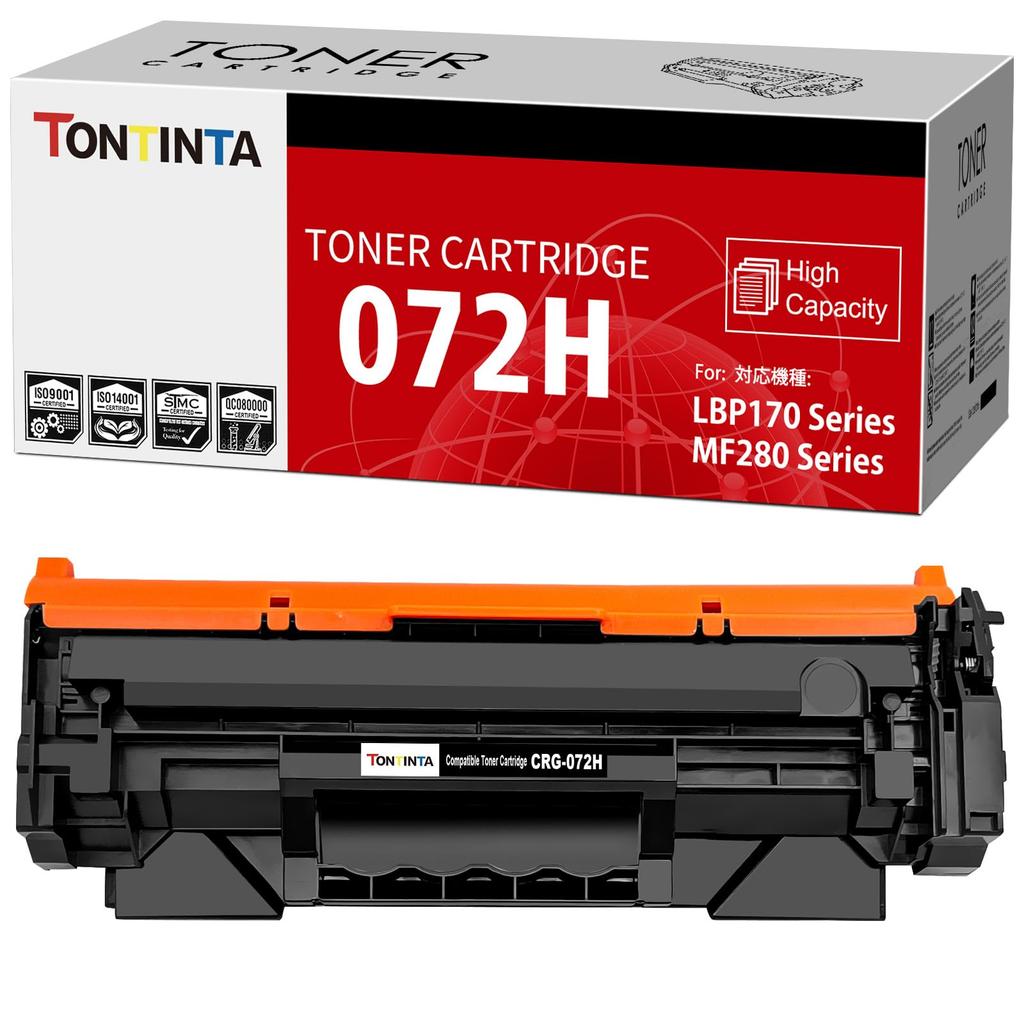
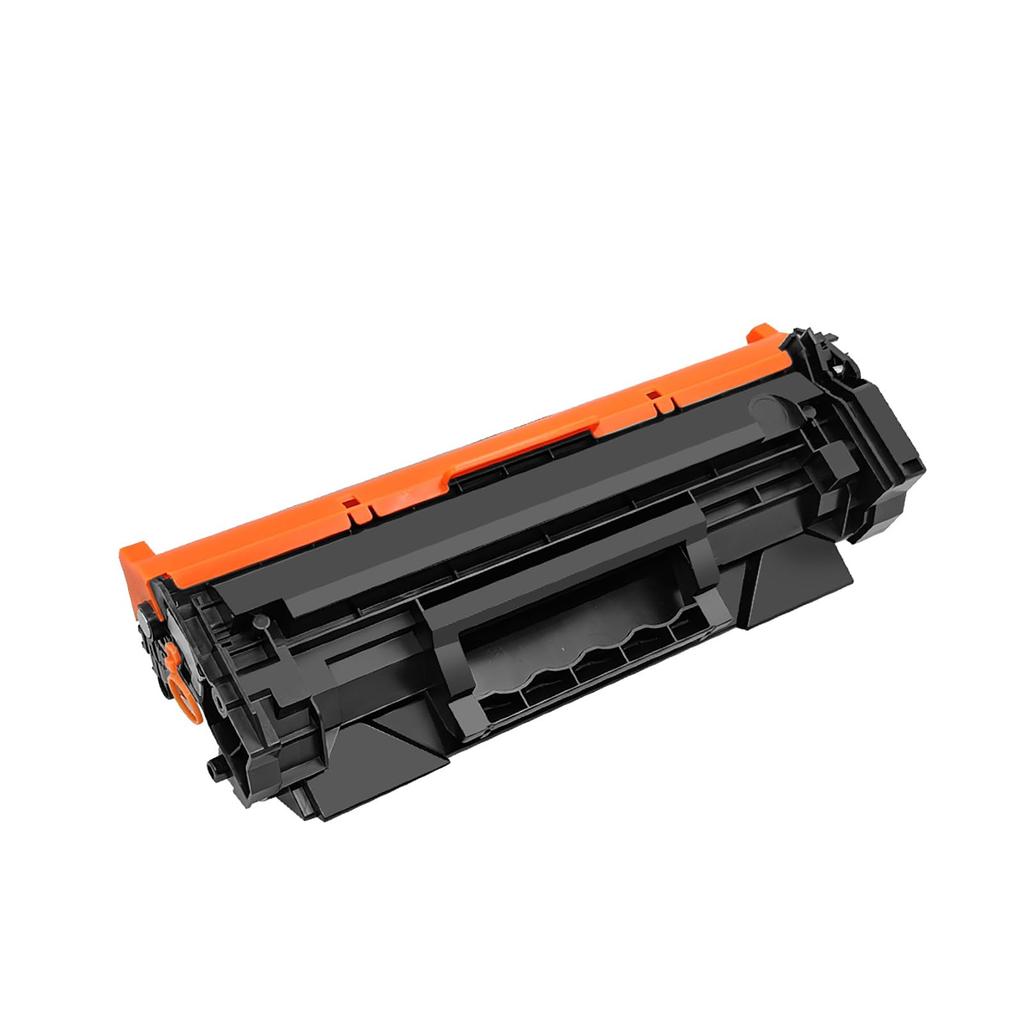
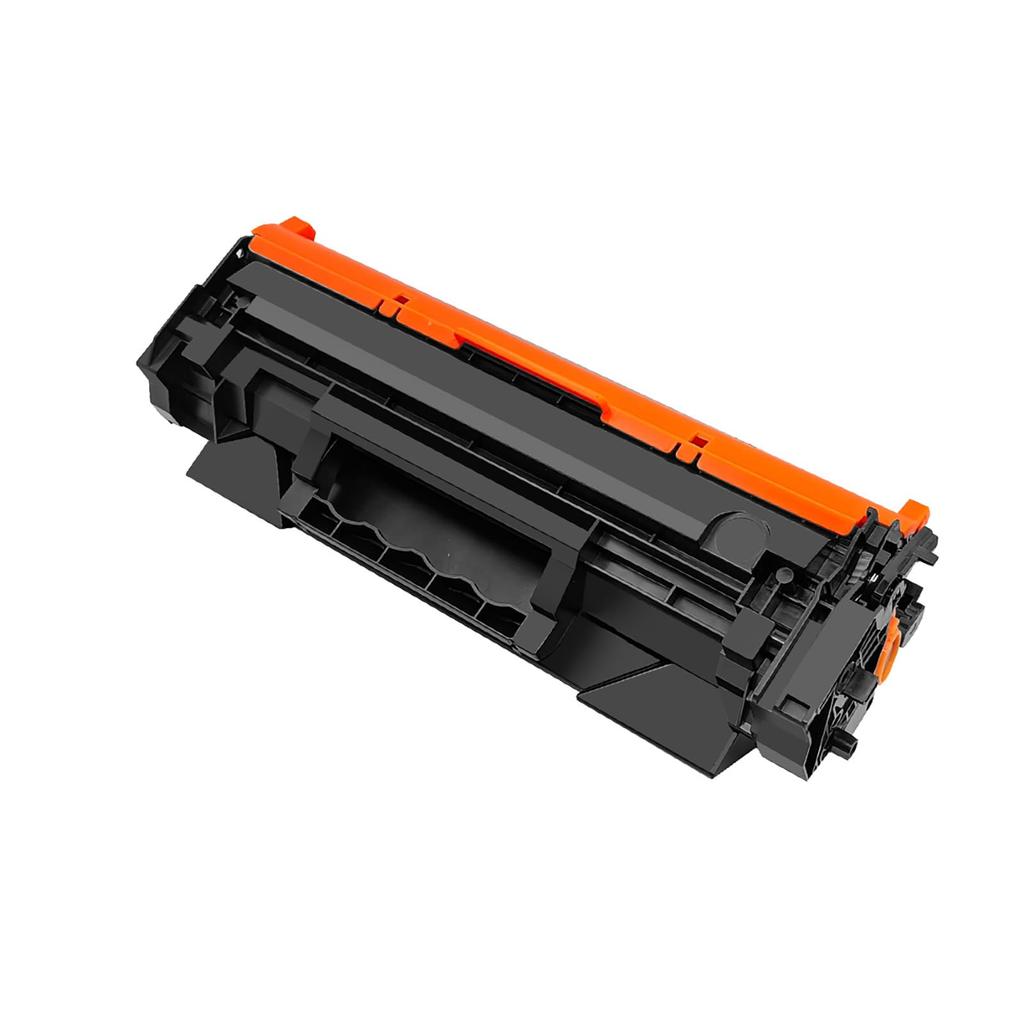
2. Product Description: Compatible black toner cartridge for 072H CRG072H CRG-072H. Our 072H CRG072H CRG-072H compatible toner cartridges are a great replacement for original Canon 072H CRG-072H CRG072H, 072 CRG072 CRG-072 toner cartridges.
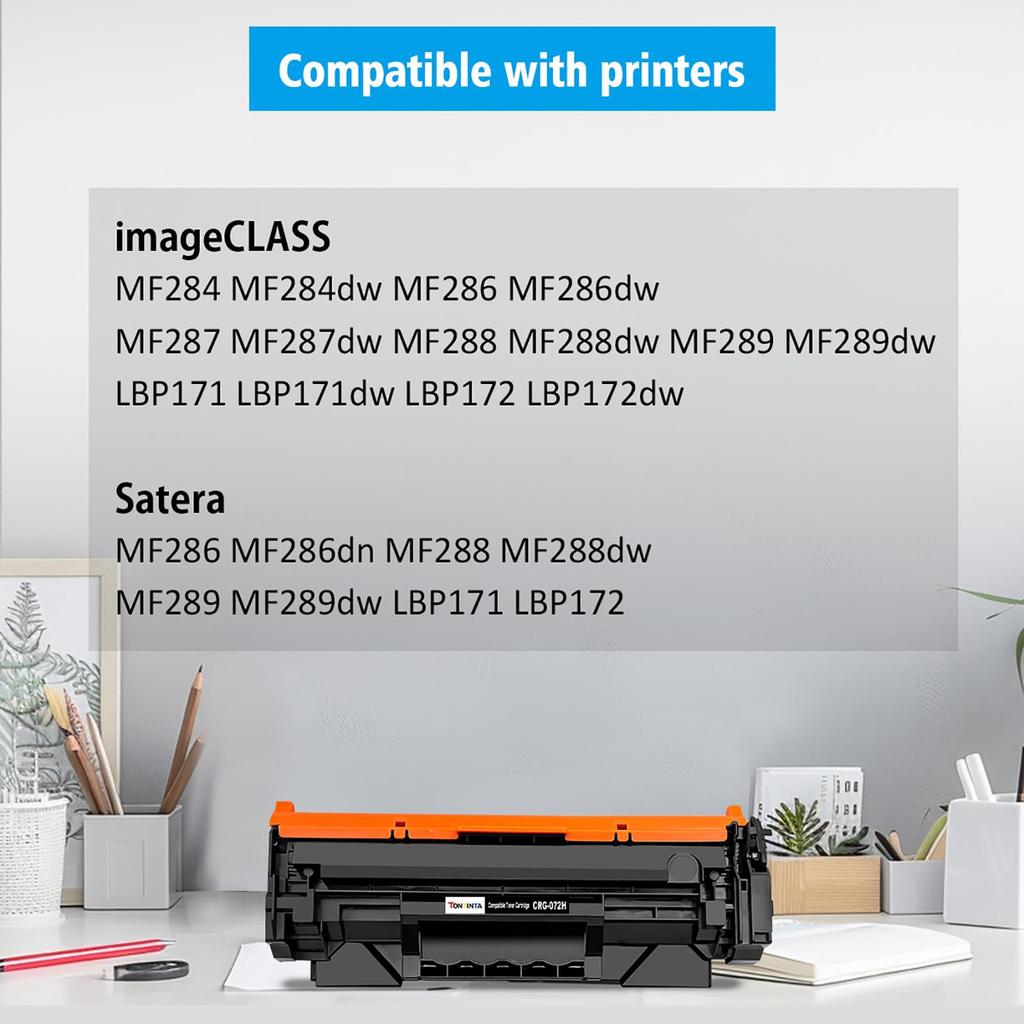
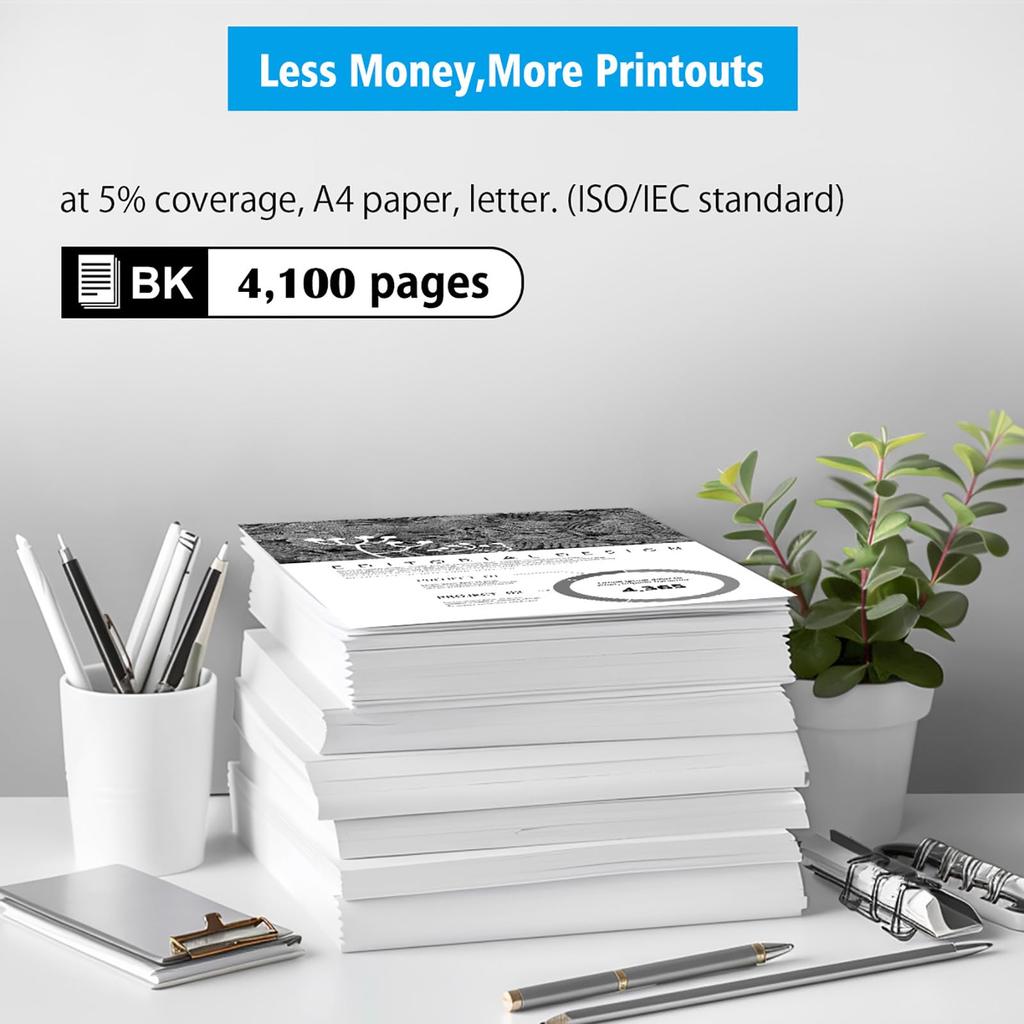
Compatible Printers: Canon Laser Printers Satera LBP171, LBP172, MF286, MF286dn, MF288, MF288dw, MF289, MF289dw. Page Capacity: High capacity, 4100 pages, black, 5% coverage, A4, Letter. (ISO/IEC standard).
4.ISO Quality Factory: Our toner cartridges are manufactured using new parts and are produced in factories that meet ISO 9001 quality control, ISO 14001 environmental management, and ROHS environmental standards. We are specialized in manufacturing compatible toner cartridges with 20 years of technical experience.
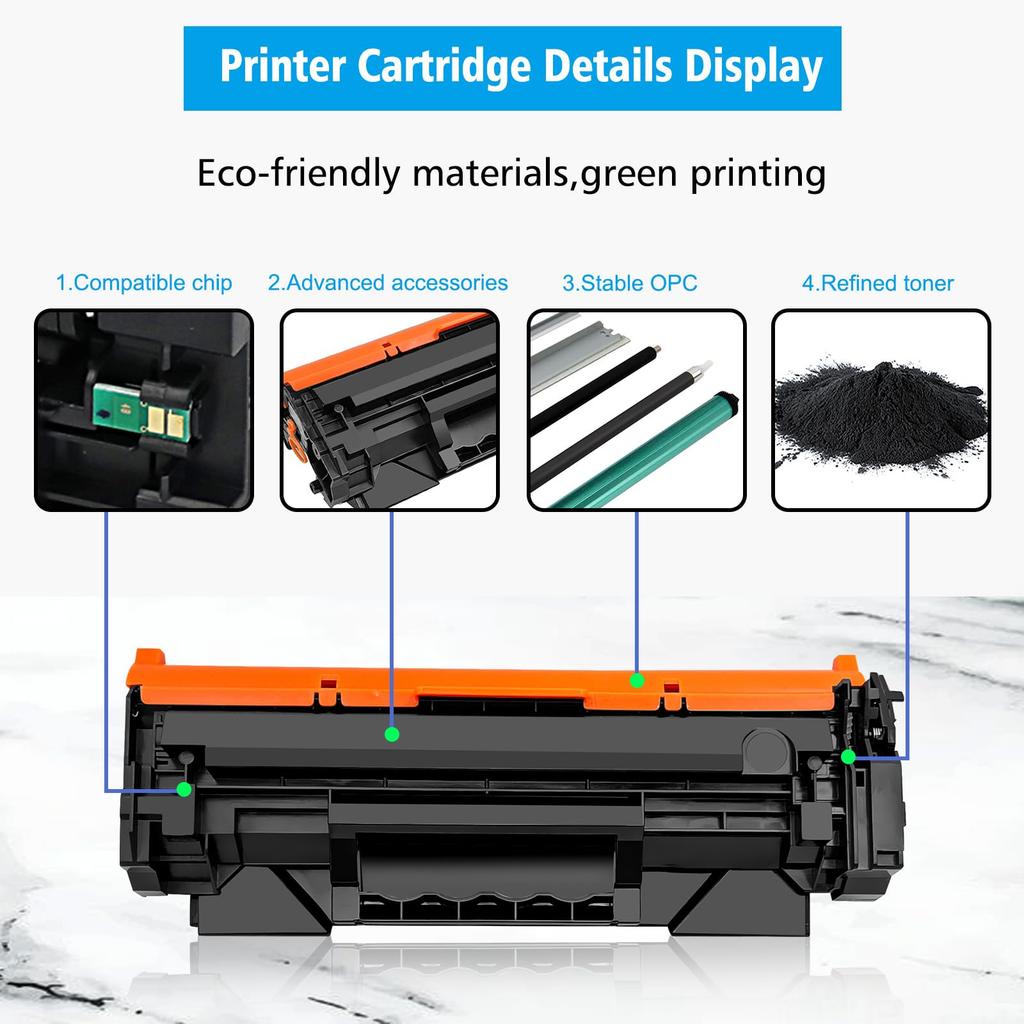
5. Excellent printing quality: Using durable OPC drum, high-quality toner powder, stable magnetic roller, high-end charging roller and robust blade to ensure stable and clear images.
specification
072H CRG072H CRG-072H compatible black toner cartridge.
Our 072H CRG072H CRG-072H compatible toner cartridges are a great replacement for original Canon 072H CRG-072H CRG072H, 072 CRG072 CRG-072 toner cartridges.
Compatible printers:
Canon laser printer Satera LBP171 LBP172 MF286 MF286dn MF288 MF288dw MF289 MF289dw.
Page Capacity: 4100 pages in black with 5% coverage, A4, Letter. (ISO/IEC standard).
Warranty period: 12 months
How to save:
Store in a normal environment with a temperature of 10-30°C and a relative humidity of 20-80%.
Packaging contents
Inner packaging: black plastic bag
Exterior: Neutral box
Individually boxed
Quantity: 1x Black. Important: If your printer is set to "Canon Genuine Mode," be sure to turn this mode off. Operation procedure: Menu > Admin Settings > Device Management > Canon Genuine Mode > Off. After turning this mode off, if you install a compatible toner cartridge, the message "Non-Canon cartridge inserted" will appear, but pressing the "OK" key will operate normally.
Note: The design of the outer box may differ from the product page depending on the production lot, but the product inside is the same. This does not affect use in any way, so please use it with confidence.



 No-delivery refund