----------------------------------------------------------------------
【Voltage Compatibility】
When using electrical appliances, please note that they are designed for Japanese voltage specifications (90-110V), so if you use them with a different voltage, it may cause a malfunction.
【Plug Type】
Our products use Japanese plug types (A or B type).
Please use a conversion adapter if necessary.
【Important Note on Transformers and Adapters】
A transformer adjusts voltage to match your device’s requirements.
A conversion adapter only changes the plug shape and does not adjust voltage.
Using only a conversion adapter without a transformer may result in damage to the product.
【Liability】
We are not responsible for malfunctions or damages caused by improper use, such as operating the product without a transformer.
----------------------------------------------------------------------
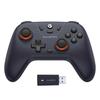
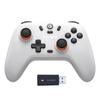
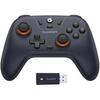
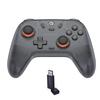
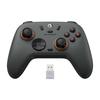
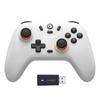
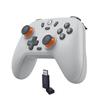
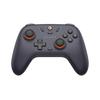
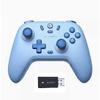
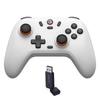
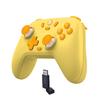
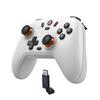
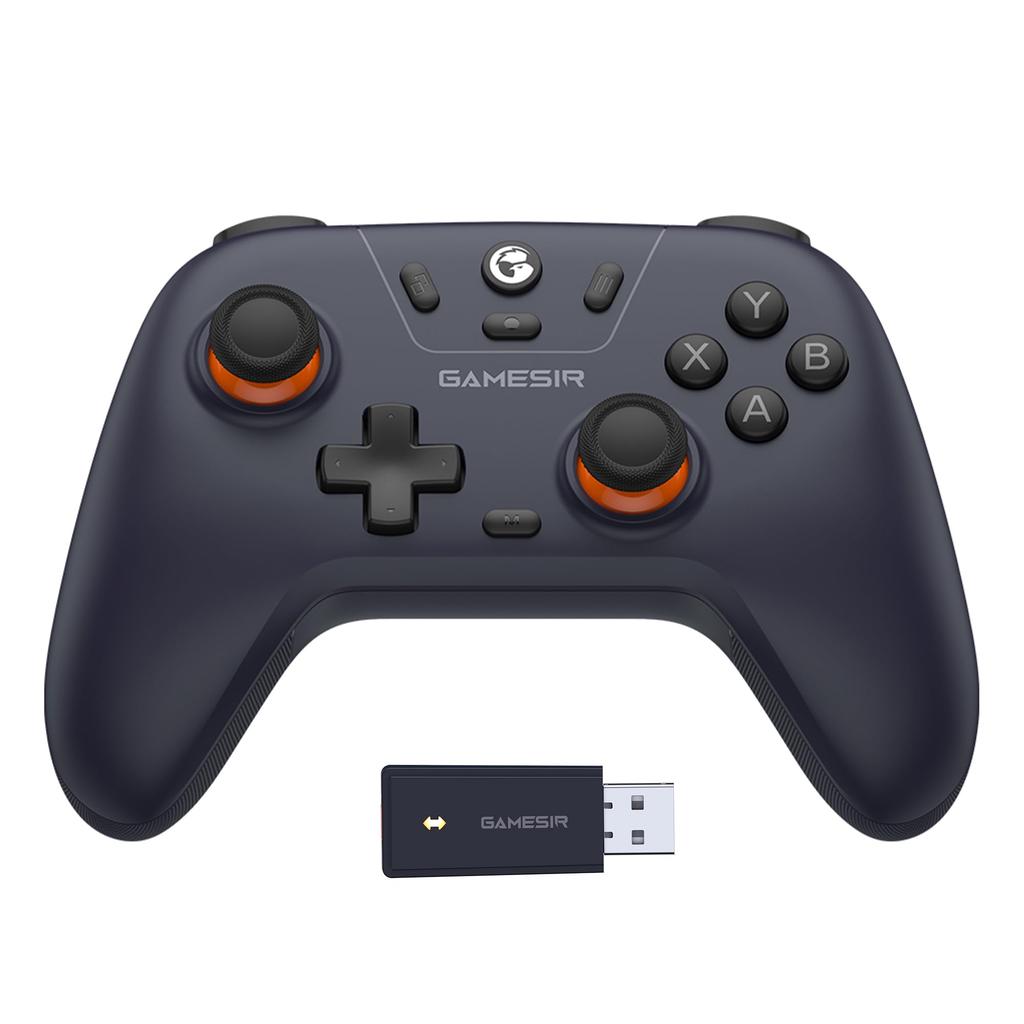
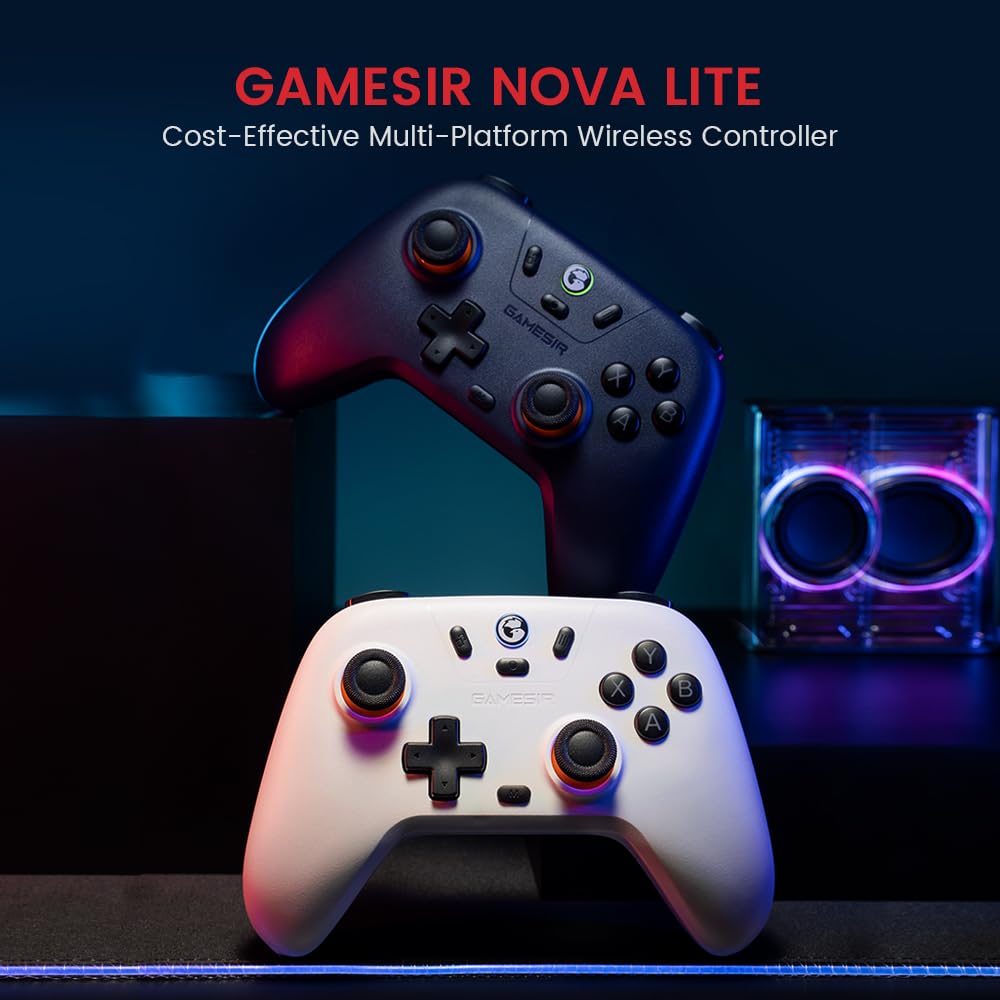
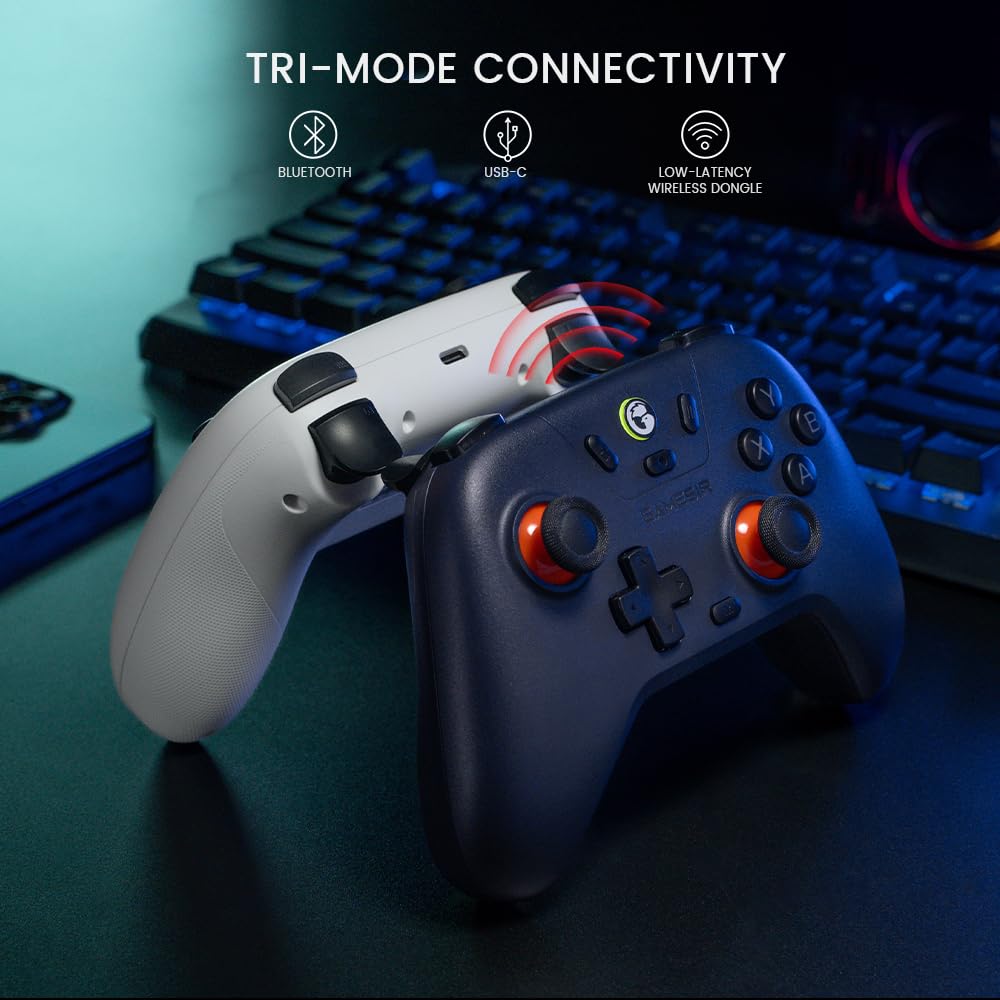
[Multifunctional Wireless Controller] GameSir Nova Lite is a multi-platform gamepad compatible with iOS, Android, Windows PC, Nintendo Switch, and Steam. This multi-purpose controller provides the smoothest gaming experience with minimal latency. It does not have a gyro sensor. [Note: If the B+HOME button PC mode does not work, please update to the latest firmware 5700 in the GameSir app.]
Three connection methods: Supports wireless connection via Bluetooth/2.4GHz USB receiver or wired connection via USB cable. (USB receiver included, cable sold separately) Equipped with Bluetooth 5.3
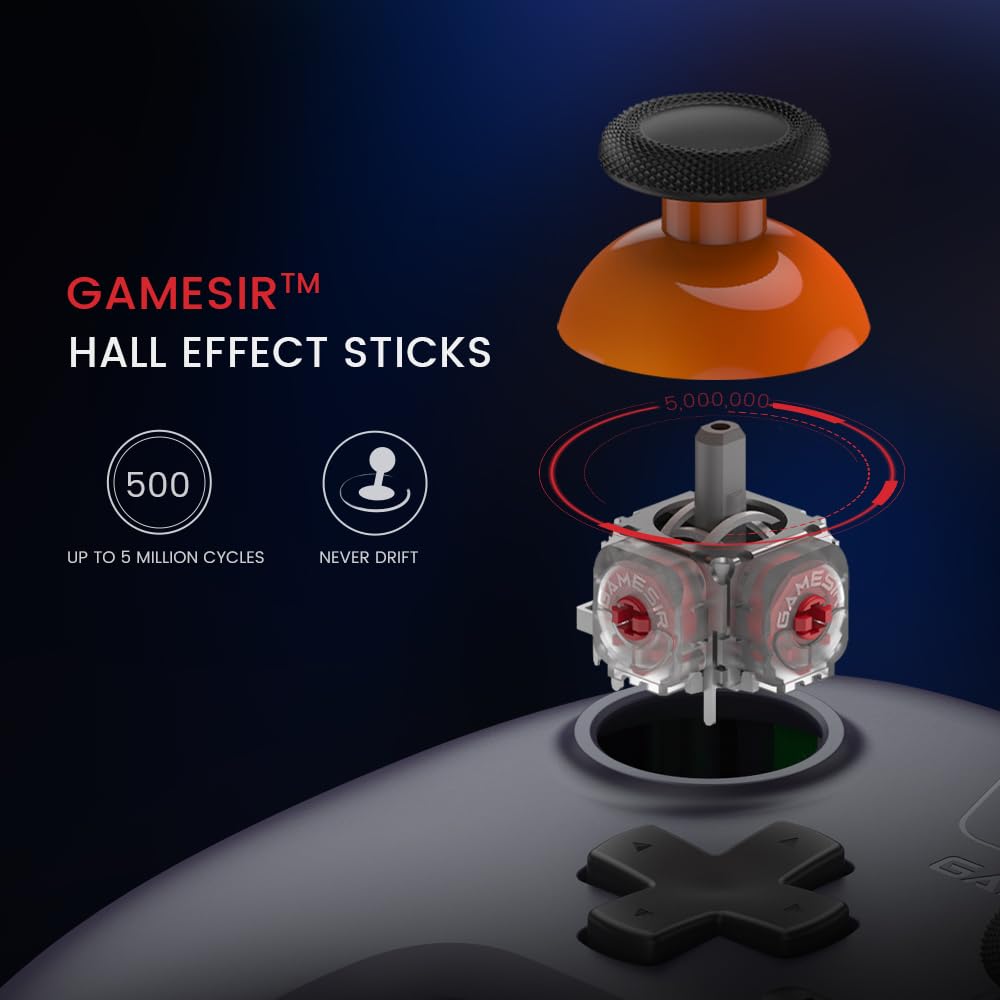
[Equipped with Hall Effect Sensors] Designed for precision and anti-drift stick performance, the Hall Effect sensor sticks feature specially tuned algorithms that provide greater consistency and smoothness, further enhancing your performance.
【Turbo Fire Function】Nova Lite features 20Hz Turbo function with customizable buttons including A/B/X/Y/LB/LT/RB/RT. Simply press the M button to easily activate or deactivate Turbo function, providing a convenient way to enhance your gameplay.
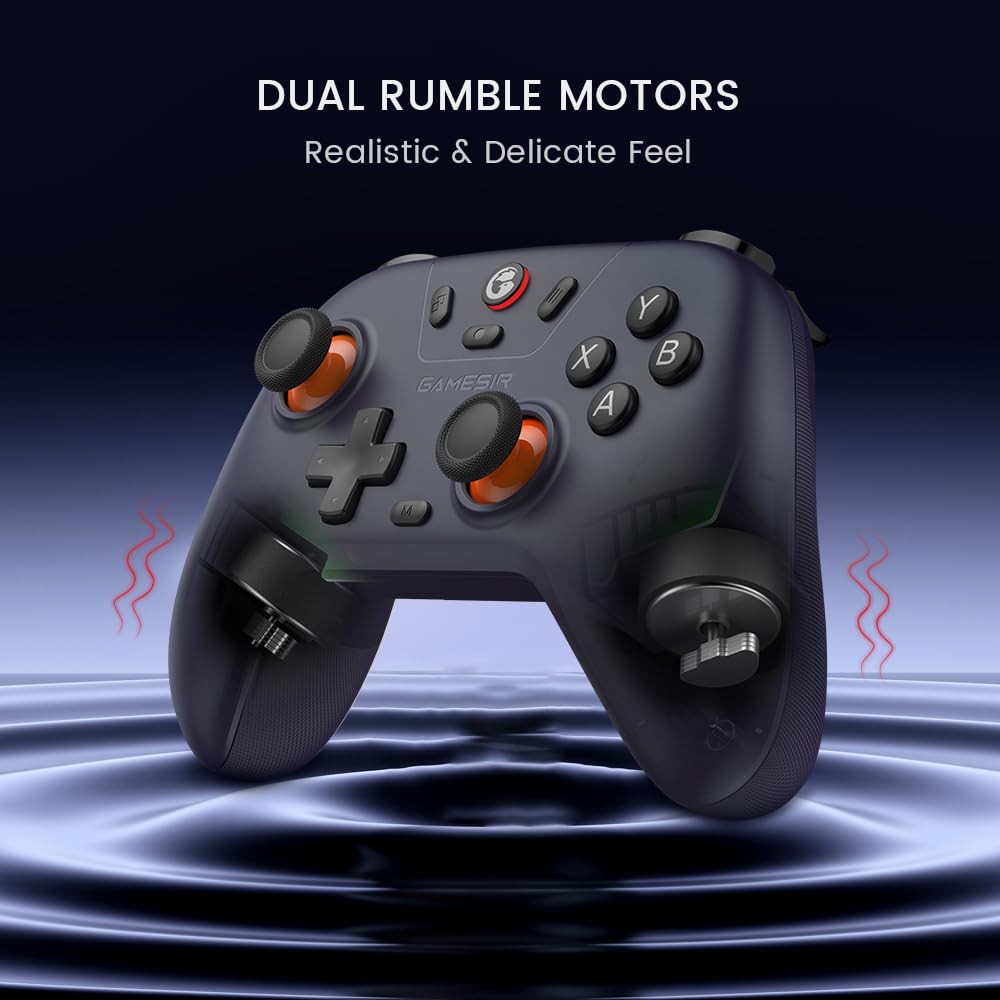
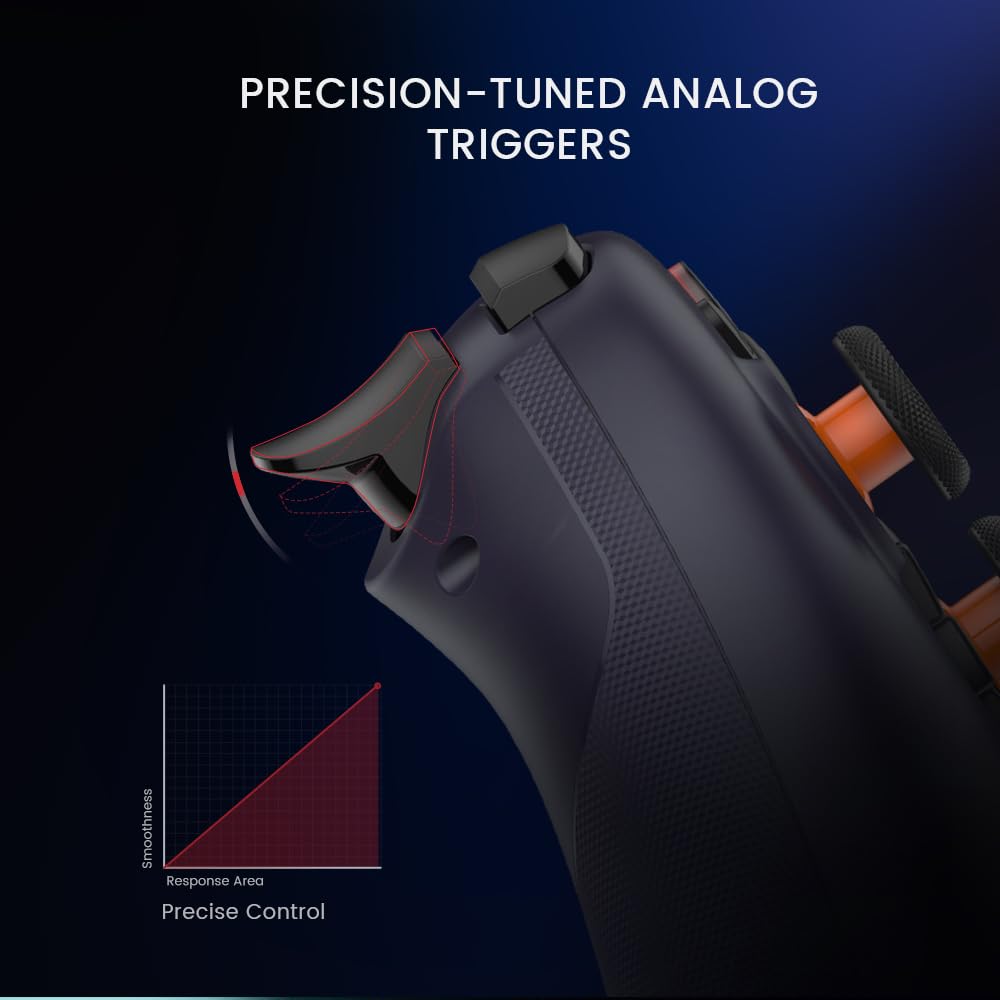
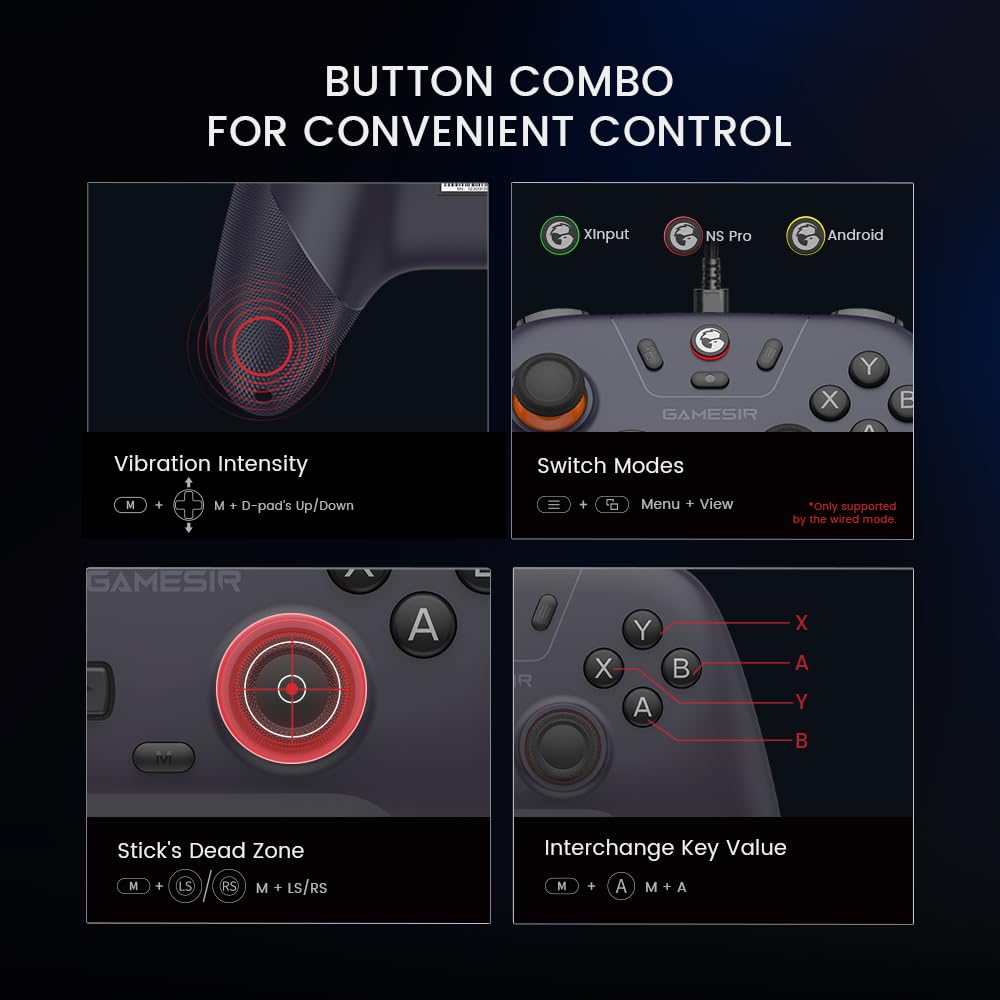
【Convenience Functions】①Adjust left/right stick dead zone to 0: Press M+LS/RS button for 2 seconds; ②Adjust the vibration intensity of the built-in motor in the grip: Press M+D-pad up/down, 5 levels of adjustment; ③Automatic power-off after 10 minutes of inactivity; ④Long-lasting 600mAh battery: Charging indicator light--Red (0%-25%), Orange (25%-50%), Yellow (50%-75%), Green (75%-90%), and Green off for 2 seconds (90%-100%); ⑤Button test and firmware update in GameSir APP; ⑥Membrane ABXY buttons, analog trigger, one-touch screen capture
Xinput mode is the most common mode when connecting to a PC, and the green indicator light will be on. If you accidentally switch to DS4/NS input mode, please press and hold the View button and Menu button to switch between Xinput/NS/DS4 mode.
If you are having trouble with the buttons or sticks, please try the following steps: 1. Enter calibration mode: 2. With the controller turned on, press and hold the View, Logo and Menu buttons simultaneously. The Home button will slowly flash white.
The controller does not come with a cable for wired connection. We sincerely apologize for any inconvenience this may have caused.


 No-delivery refund