Label:Yes
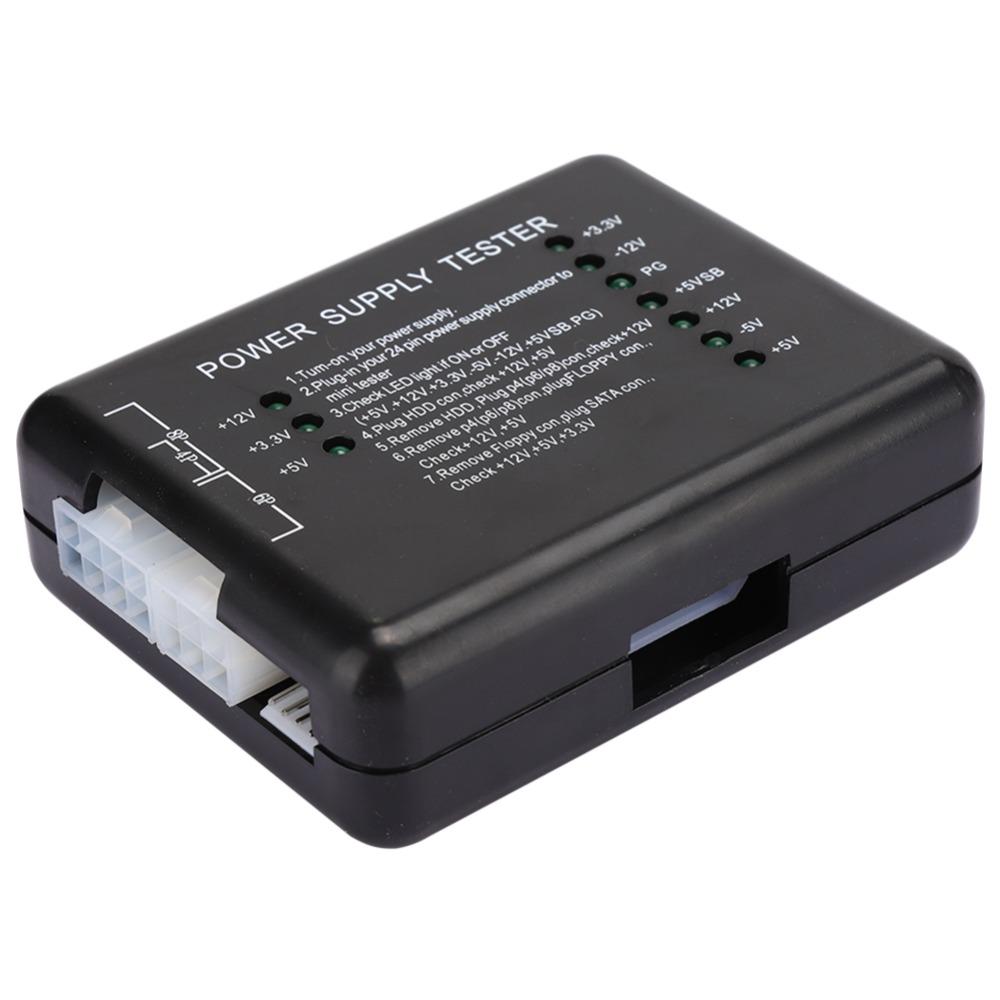
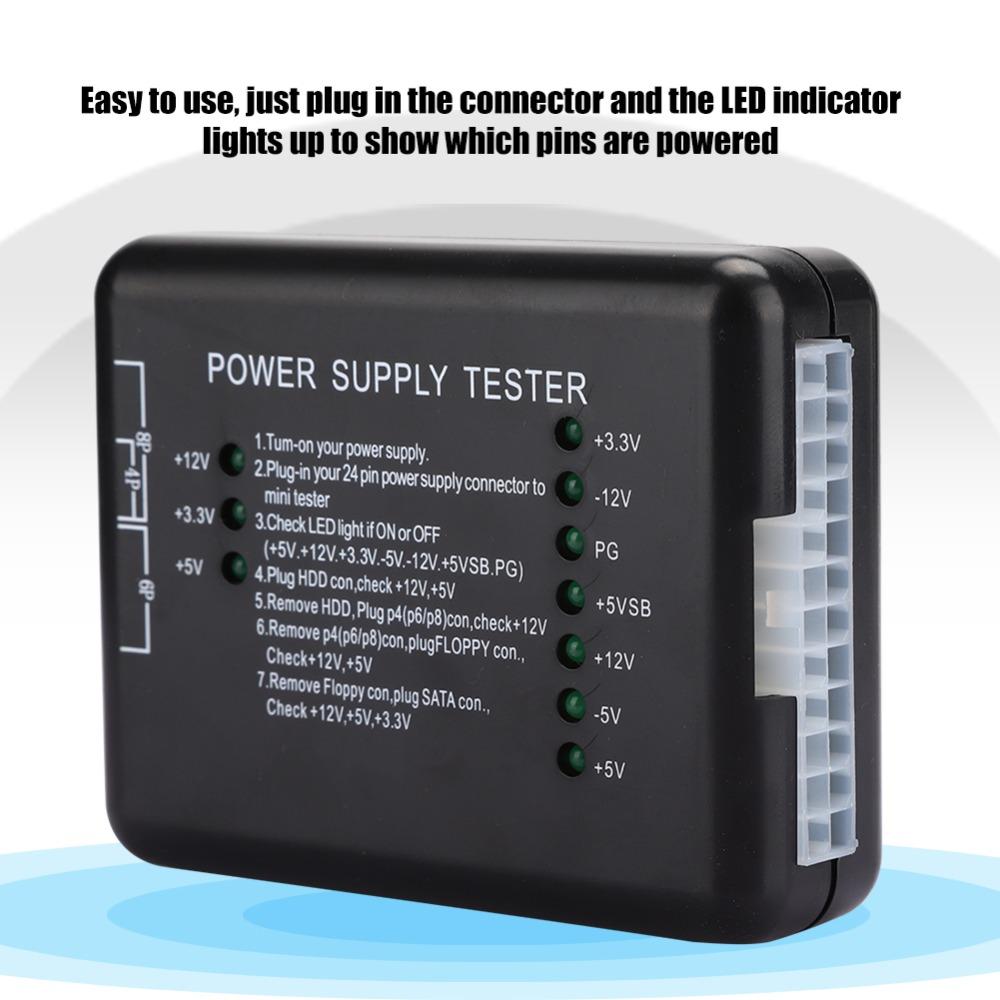
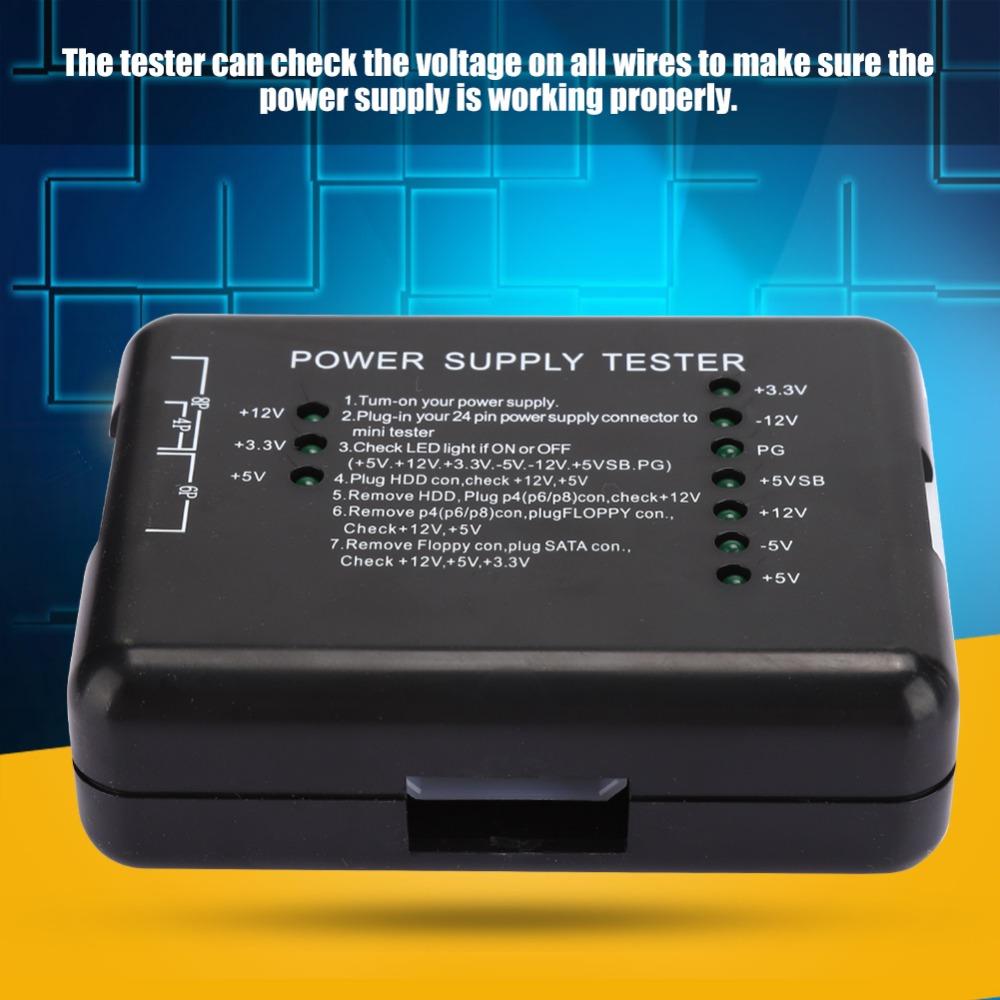
-Easy to use, just plug in the connector and the LED indicator lights up to show which pins are powered
-Can help you quickly diagnose or troubleshoot power problems, a must-have for any computer technician
-Good computer power tester with long service life.
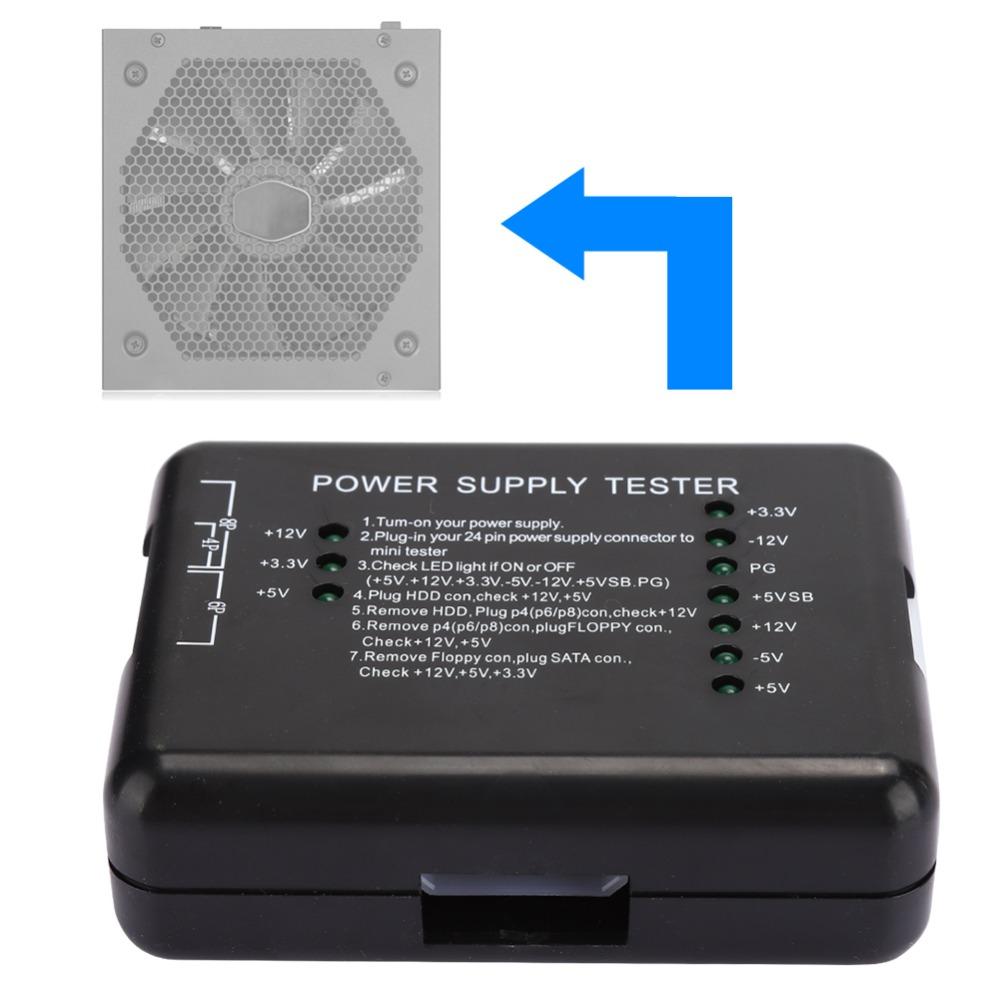
-Just connect this power tester to the power ATX connector and you will know if the power output is normal.
-The tester can check the voltage on all wires to make sure the power supply is working properly.
Specification
Item Type: Power Supply Tester
Color: Black
Material: ABS
Size:9*7cm(3.54*2.76in)
Instructions:
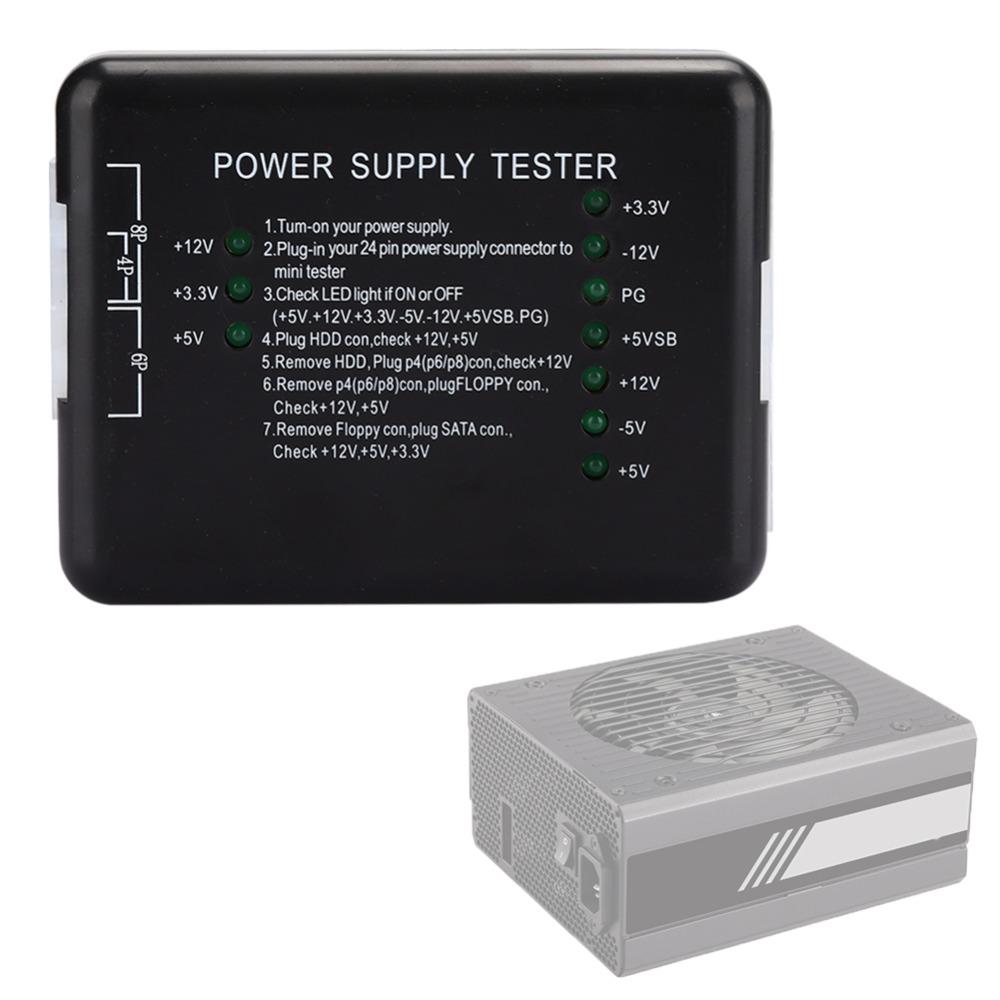
1. Powering the power supply under test;
2. Insert the 24P (20P) plug of the power supply to be tested into the corresponding 24P (20P) socket of the power tester;
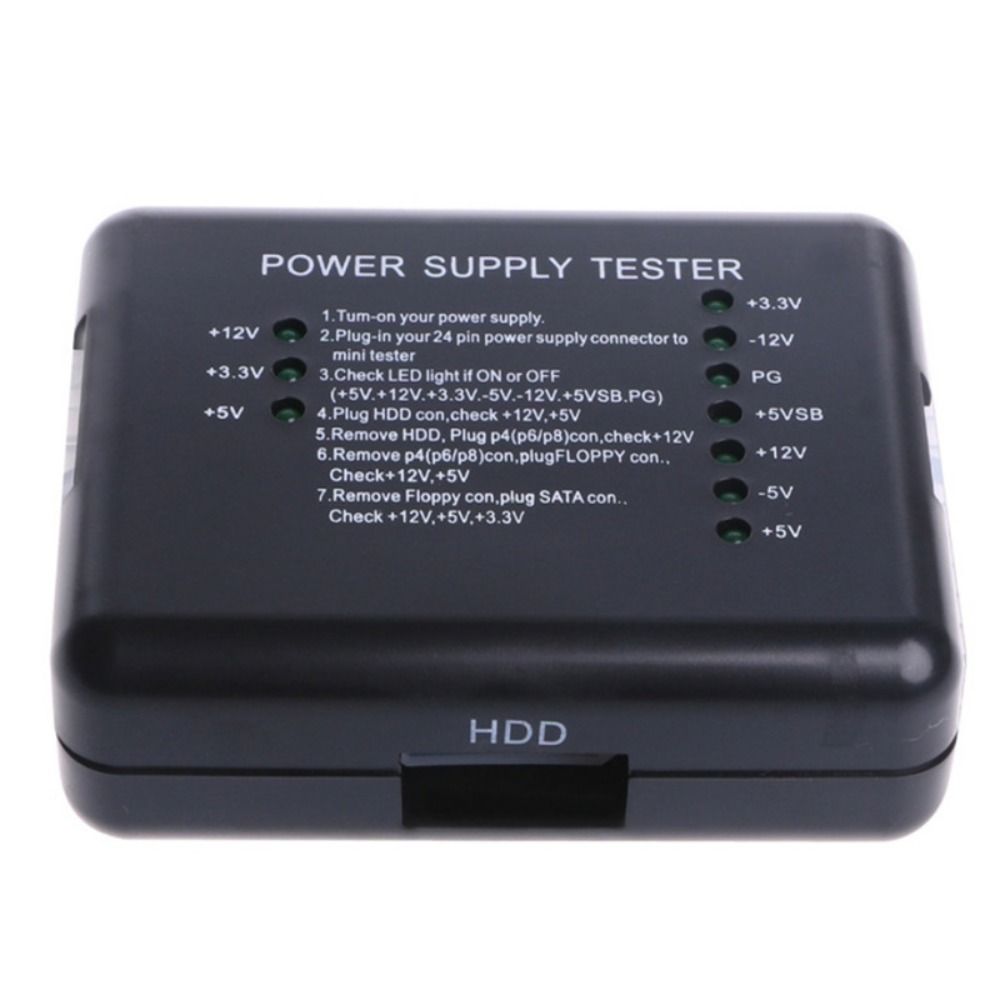
3. Check whether the 7 indicators on the right (+3.3, -12v, PG, + 5VSB, + 12V, -5v, + 5V) are on;
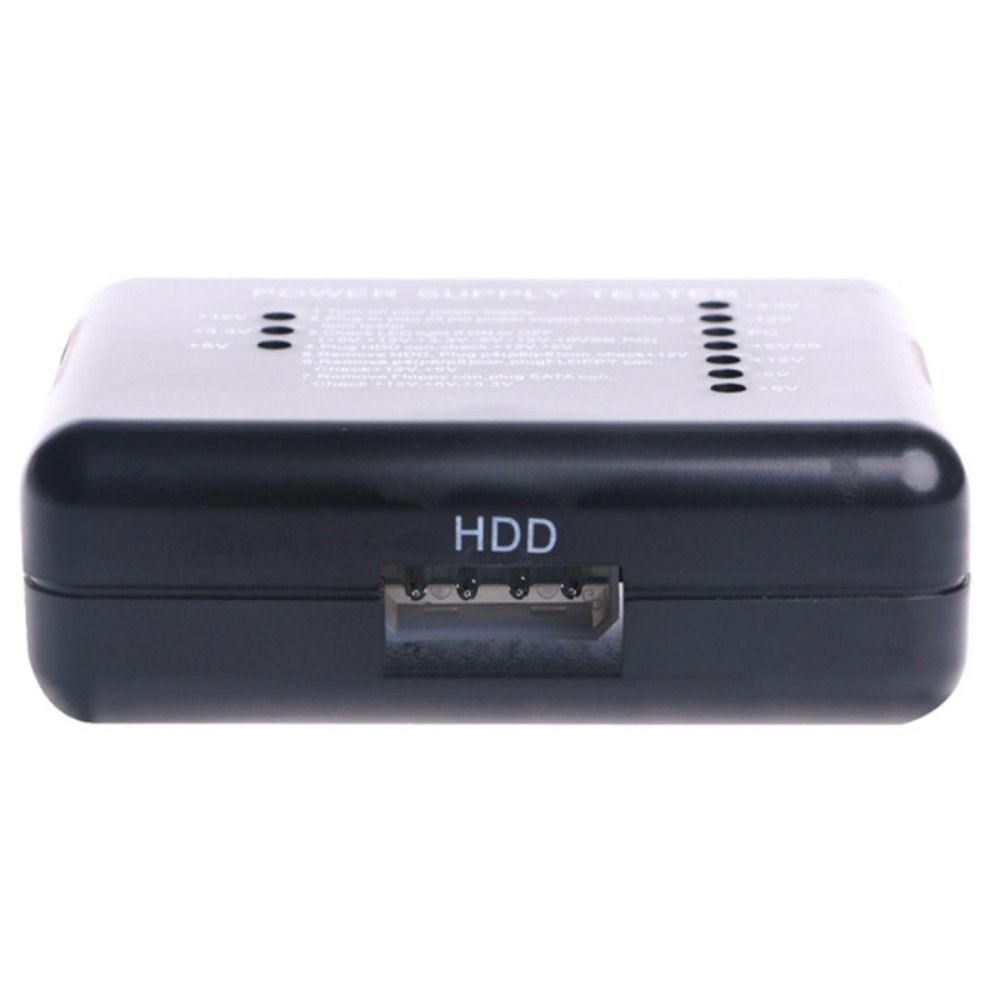
4. Insert the HDD plug of the power supply to be tested into the HDD socket of the power tester, and check whether the 2 indicators (+12, + 5V) on the left are on;
5. Unplug the HDD plug from the power tester, and then insert the P4 (P6 / P8) plug into the corresponding P4 (P6 / P8) socket to check whether the left light (+ 12V) is on;
6. Unplug the P4 (P6 / P8) plug from the power tester, and then insert the FLOPPY disk plug into the corresponding FLOPPY socket, and check whether the two indicators (+ 12V, + 5V) on the left are on;
7. Unplug the FLOPPY plug from the power tester and insert it into the corresponding SATA socket in the SATA plug. Then check if the 3 indicators on the left (+ 12V, + 3.3v and + 5V) are on.
Note:
Please note that the new type and old type of this product will be sent randomly, and make sure you will not mind before ordering.
Package List:
1 x Power Supply Tester
1 x User Manual(on the packaging surface)






 No-delivery refund