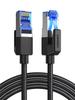
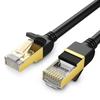
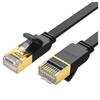
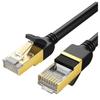
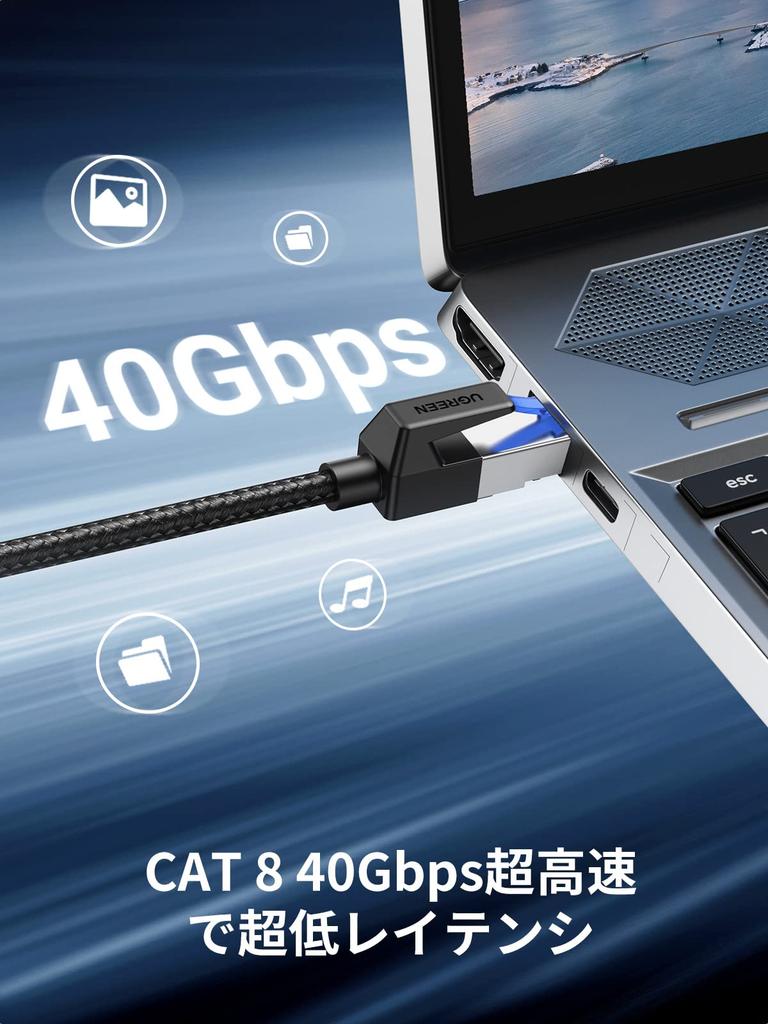
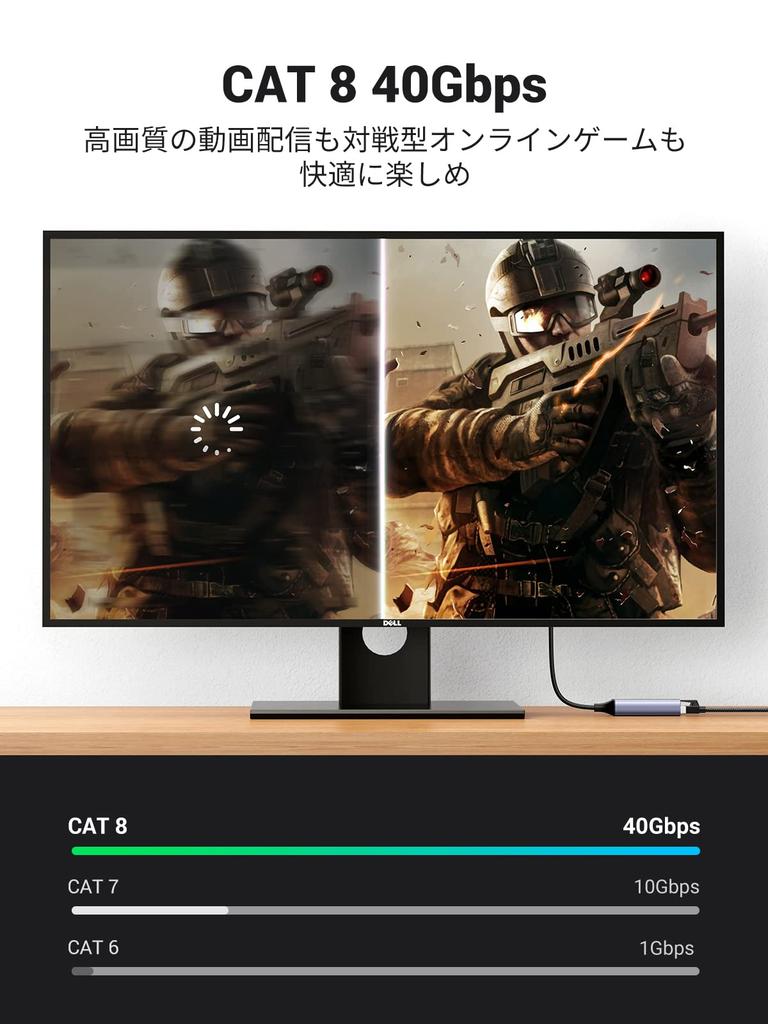
4x Faster Network Speed: UGREEN CAT8 Ethernet cables support the 40GbpsBASE-T standard, making them 4 times faster than standard CAT7 cables that support 10Gbps. *🔔The network speed of this product is also related to the specifications of the equipment's port and the router connection port. Please check the specifications of the network port on your equipment and the network port connected to your router.
Stable bandwidth up to 2000MHz: Category 8 ultra-high-speed internet cable supports high-frequency bandwidths up to 2000MHz, eight times that of Category 6, guaranteeing stable network speeds for surfing the internet, online games, streaming video, music, and more without the hassle of slow networks. It is also highly resistant to noise interference, providing a fast and stable network environment.
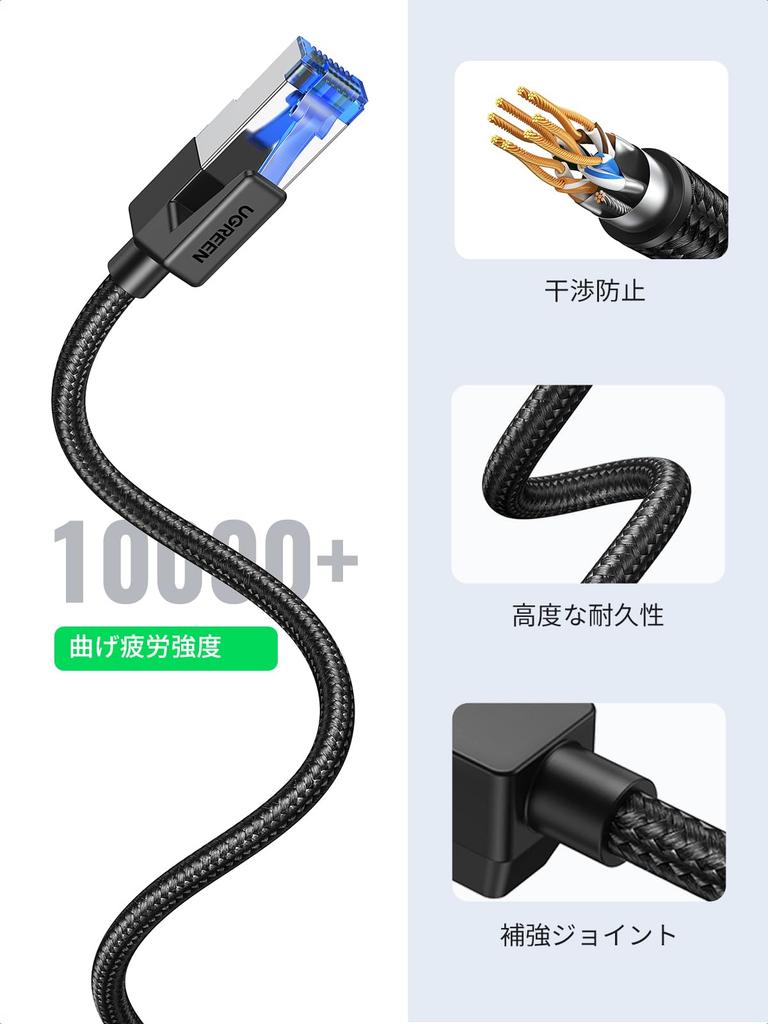
High-strength mesh material is used: The mesh material achieves 150% tensile strength, making it resistant to breakage. Highly reliable gold-plated shielding is used, and multiple shields prevent alien crosstalk such as external electromagnetic interference (EMI), suppressing signal degradation due to rust and noise, enabling high-speed and stable transmission.
Wide Compatibility: UGREEN high-speed CAT 7 Ethernet cable is not only backward compatible with CAT6, CAT5, CAT5E cables, etc., but is also compatible with all devices equipped with RJ45 connectors, including iMac Pro, PS3, PS4, PS4 Pro, Xbox, Xbox One, Smart TV, WiFi extender, Switch, TP-Link, video game console, Raspberry Pi 4, TV decoder, WiFi router, PC, network printer, media player, TV box, NAS, VoIP phone, free box, live box, BT smart hub, virgin modem, patch panel, Blu-ray player, and more.
Includes a claw breakage prevention cover: Equipped with a claw breakage prevention protector and a flexible plastic cap on the claw portion, preventing breakage even under normal use. It's very easy to remove by pressing the transparent catch while simultaneously bending the LAN cable itself in the same direction and pulling.
Important connection instructions: First, ensure that the LAN cable is securely connected at both ends. If the connection is insufficient, the device may not be recognized. If you cannot use it immediately after connecting, please wait 5-10 seconds. Network recognition can take some time. If you still cannot connect, enable the network connection on your PC by selecting "Ethernet Network" → "Ethernet," and check if the IP address is displayed in the Ethernet "Properties."






 No-delivery refund