----------------------------------------------------------------------
【Voltage Compatibility】
When using electrical appliances, please note that they are designed for Japanese voltage specifications (90-110V), so if you use them with a different voltage, it may cause a malfunction.
【Plug Type】
Our products use Japanese plug types (A or B type).
Please use a conversion adapter if necessary.
【Important Note on Transformers and Adapters】
A transformer adjusts voltage to match your device’s requirements.
A conversion adapter only changes the plug shape and does not adjust voltage.
Using only a conversion adapter without a transformer may result in damage to the product.
【Liability】
We are not responsible for malfunctions or damages caused by improper use, such as operating the product without a transformer.
----------------------------------------------------------------------
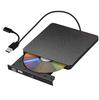
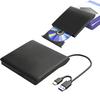
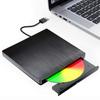
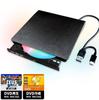
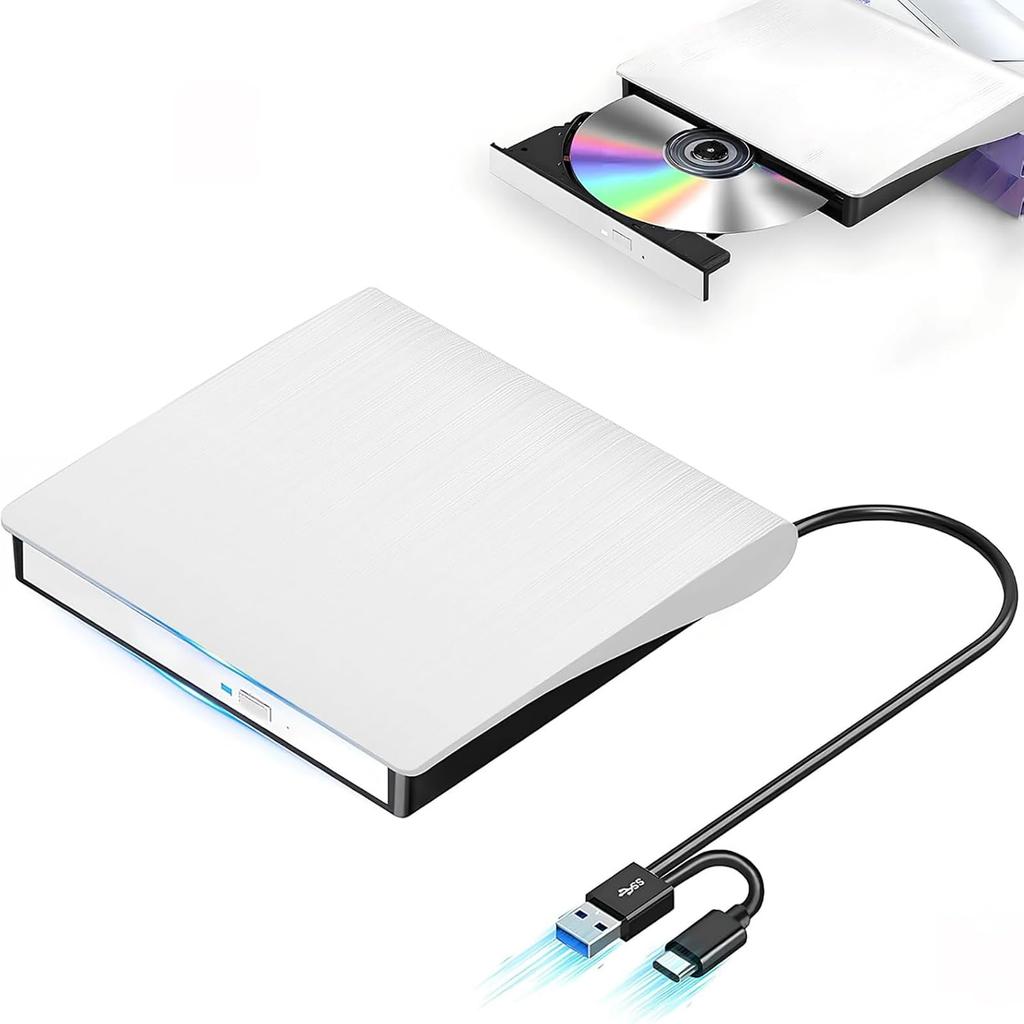
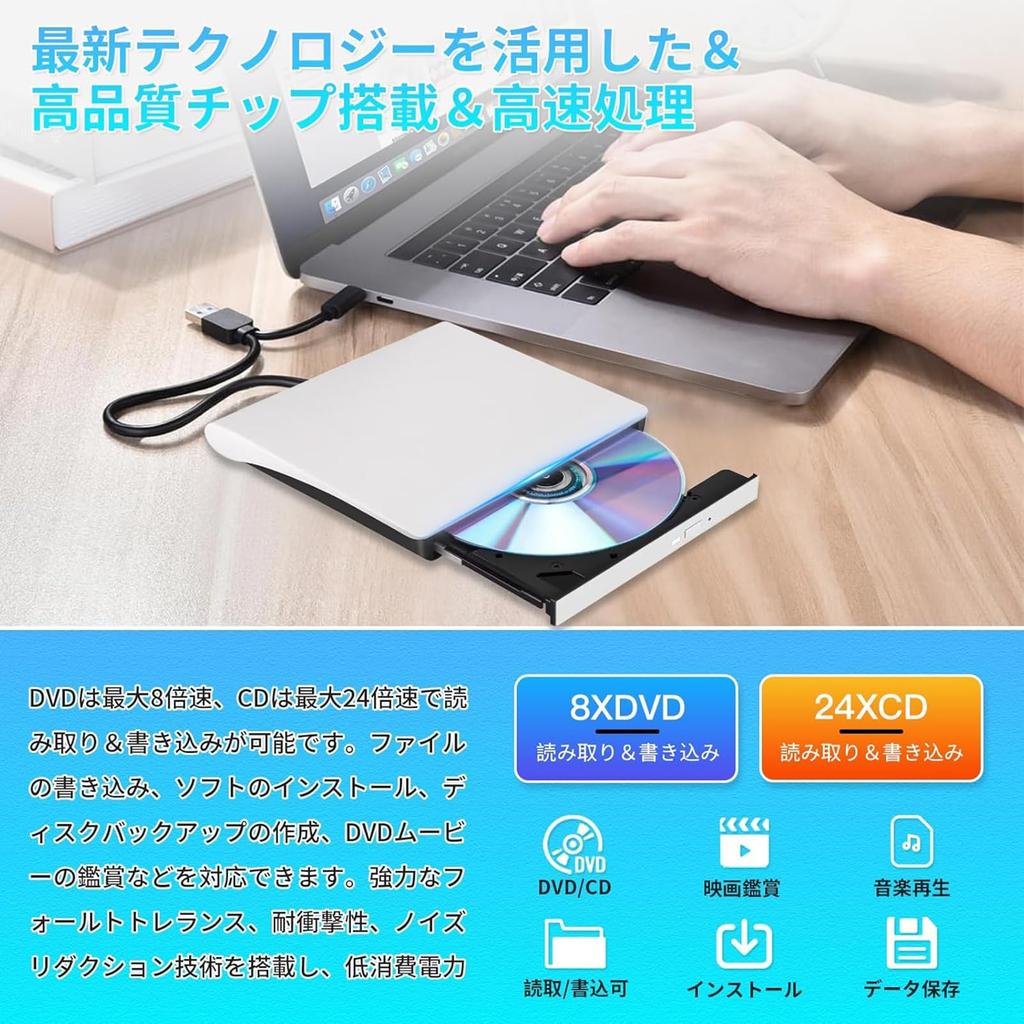
💽【High-Quality Chip with Latest Technology & High-Speed Processing】This external CD/DVD drive features the latest high-quality chip, achieving faster and more accurate data processing. Thanks to its advanced chipset, it enables incredibly smooth reading not only for efficient business work but also for entertainment purposes. Simply connect this external drive to your computer via a USB 2.0/3.0 or Type-C port, and you can start using it immediately. No external adapter or power supply is required; it's automatically recognized when connected to your computer. No complicated installation procedures are necessary, making it easy to use.
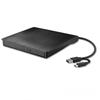
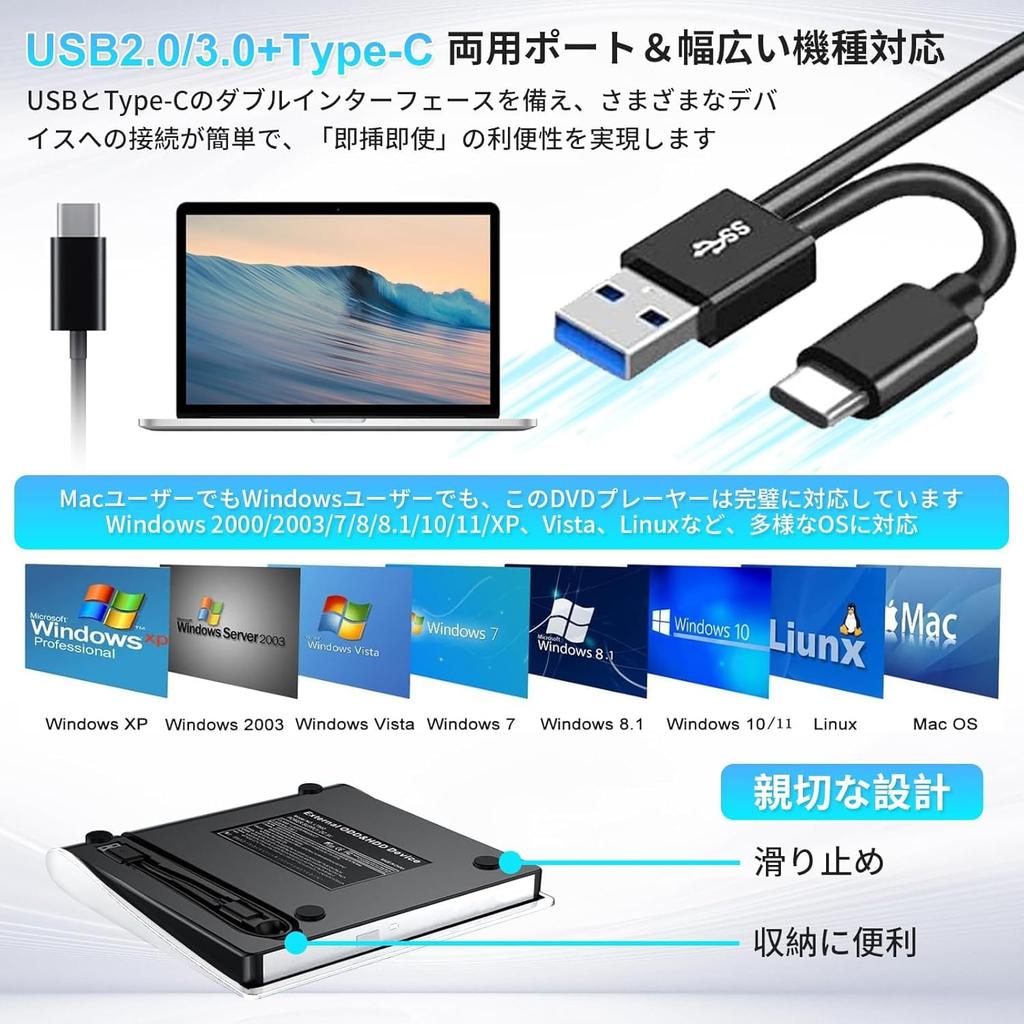
💽【USB2.0/3.0 + Type-C Dual Port & 8XDVD + 24XCD】Equipped with a dual interface of USB and Type-C, it offers easy connection to various devices and the convenience of "plug and play." This incredibly fast external CD/DVD drive can read and write DVDs at up to 8x speed and CDs at up to 24x speed. Even with large amounts of data, processing is completed in an instant. In important business situations or leisure time, its efficiency and speed will exceed your expectations. To prevent slow read speeds and freezes, please ensure that your computer's voltage is stable.
💽【Wide Compatibility】Whether you're a Mac or Windows user, this DVD player is perfectly compatible. It supports a variety of operating systems including Windows 2000/2003/7/8/8.1/10/11/XP, Vista, Linux, and more. Simply connect it to your PC with the included cable and it's ready to use. It seamlessly supports a wide range of devices, from Windows to Mac OS. (*Note: If you cannot eject the DVD button (IN/OUT) after connecting the interface, you need to select "This PC" on your computer's desktop, right-click on "DVD-RW Drive," and select "Eject." The interface is inserted into the computer, but the DVD-RW drive is not recognized. You can remove the interface and plug it back in, or try connecting it to a different interface on your computer.)
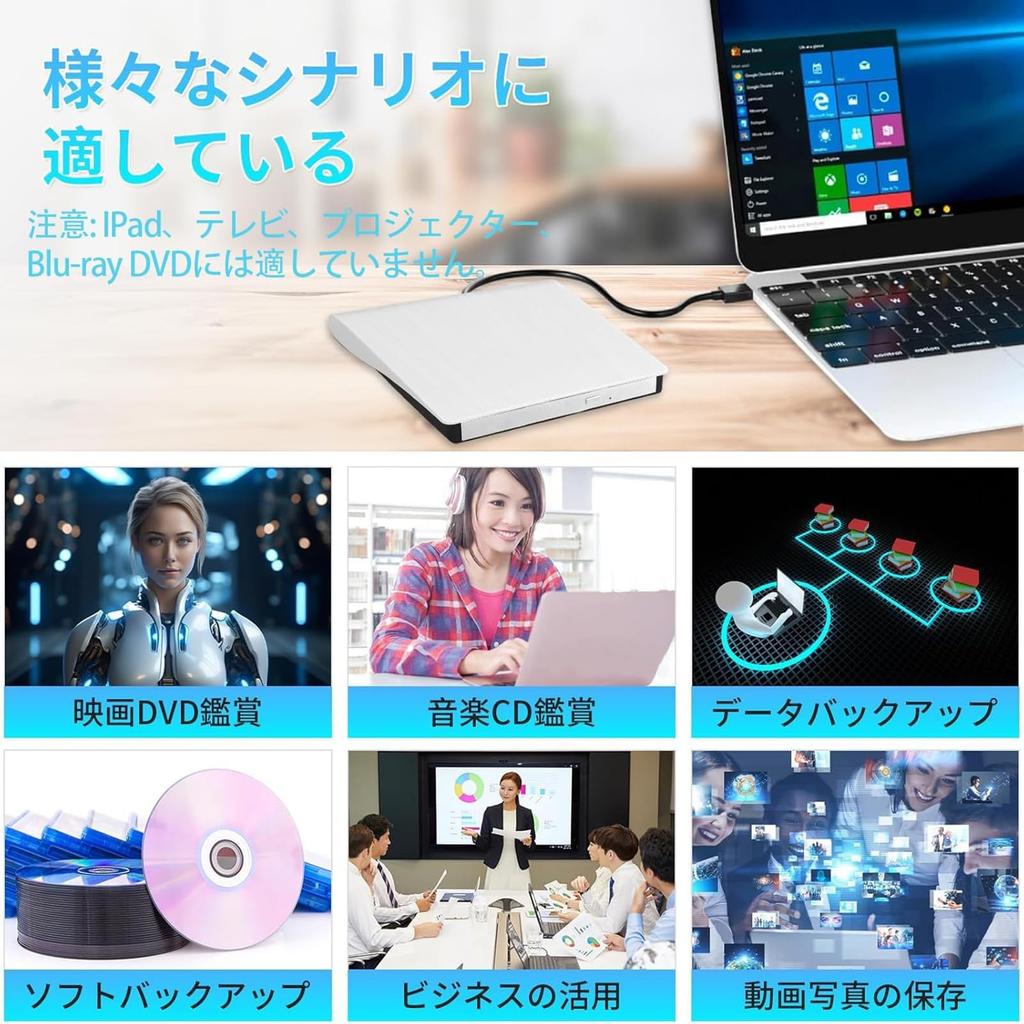
💽【Wide Media Compatibility】The CD player supports CD/DVD-ROW, CD-R/RW, DVD+R/RW, and DVD-R/RW disc formats (the CD driver also supports M-DISC). This product's data writing mode requires the download of specialized software; it must be the official burning software (using non-official burning software may result in errors during writing). When playing CDs, you need to check if your computer has a built-in player (if not, you will need to download one yourself; the "Cyber PowerDVD 18" player can play most CDs/DVDs). The CD/DVD may be too old or outdated. Debris may be present, preventing the driver from recognizing the disc or causing it to stop reading. To use the reading function, the host computer's USB-C port must be connected to the motherboard's USB port. Note: Not suitable for iPads, TVs, projectors, or Blu-ray DVDs.
💽【Simple, Convenient & Quality Guaranteed】When the DVD external port is successfully connected to your PC, the indicator light on the DVD external disc will blink for 1-3 seconds. The light does not blink constantly; it only blinks when the DVD/CD is connected and set up, and turns off when data is being read. If the system does not recognize the driver, it may be occupied by the computer's driver. Click "Device Manager," open the DVD/CD-ROW drive, and make sure that a "!" is displayed. Continue using the DVD drive. When connecting the power to the port, make sure the voltage is stable. An unstable voltage may cause reading delays or interruptions. *If you have any questions during use, please feel free to contact us. We will provide a satisfactory solution.
BRJR External DVD Drive, Black, High-Speed Processing, 8x DVD & 24x CD | Read/Write | Bus Powered | USB 2.0/3.0 & Type-C Dual Connection



 No-delivery refund


![[New Release 2025] External Blu-ray Drive, USB 3.0 & Type-C Dual Connection, BDCDDVD Player, ReadWrite, Multifunctional, Slim, Lightweight, External](https://img.joomcdn.net/10b5a79ad2c486eeaa0b1484bf20122482d6043a_100_100.jpeg)