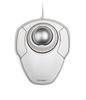
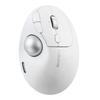
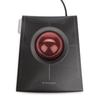
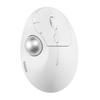
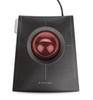
Trackballs operated with the middle finger offer more precise control and are less strenuous on the hand, as recommended by professional trackball users and ergonomicists.
At the same time, wireless connectivity is the preferred method for keeping desks clutter-free.
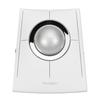
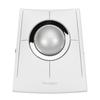
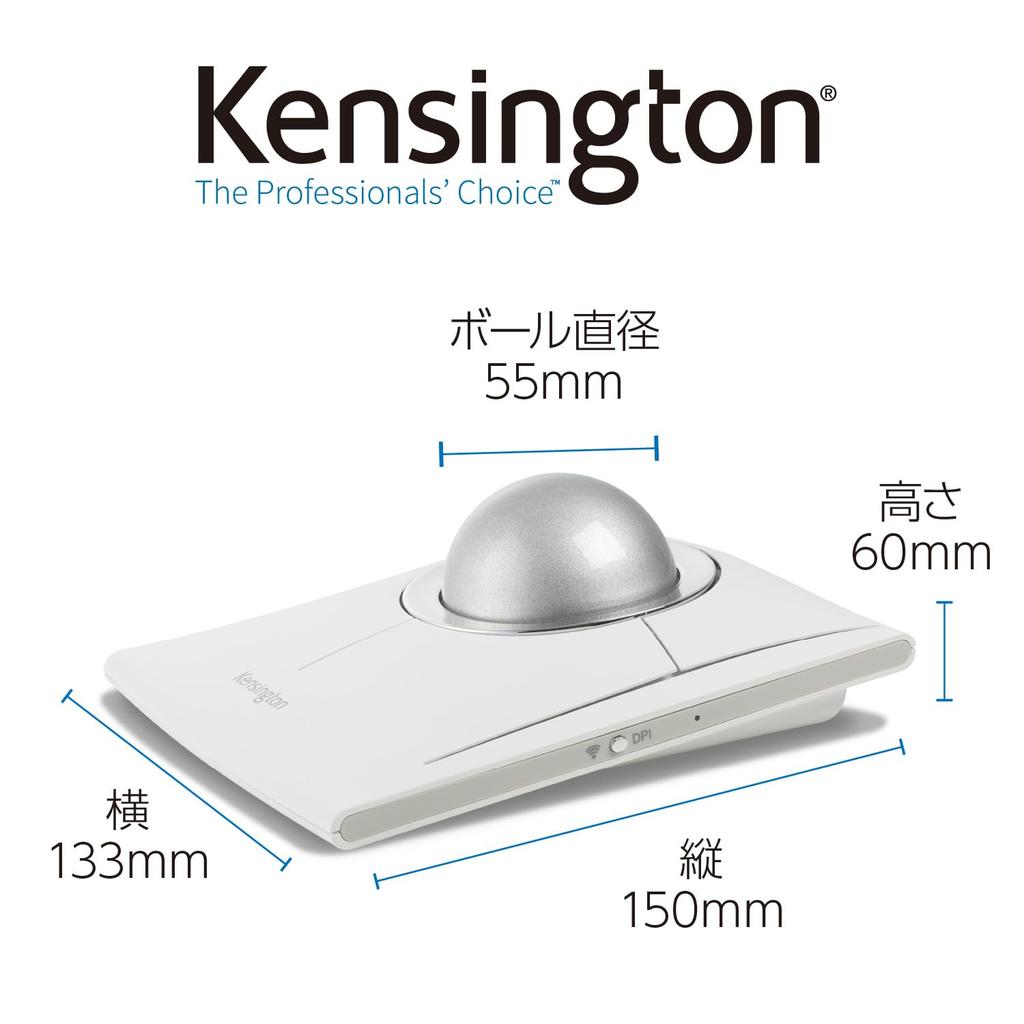
The Kensington SlimBlade™ Pro trackball delivers on both fronts.
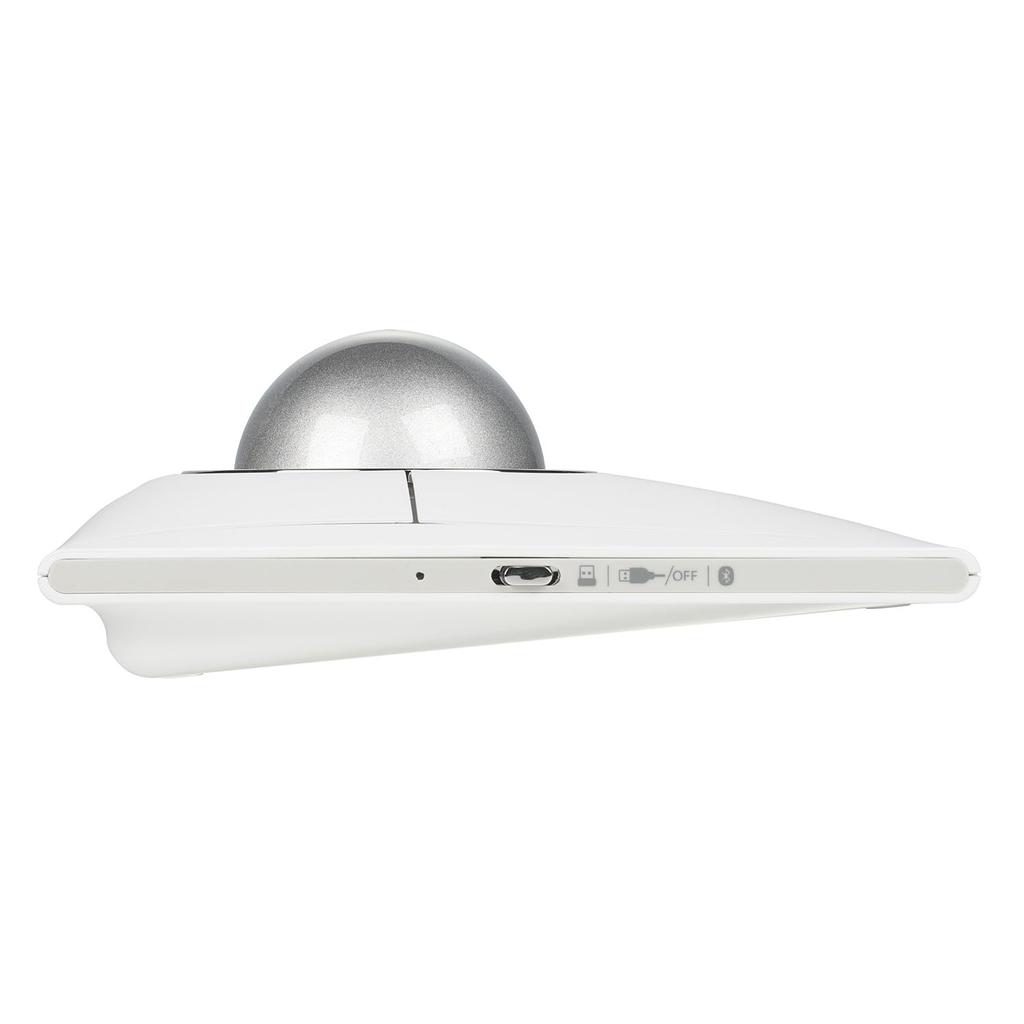
It offers three connection options: Bluetooth, 2.4GHz wireless, and wired. The middle-finger design features dual sensors to detect scrolling and twisting movements, enabling precise control.
Wireless connectivity keeps your desktop tidy, and its symmetrical design makes it suitable for both right-handed and left-handed users.
This model pursues ultimate accuracy, comfort, and control.
Environmentally Friendly Eco-Packaging
[Care Instructions]
The following signs indicate that cleaning is needed:
• Poor cursor movement
• Dirt on the ball
• Abnormal sounds or clicks
• Poor ball movement
• Unstable cursor
How to Properly Clean Your Trackball
Step 1: Remove the Ball
Press the ball release button on the bottom of the unit to remove the ball.
Step 2: Clean the Ball
Wipe the ball frame with a damp cloth or a cloth containing polishing lubricant.
*Avoid using harsh chemicals, as they may damage the product. Use diluted alcohol or an equivalent product.
Step 3: Apply lubricant to the ball
Lightly apply a non-acidic lotion such as petroleum jelly to the ball
Take a rice-grain-sized amount of petroleum jelly in your palm and rub it in
Take the ball in your palm and apply the petroleum jelly evenly
Step 4: Return the ball to the trackball
Gently push the ball back into the frame
If the ball is sticky, move it around on the socket until it moves smoothly
Regular maintenance of PC accessories can also improve performance
Three connection types to choose from: Bluetooth, 2.4GHz wireless connection, and wired connection. Choose the connection type that best suits your needs.
Rechargeable included battery: The battery can be charged simply by connecting it via USB-C using the included wire. It provides approximately 4 months of battery life.
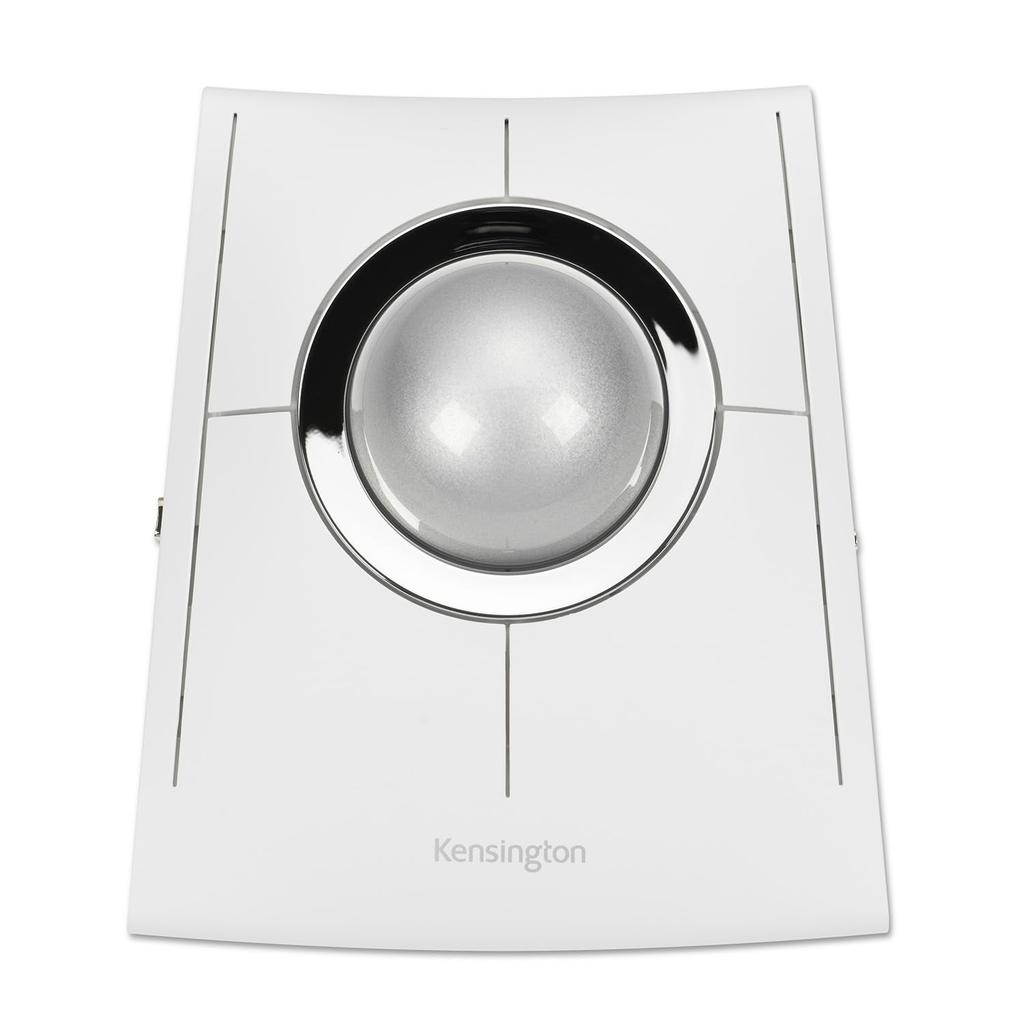
Precise operation with horizontal twist ball movement: The horizontal twisting motion of the ball allows for easy scrolling of websites and Word documents. Ambidextrous design for both right-handed and left-handed users: The low-profile design makes it suitable for both right-handed and left-handed users. It reduces strain on the hands and arms during long work sessions.
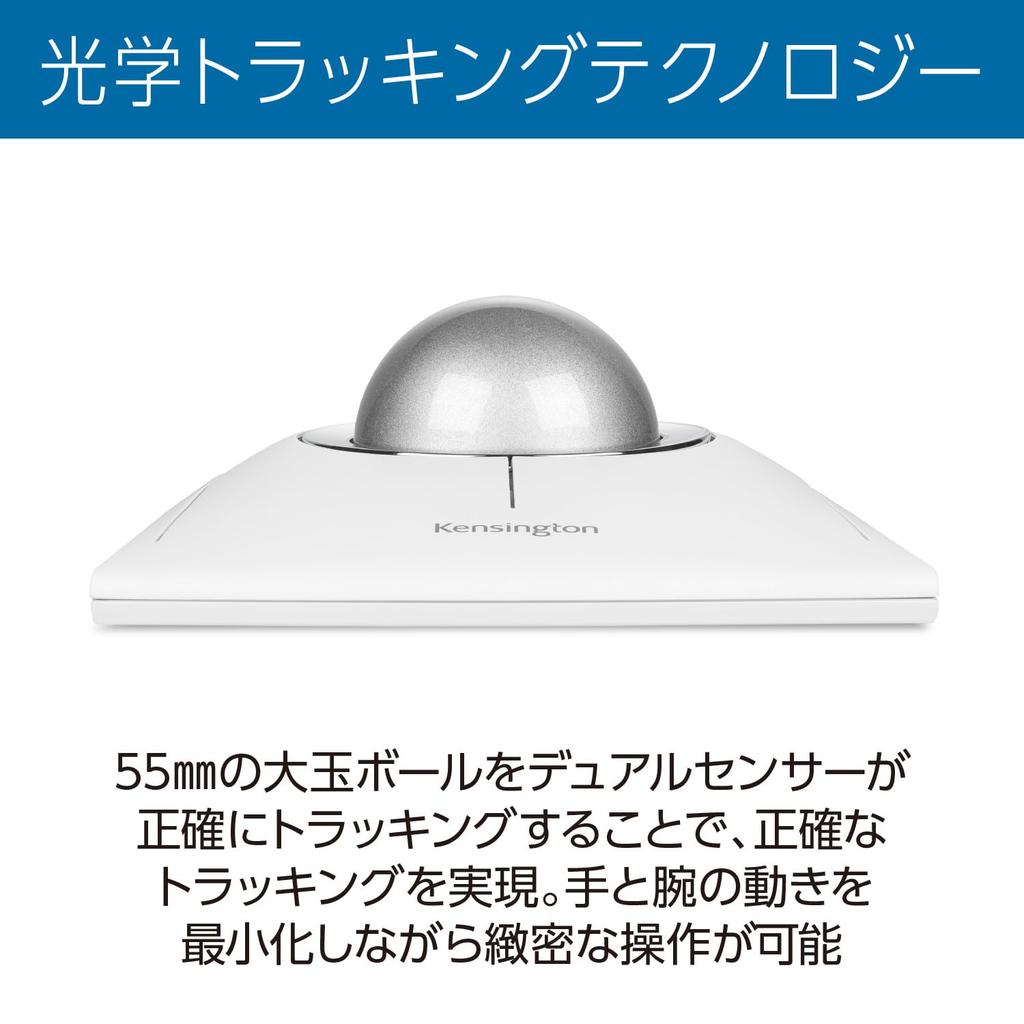
Optical tracking technology: Equipped with dual sensors, it enables precise and accurate cursor tracking and scrolling.







 No-delivery refund