Model Number : F22 Wing
Standard : US Standard
Compatible Brand : Apple
Brand Name : ESSAGER
Origin : Mainland China
Certification : CE,FCC,RoHS
Color : Black/Withe
Size : 198 x 138 x 10 mm
Weight : 220g
Material : ABS key cap+hardware base plate
Connection method : Bluetooth 5.2
Wireless distance : 10M
Working current : 3.5mA
Sleep current : 80 μA
Shutdown current : 0
Working voltage : 3.1~5.0v
Charging excuse : magnetic suction interface (2 PIN)
Charging current : 200mA
Battery capacity : 150mAh
Support : iPad mini (6th generation)
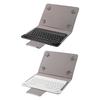
Feature 1 : Magnetic suction back clip
Feature 2 : Back clip up 180 °
Feature 3 : Intelligent Bluetooth connection
Feature 4 : Anti fingerprint
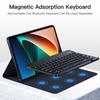
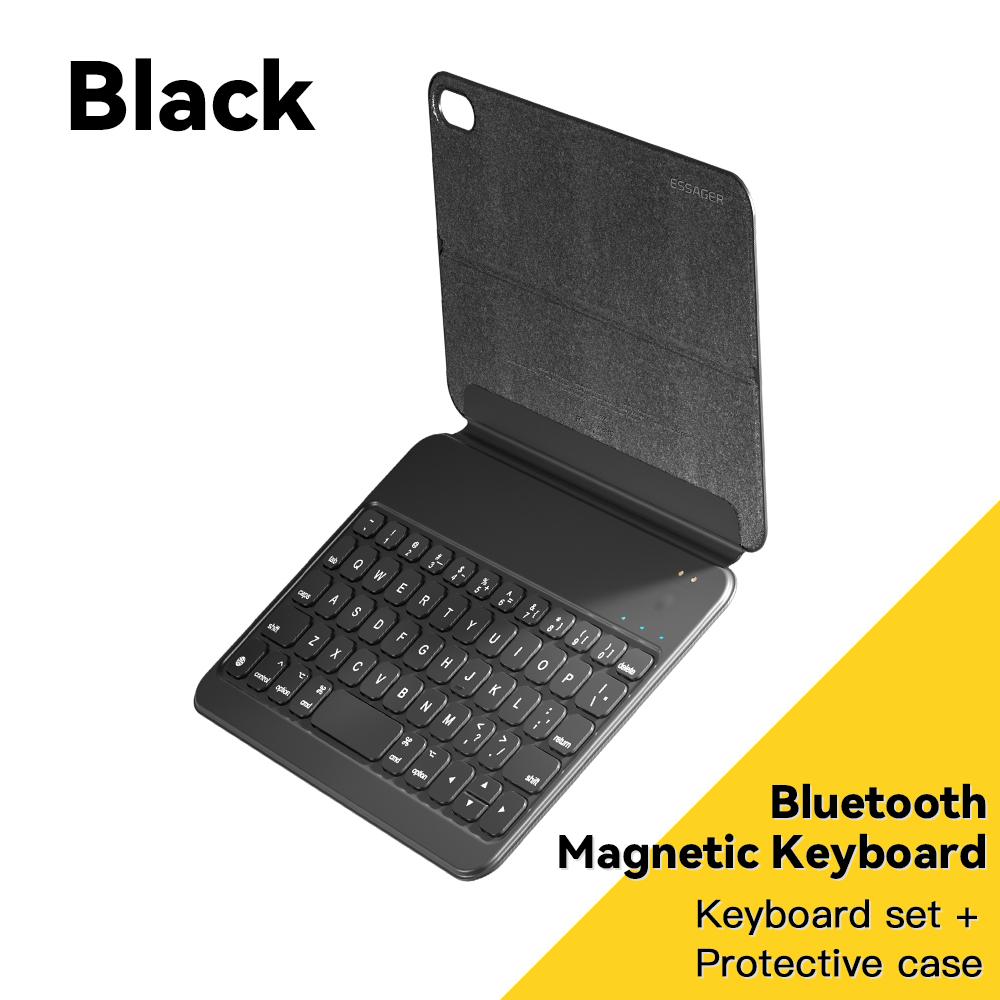
Essager Mini Bluetooth Keyboard 8.3inch Portable Leather Sheath Wireless Keyboards Charging Tablet For iPad Mini 6th GenerationDescription:Applicable model: 8.3 inch iPad Mini 6th generation.
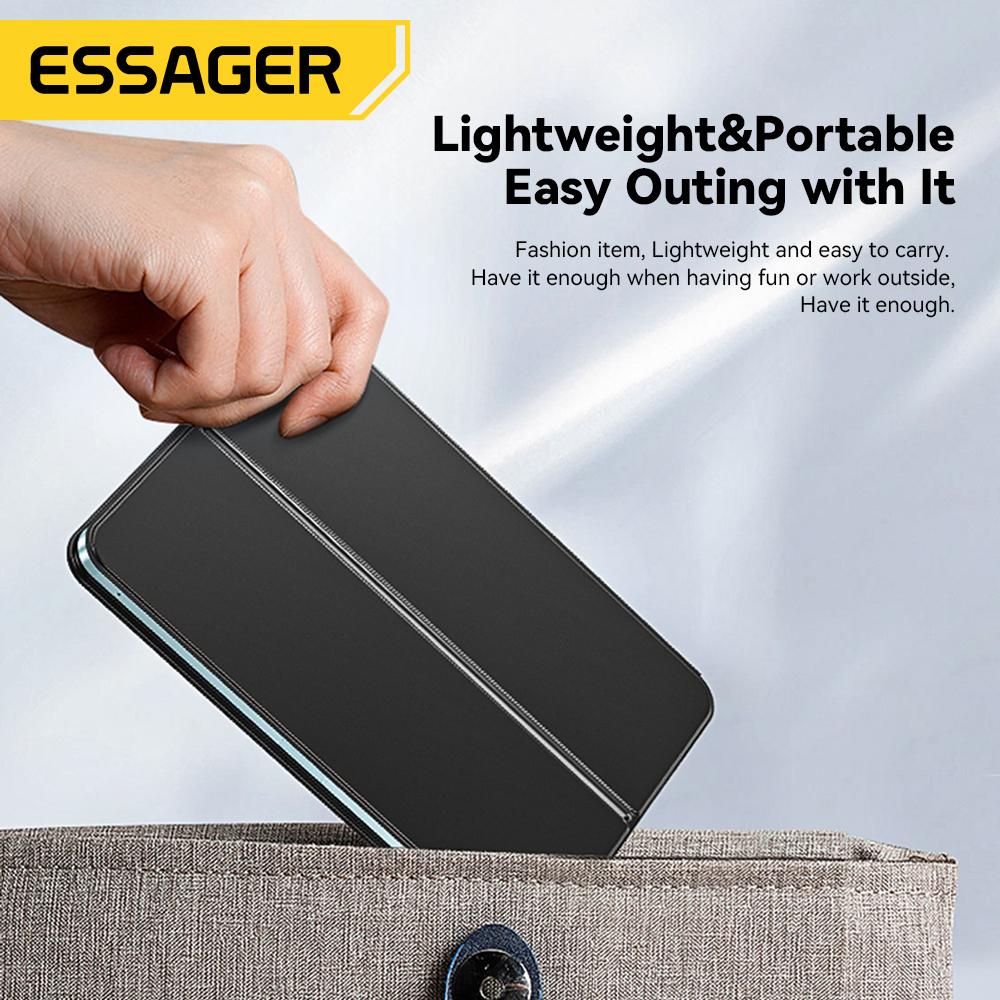
Lightweight, quiet buttons, dustproof and fingerprint proof.
Scissor keyboard, fast typing, good feel.
Magnetic suction interface, easy to charge, charging for about 2 hours. Built in 110mA lithium battery, it can last for over 40 hours.
Introduction to product parameters:1. Size: 8.3inch (198 * 138 * 10mm)
2. Connection method: Bluetooth 5.2
Charging interface: magnetic suction charging
4. Main material: PU+ABS
5. Product functions: keyboard input
6. Operating distance: ≤ 10m
Working current:<10mA
Charging current: 240mA
Standby time: ≥ 30 days
10. Battery capacity: ≈ 150mAh
Charging time:<2h
Tutorial:1."Press and hold the power switch, the power indicator light turns on for 1 second, and then goes off. The paired indicator light flashes blue.".
2. Enter "Settings" on your iPad, turn on Bluetooth in your iPad, and set Bluetooth to "ON" or green.
3."In" Other Devices ", click on" F22 Wings ".". Enter the window and click "Pair". The blue light is always on when pairing is successful.
Note:
1. After successful pairing, the next time you use the keyboard, the iPad will be automatically connected.
2."If you need to replace the connection to another iPad, please find" F22 Wings "in the Bluetooth that is already connected to the iPad and click" Ignore this device ".".





 No-delivery refund