Description:
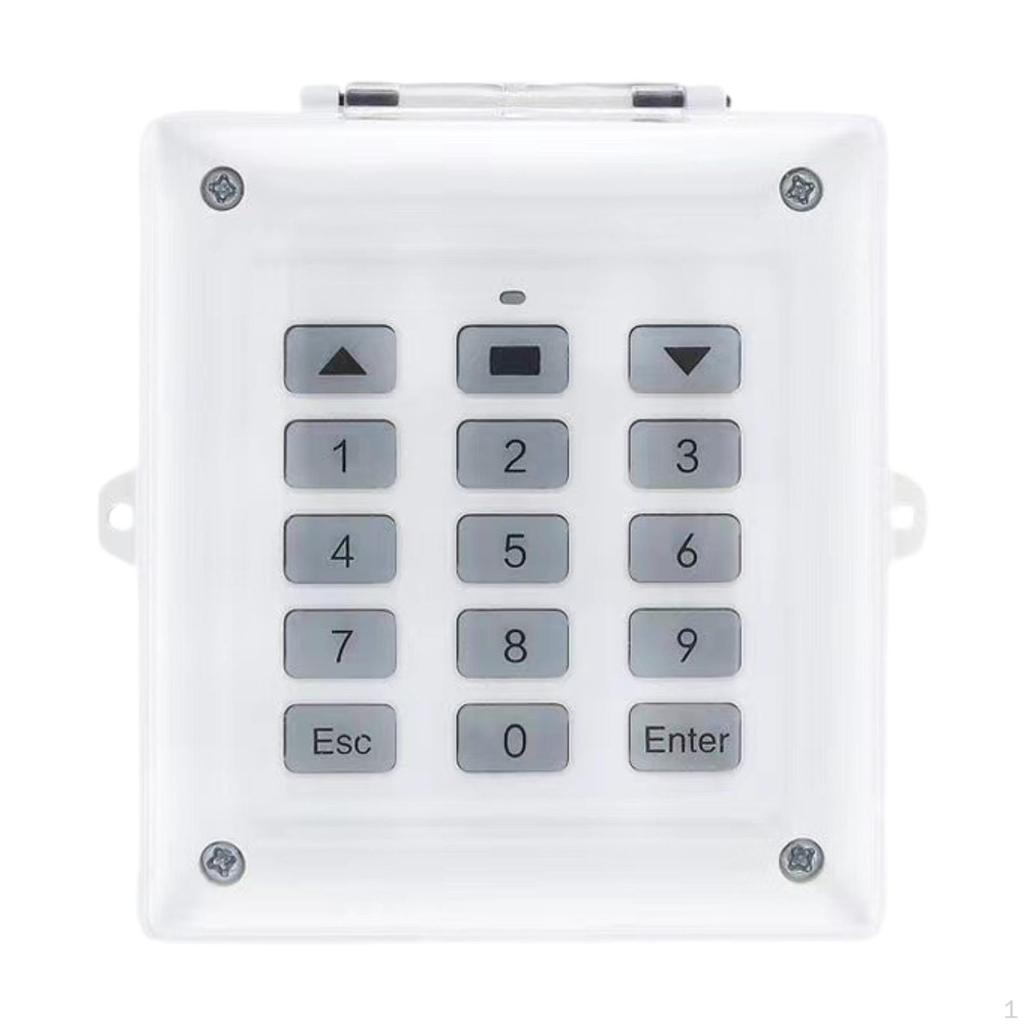
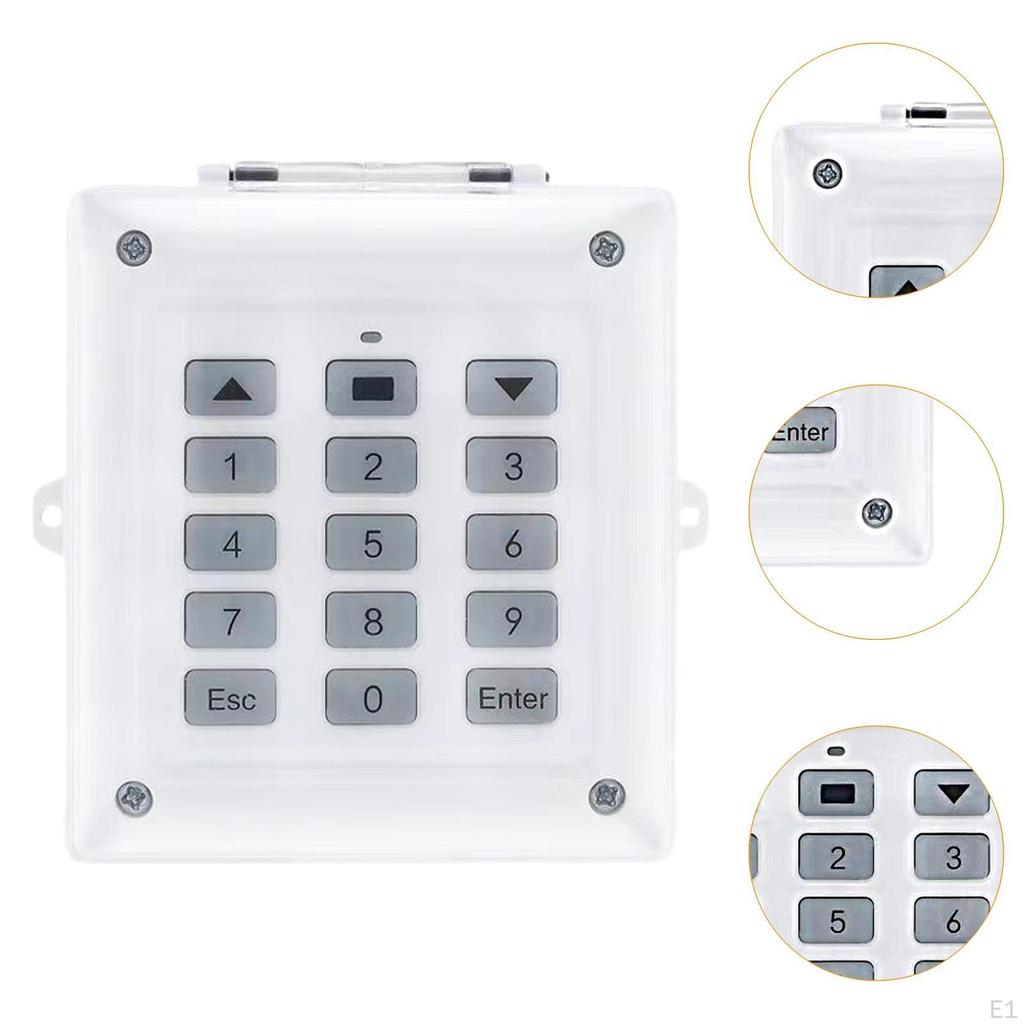
- 【To operate the device】: Press the Enter key on the remote control; when the indicator light comes on, input 6 digit password (three beeps and three flashes of the indicator light), to control door opening/closing. note: A long beep indicates incorrect. And you must press Enter before entering your password; without it you cannot enter or control the door. If no operation within 10 second after pressing Enter key, the controller will automatically go into sleep mode
- 【Copy signal】: Put two remote controllers together, press the corresponding buttons at the same time, and see the indicator light flash and then go out to indicate that the copy is successful. Then use the same method to copy the remaining buttons. If the code is invalid, you try to learn the code again after clearing the code
- 【Clear signal】: Press the door opening and closing buttons (triangle shape) on the remote controller at the same time without letting go, wait for 5 seconds, and see the indicator light on the remote controller flashing quickly and continuously, indicating that the code is cleared successfully. Note that the indicator light must flash continuously before you can let go. If the indicator light does not flash after pressing for a long time, you need to repeat the operation once
- 【Change password】: Press and hold the enter key for 5 seconds (prompt sound 5 times), enter the original password (prompt sound 3 times), then press the password to be set (prompt sound 3 times), and press the new password again after confirmation (prompt sound 3 times). Note that the original password is 666666, so keep the password properly
- 【Material】: plastic material
Specification:
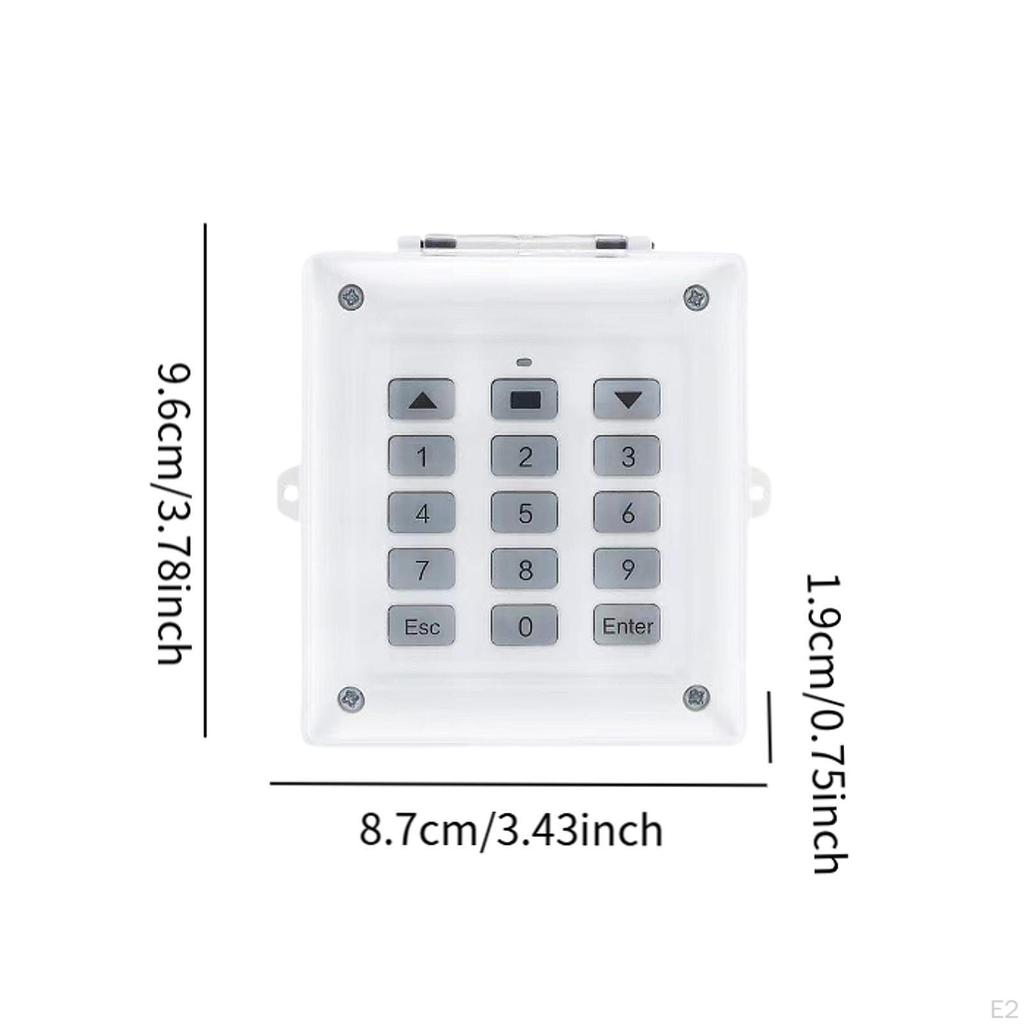
- 8.7cmx9.6cmx1.9cm/3.43inchx3.78inchx0.75inch
Package Includes:
1 Door Access Control System
Note:
Please allow slightly errors 1-2cm differences due to manual measurement.


 No-delivery refund