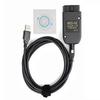
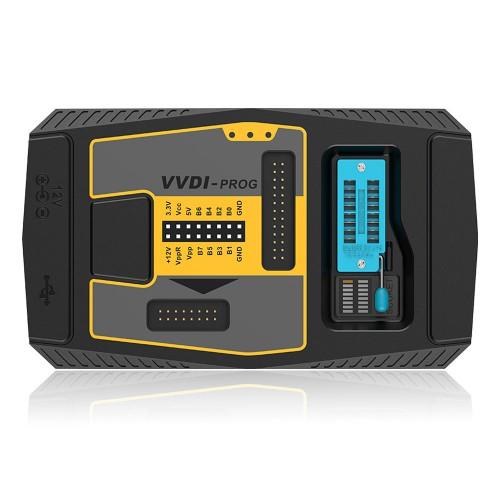
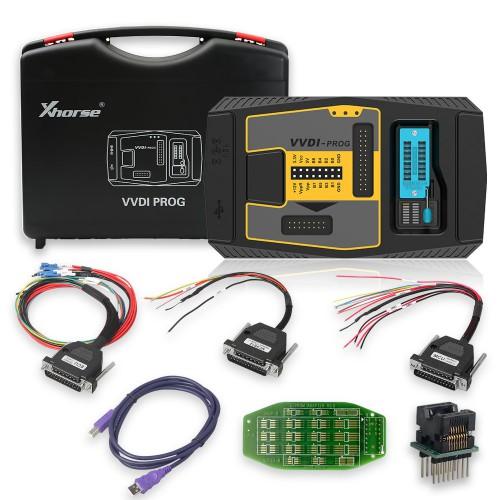
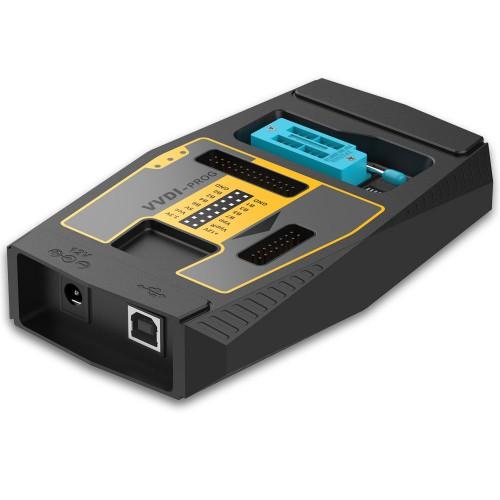
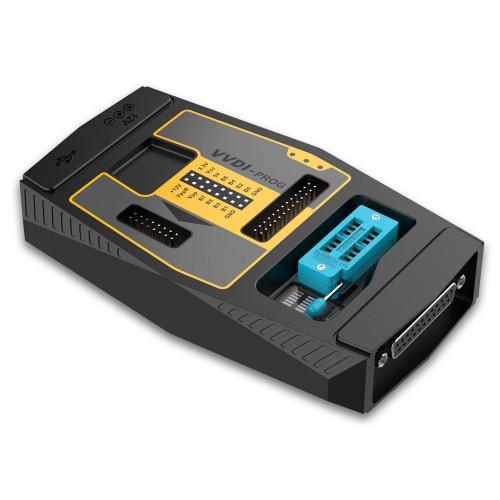
VVDI Prog Highlights:
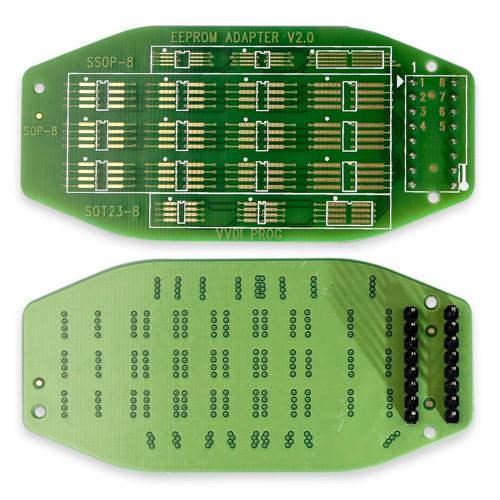
1. Support R&W lots of chips, include MC9S08 series, MC68HC(9)12 series,MC9S12 series, V850 series, H8X series, R8C series, PCF79XX series and most eeprom chips
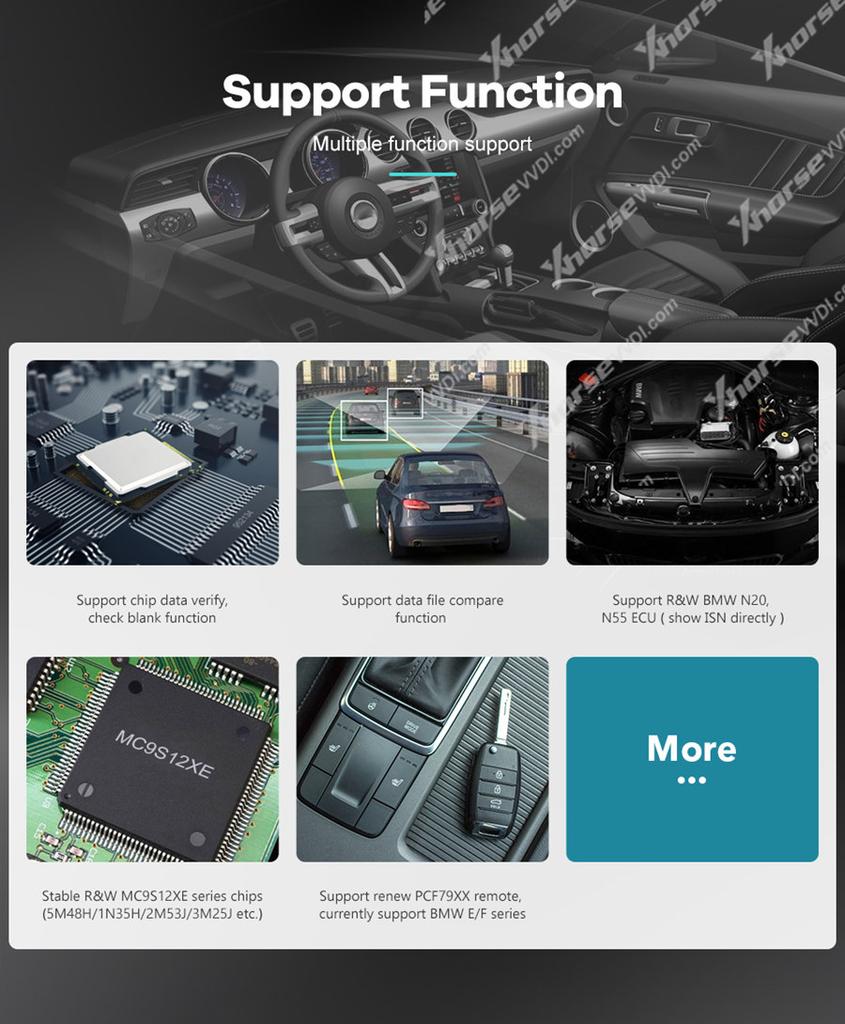
2. Support chip data verify, check blank function
3. Support data file compare function
4. Stable R&W MC9S12XE series chips (5M48H/1N35H/2M53J/3M25J etc.)
5. Support renew PCF79XX remote, currently support BMW E/F series
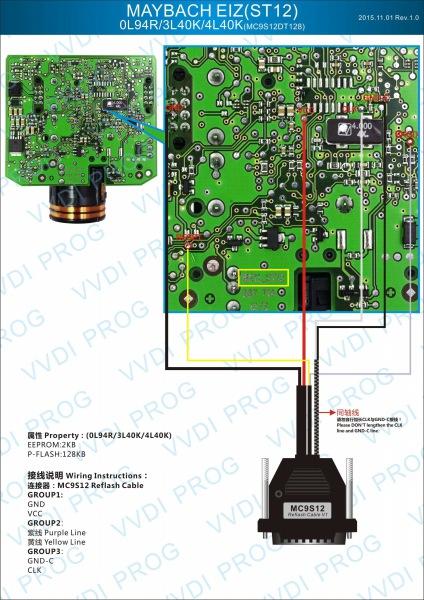
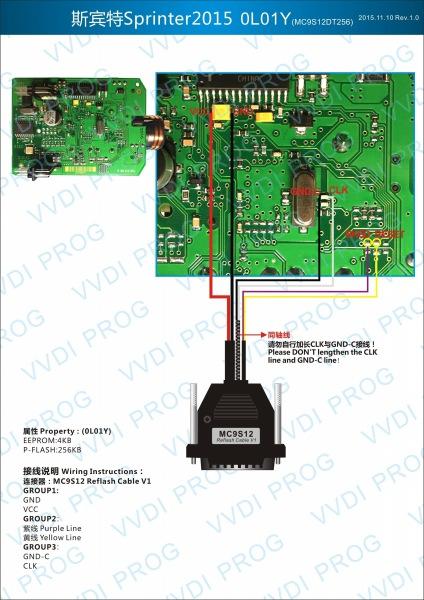
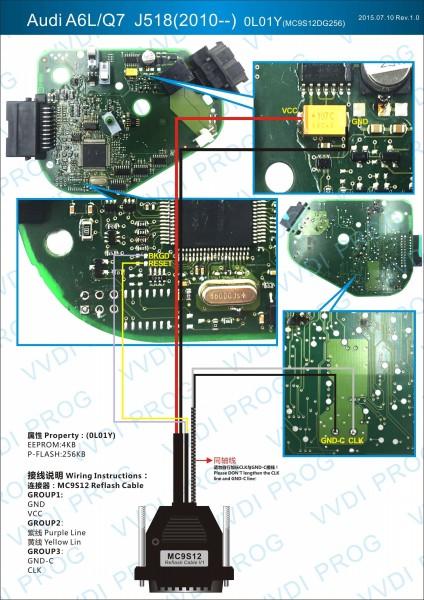
6. Lots of connection diagram
7. VVDI Prog Read BMW ISN. Read ECU data and show the ISN automatically
8. Multi-language: English, Arabic, Czech, French, Italian, Polish, Portuguese, Russian, Spanish, Turkish & Chinese Simplified
9. Buy VVDI-Prog programmer, get free BMW ISN read function and NEC, MPC, Infineon etc chip continously update service.
Notice:
1. Do Not click firmware upgrade in VVDI Prog software, or it will give communication server error. The firmware is fixed at 2.0 version, no need to update.
2. Please do wiring 100% same like the connection diagram in VVDI Prog software, DO NOT lengthen the connection lines with other parts. Or will fail to read.
3. Voltage require: 12V/3-5A
VVDI Prog Features:
1. Built-in update software: Make VVDI Prog update timely.
2. High-speed USB communication interface: Make software automatically connect.
3. Smart operation mode: possible causes of error will be listed
4. Reserve ports: For future update.
5. Self-test function: Check if the machine works well or not.
6. Power supply: Through USB cable, software will automatically prompt if the external USB power supply is needed
VVDI Prog Latest Update Information:
Xhorse VVDI Prog V5.3.4 (2024-06-4)
Internal chip upgrade, version 5.3.4 supports the new VVDI PROG Programmer with serial number VP05 *****
Software versions prior to 5.3.4 do not support VP05**** serial number products
Xhorse VVDI Prog V5.3.3 (2024-01-24):
This version DON't need update firmware
Firmware Upgrade Steps:
1. Select the firmware version
2. Click“Start Firmware Upgrade”button
3. Don't close or pull out USB cable before upgrade finished
Software Upgrade Steps:
1. Click“Software Link 1" or "Software Link 2" button, download software from the web
2. Extract the file
Welcome to inquire



 No-delivery refund