We offer a wide variety of products, and the following precautions apply to some of them. Please note that they are listed for all products.
【Voltage Compatibility】Designed for Japanese voltage (90-110V). Using with a different voltage may cause malfunction.
【Plug Type】Japanese plugs (A or B type). Use a conversion adapter if needed.
【Transformers & Adapters】Transformers adjust voltage; adapters only change plug shape. Using an adapter without a transformer may damage the product.
【Liability】We are not responsible for damages caused by improper use, such as using the product without a transformer.
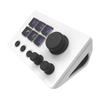
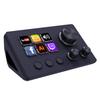
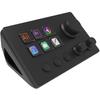
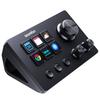
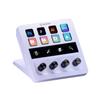
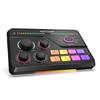
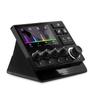
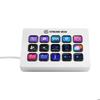
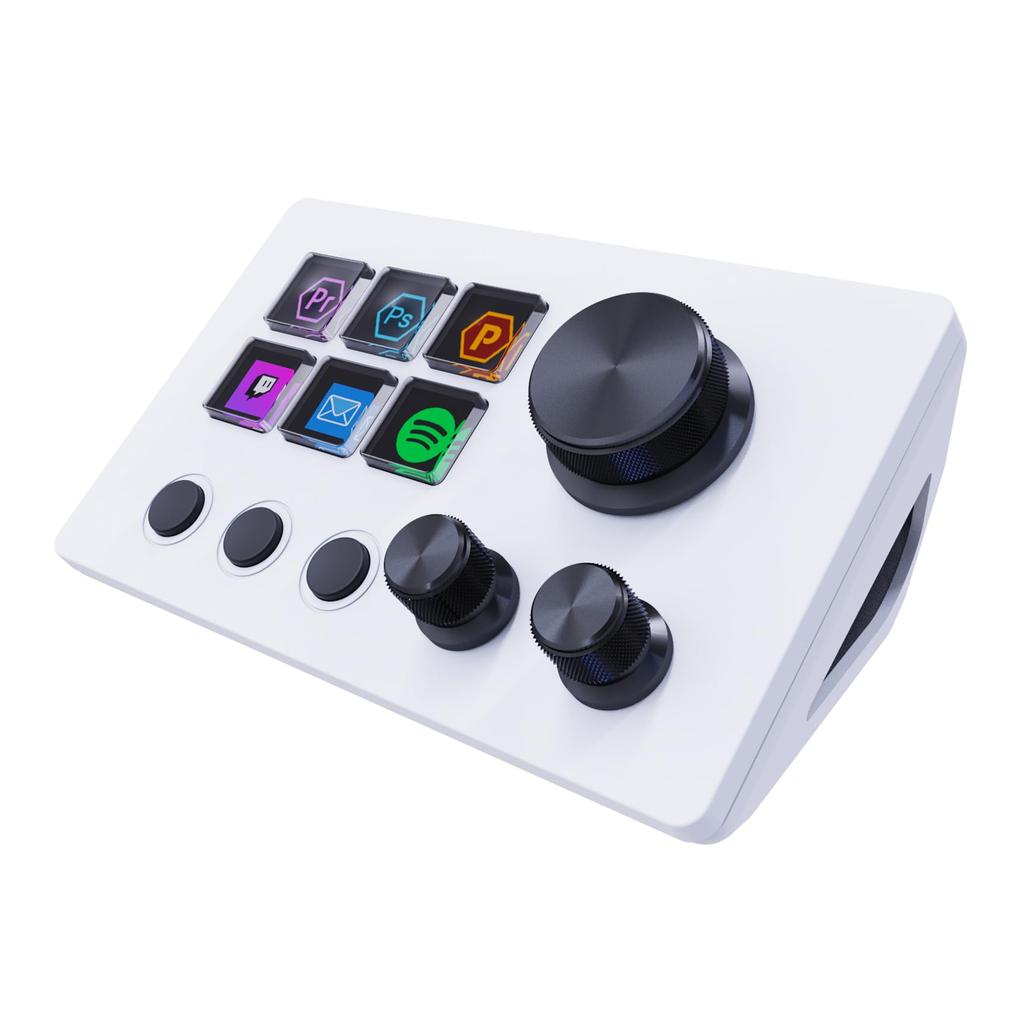
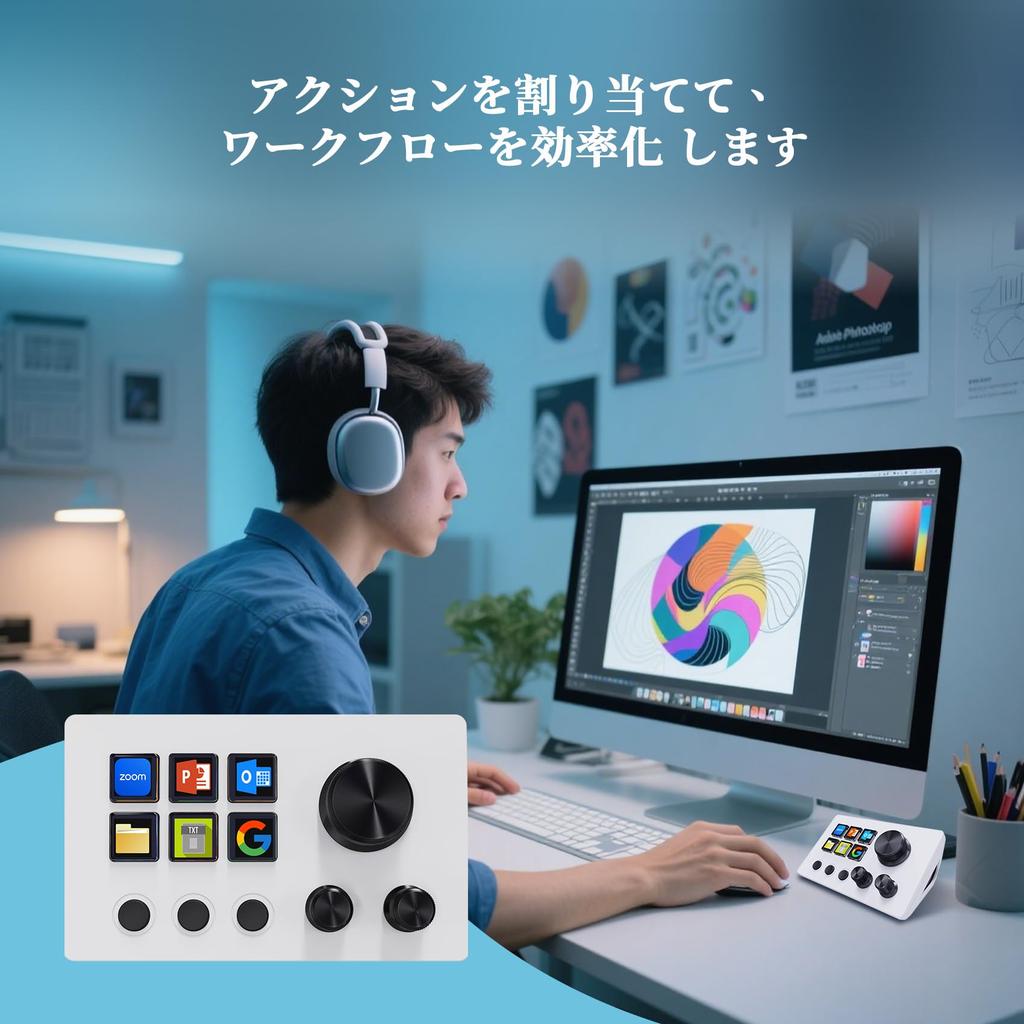
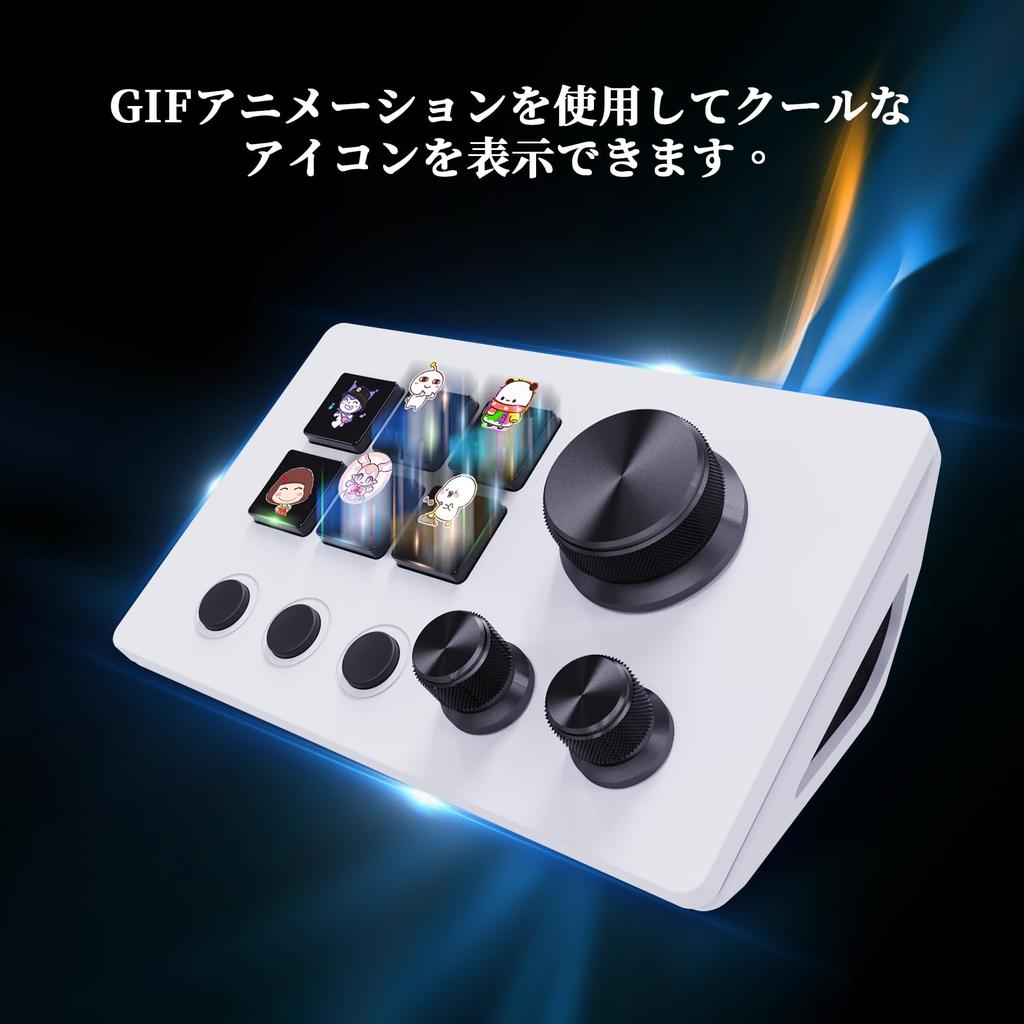
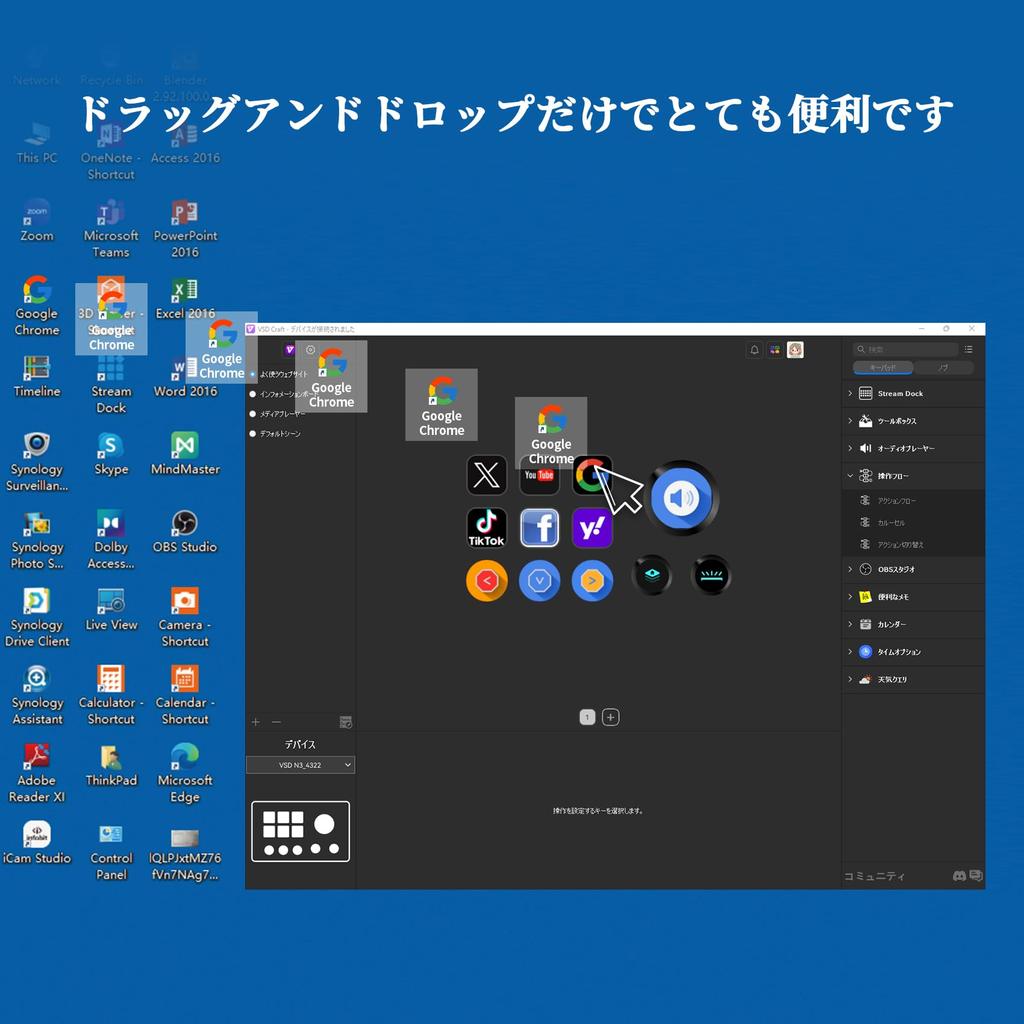
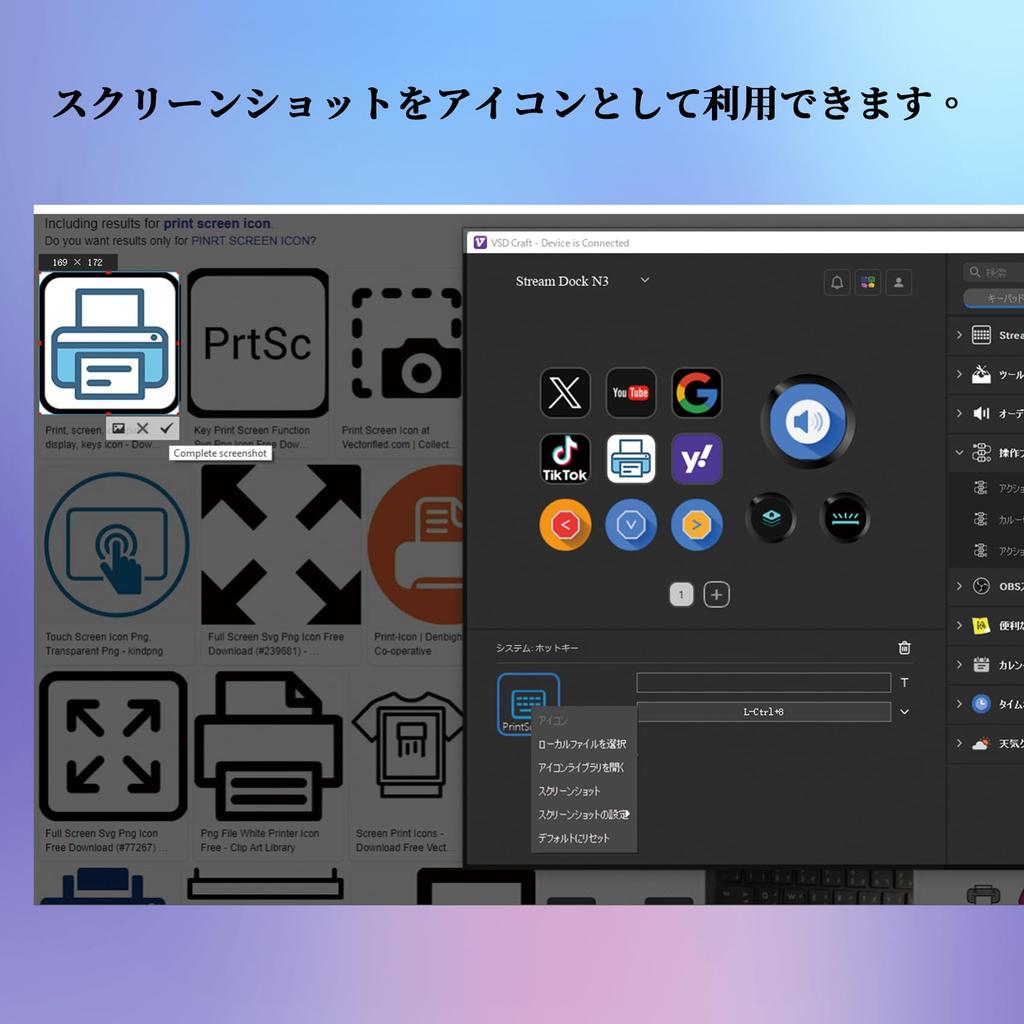
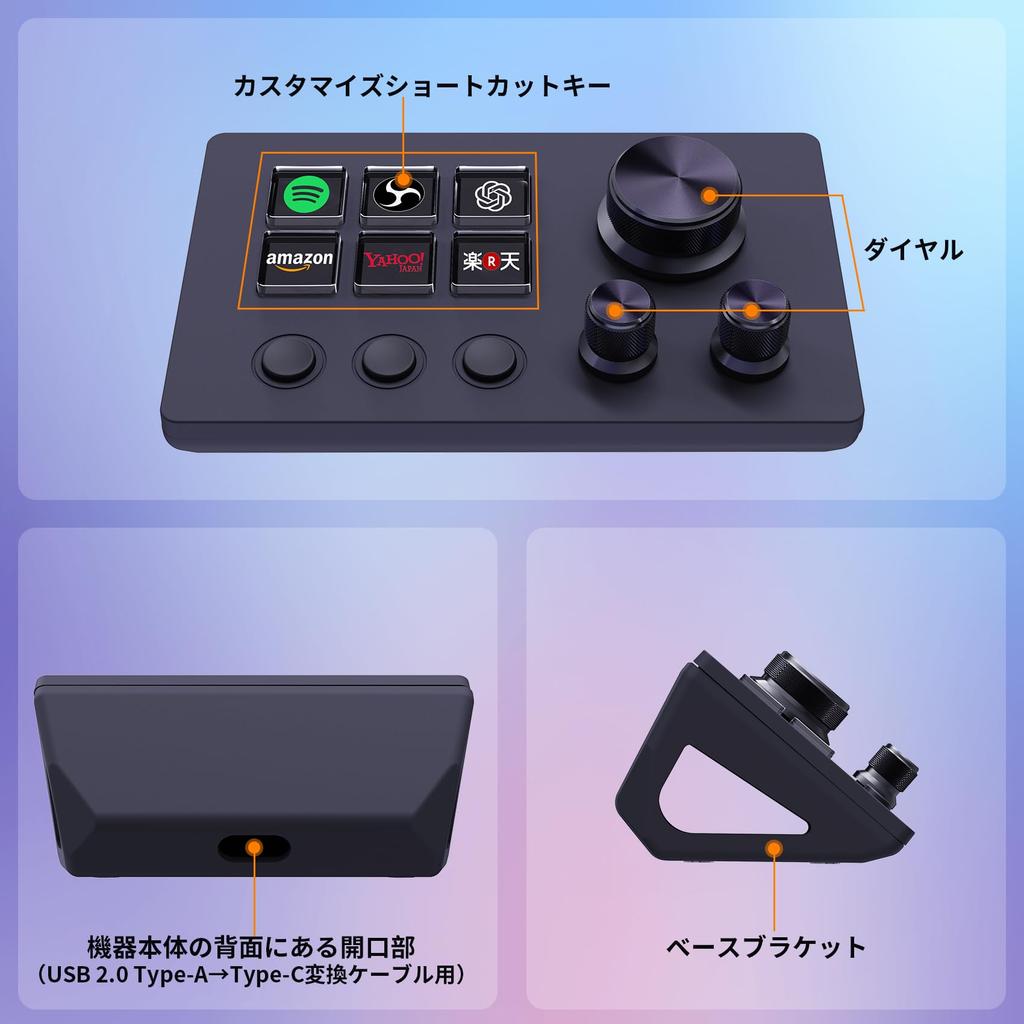
[Freely Customizable] Drag and drop your desired actions onto the six customizable LCD keys and set their properties to assign single or multiple actions. Additionally, the built-in LCD allows you to add your own images or animations (JPG, PNG, GIF) to each key, creating your own icons to enhance button recognition and memorization. Three dials allow for easy access to volume, playback forward and backward, and more.
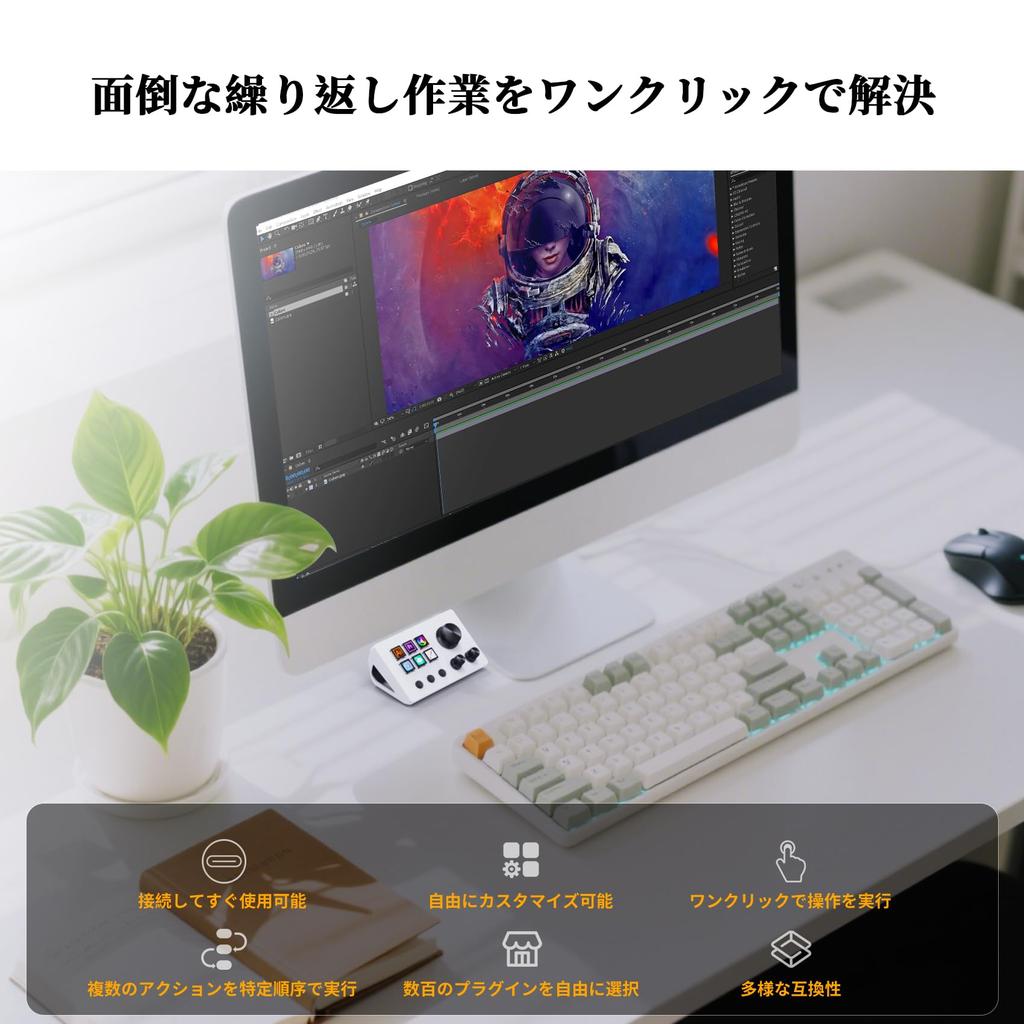
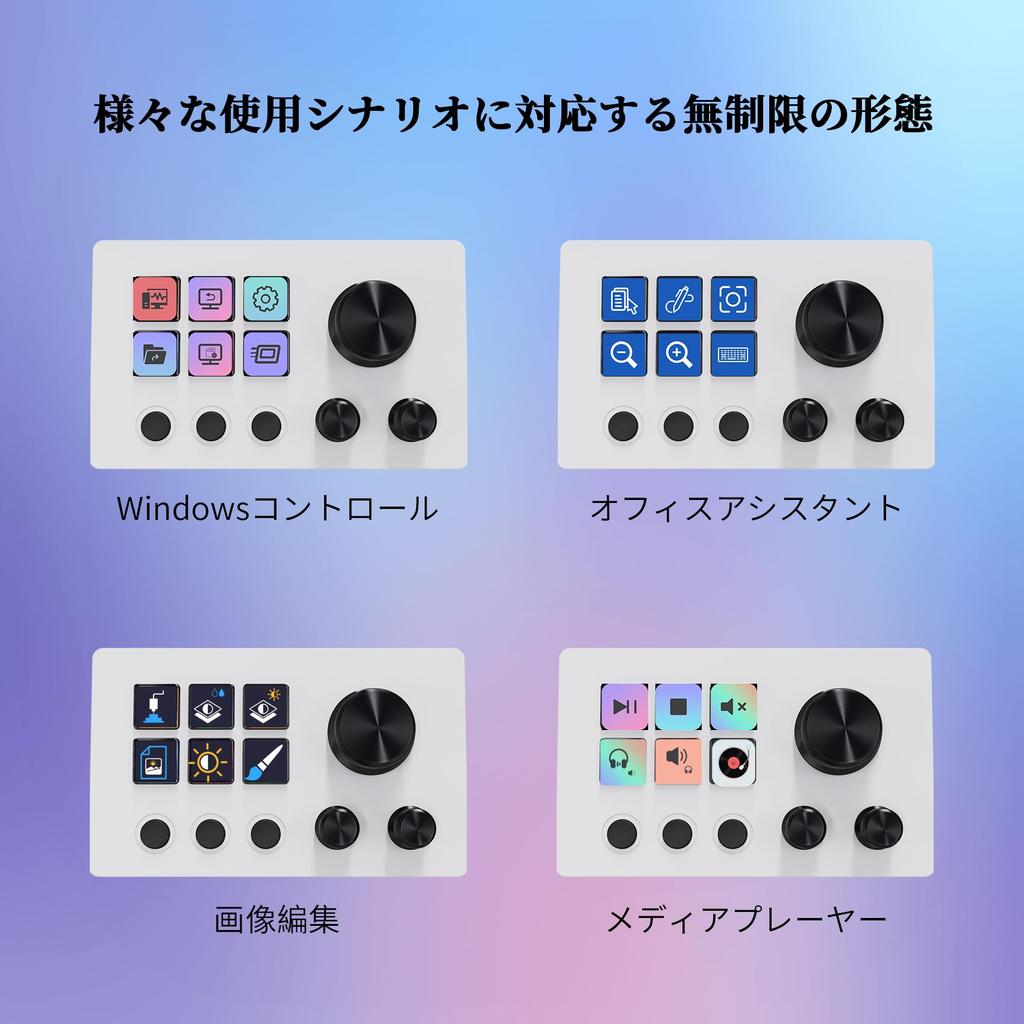
[Perform Any Action with One Touch] The customizable macro keyboard lets you work efficiently with just one click. Launch macros, enter text, open documents and websites, execute game combos, launch apps, control media, switch scenes and hide sources in OBS, and more. The possibilities are endless. Plus, with the "Action Flow" feature, you can execute multiple macro actions in a specific order for ultimate task control.
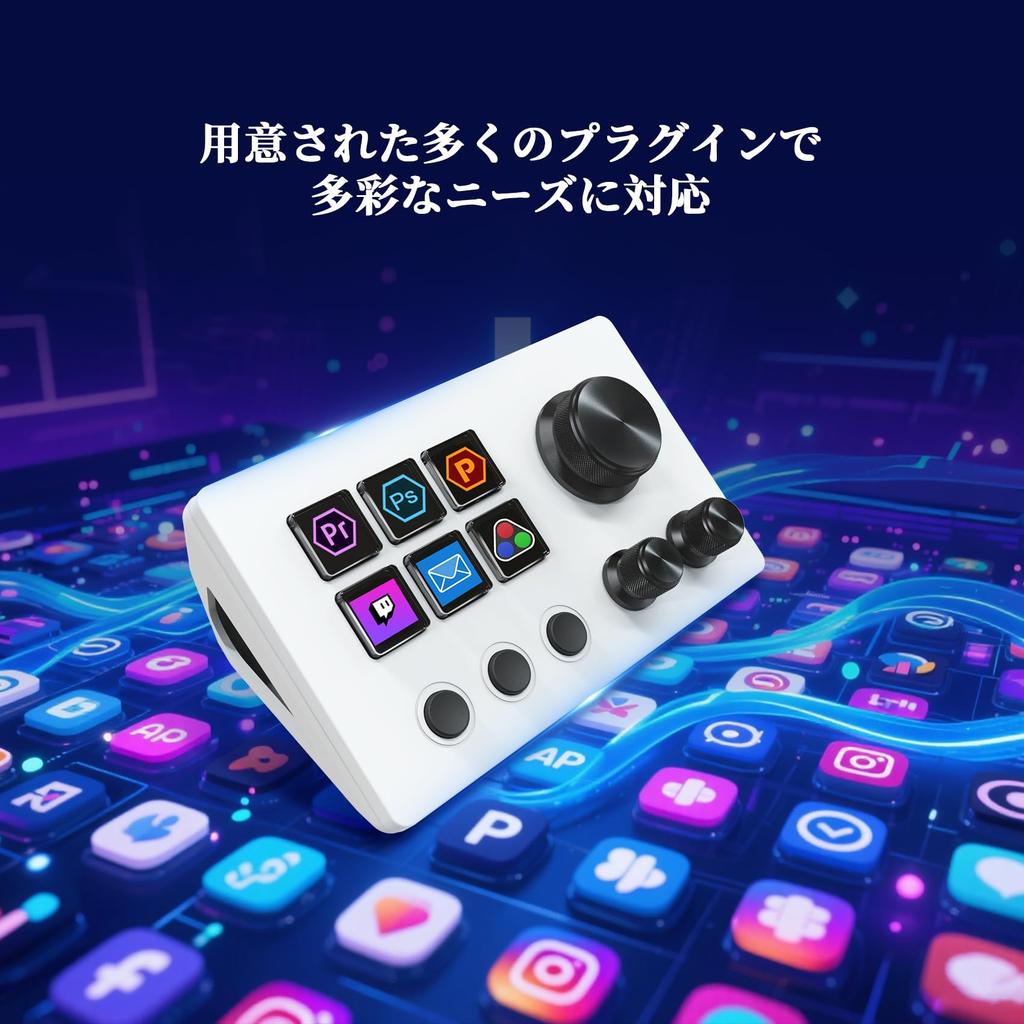
[Multiple Compatibility] This stream controller deck is compatible with both Windows and macOS. It works seamlessly with popular software such as OBS, PowerPoint, YouTube, Twitter, Discord, Excel, Word, Photoshop, and Adobe Premiere Pro, making your workflow even smoother.
[Multifunctionality to Meet Your Needs] This shortcut keyboard's application space offers hundreds of plugins, including schedule reminders, clocks, stopwatches, weather, calendars, and more, making it not only a productivity tool but also the perfect desktop companion. Additionally, there are 60 icon packs available for you to download and use to suit your needs.
[Customer Support] If you are still unsure about the setup or operation of the product after reading the Quick Start Guide that came with it, you can get support in the following ways: 1. Watch the tutorial video for each operation below the product image. 2. Select the "Ask a Question" button to contact us.
[Warranty Period] The product warranty period is 24 months from the date of purchase.
Stream Deck, stream deck, Steam Deck, stream deck neo, Steam Deck dock, left-hand device, shortcut keys, PC peripherals, shortcut keyboard, Steam Deck main unit, work efficiency goods, left-hand device gaming, one-handed controller, visual AI pad USB sound board


 No-delivery refund