Our store offers a curated selection of genuine Japanese products. You can shop with complete peace of mind knowing that all our items are authentic. Please note that the instructions and manual for this product may only be available in Japanese.
1. KEY FEATURES:
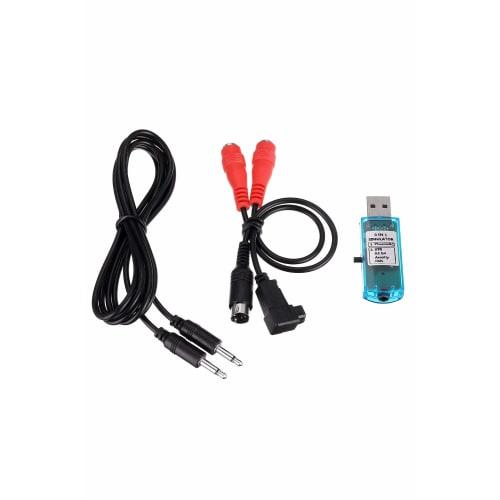
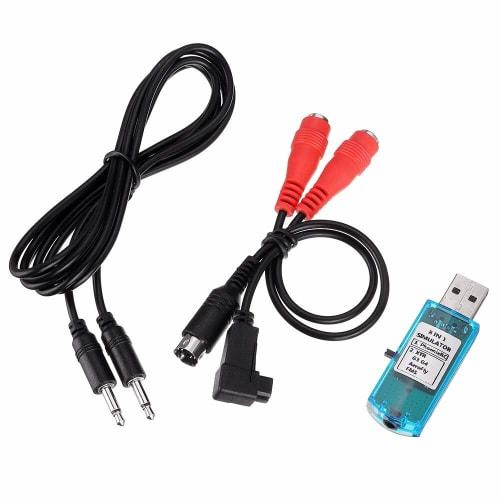
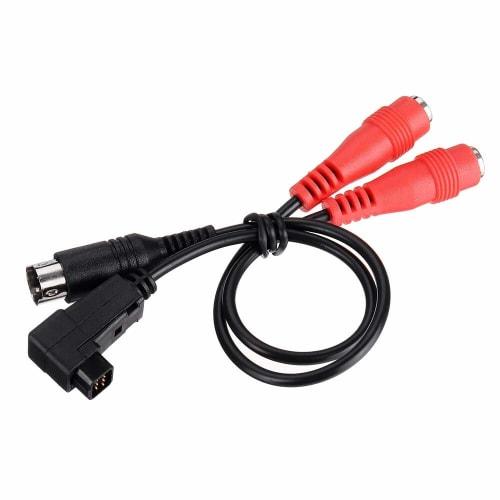
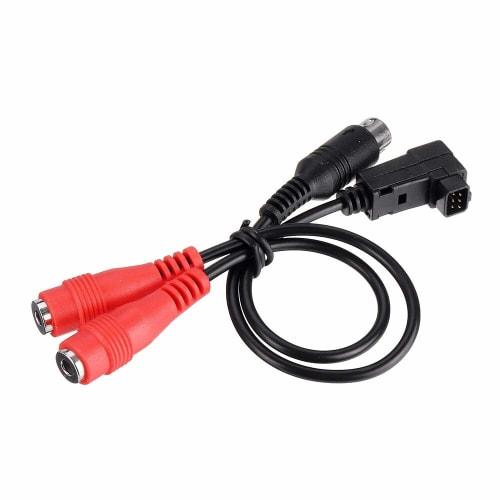
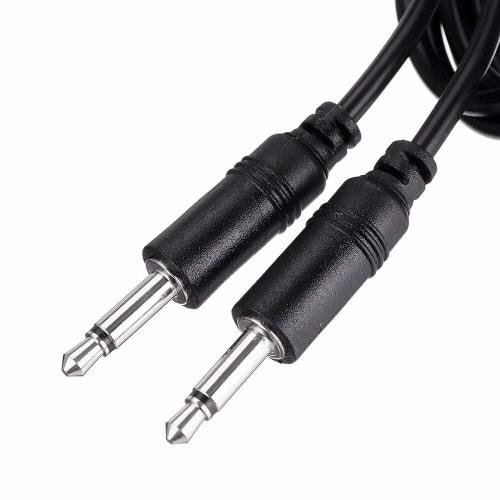
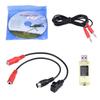
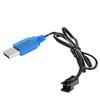
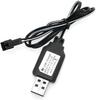
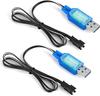
- This is an adapter set for operating drone/FPV simulators (compatible: "FPV Freerider", "lift off", etc.) and RC simulators (compatible: Phoenix / G7 / DRL / DCL / Freerider / Liftoff) with your own radio (transmitter).We recommend practicing with a regular radio, as this will allow you to acquire an operating feel that is closer to that of the actual machine.*Previously, there were 3 cables including DIN, but the demand for DIN cables has disappeared and there are now only 2.(Image is mini DIN)
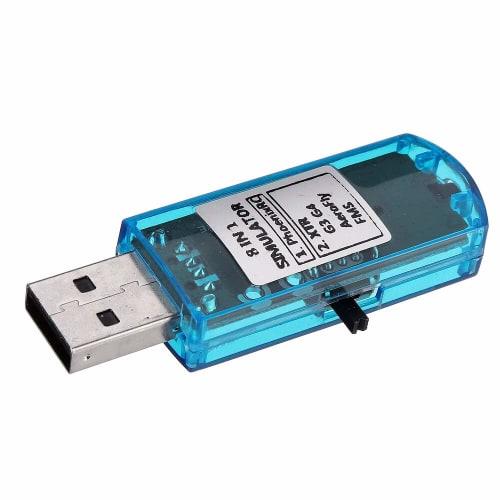
- A set of USB connection type simulator cable + USB dongle.Basically, it can be used by connecting to Futaba's radio system (recent to current).Other confirmed compatible transmitters: T14SG, T18SZ, SPECTRUM's DX5e.
- For details such as settings, compatible models, and compatible simulator software, please see the "Product Description" section below..Please download free software such as FMS and enjoy it.
- Compatible OS: XP windows 7 windows 8 windows 10
- *It may not work depending on the device or software version.Please note that we cannot respond to compatibility issues.Difficult to support if it doesn't work.Check whether it is recognized using Windows Device Manager, etc.If it is not recognized, be sure to reinstall the Windows standard USB driver and try again after rebooting.
2. PRODUCT DESCRIPTION:
Product Description Compatible transmitter: Futaba "T18SZ" setting example: Press "MULTICOPTER" on the right side of the screen.Next, set "AFR" and "EXP" at the bottom right to "0.0" for both A and B.Press "1/2" on the top right and set "EXP" A and B both to "0.0" in the same way for all four functions "Aileron", "Elevator", "Throttle" and "Rudder".Set "Linkage Menu", "Trainer", "Action" to "ACT", and "Teacher/Student" to "Student" to complete the settings.Please note that there have been reports that the combination of helicopter simulator software called "Phoenix" and JR radio does not work.*If it does not work properly, please set the transmitter Propo to "Trainer" mode.Details: *It may not work depending on the device or software version.Please note that we cannot respond to compatibility issues.Compatible drone simulators (indication of compatibility): Rotor Rush, Liftoff, FPV Freerider, Velocidrone Compatible RC simulators (indication of compatibility) Phoenix / G7 / DRL / DCL / Freerider / Liftoff Compatible transmitters (indication of compatibility): Confirmed: T14SG, T18SZ, SPECTRUM's "DX5e"Other manufacturers and brands that are not guaranteed to work but may work (indication of compatibility) FUTABA / DJI FPV / FlySky / Radiolink / WFLY / Walkera / JR / FrSkyCD-ROM) 2 x Cable Safety Warning The connector is loose, so please adjust it (little by little) with needle-nose pliers if necessary.If it is not recognized, please reinstall the USB driver.There are a wide variety of Windows computers, and the drivers are not uniform, so it is difficult to provide support if something does not work.
3. PRODUCT DIMENSIONS & WEIGHT:
- Weight: 0.04 kg
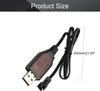
- Dimensions: 9.6 x 8.0 x 2.6 cm
4. SPECIFICATIONS:



![Adafruit Converter Cable USB-to-Serial [954]](https://img.joomcdn.net/58c46a69db2c1561b561346effde5a1e7c004fd6_100_65.jpeg)