[Important Note - For Overseas Customers]
Thank you for purchasing this product. Please read the following important notes carefully before using this product overseas.
1. Legislation and safety standards
This product complies with Japanese safety standards. Please check compatibility with local regulations and safety standards before use in your country.
Certain product categories (electronics, cosmetics, food, etc.) may require certification from the importing country.
2. About electrical products
[Voltage compatible]
When using electrical appliances, please note that they are designed according to Japanese voltage specifications (90-110V), so using them at a different voltage may cause malfunctions.
[Plug type]
Our products use the Japanese plug type (A type or B type).
Please use a conversion adapter if necessary.
[Important notes regarding transformers and adapters]
A transformer adjusts the voltage to suit the requirements of the equipment.
Conversion adapters only change the shape of the plug and do not adjust the voltage.
Using only the conversion adapter without a transformer may damage the product.
[About responsibility]
We are not responsible for any failure or damage caused by improper usage, such as operating the product without a transformer.
3. Language and manual
Product instructions and displays may only be in Japanese.
[Electric Robot Toy for Kids] Designed to make learning electronics, robotics, and programming fun, the mBot Robot Kit is an excellent educational robot toy. From scratch, this STEM project for kids ages 8-12 helps them learn programming step by step through interactive software and learning resources.
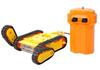
Easy-to-Assemble Robot: The mBot Kids Electric Robot Kit can be easily assembled in under 15 minutes using only screws. By assembling this robot kit, kids will learn more about electronics, machinery, and robotic parts. This STEM project for kids ages 8 to 12 can also be played as a remote-controlled car with multiple functions, including line following and obstacle avoidance. Please note that the remote control requires a CR2025 battery (sold separately), and the robot requires four AA batteries (sold separately).
[Rich Coding Tutorials] Makeblock offers a wide range of tutorials available both through the online community and through coding cards. Combined with the three free Makeblock apps and mBlock software, kids can enjoy remote control, play programming games, and program with the mBot robot kit. It's easy for kids to get started coding with mbot. The app is available in Japanese.
【GREAT GIFT FOR KIDS】Amaze your little one with this super cool robot kit and let them discover the secrets of programming and electronics. This well-packaged robot kit makes a great learning and educational toy gift for boys and girls for birthdays, Children's Day, Christmas, holidays, summer camp activities, back to school, or just having fun at home.
[Creative Robot with Add-on Packs] This programmable robot, built on an open-source system, supports a wide range of add-on packs. Makeblock mBot STEM toy can connect to over 100 electronic modules and over 500 parts on the Makeblock platform. Customize your mBot! Note: The included instructions and assembly manual are in English. If you need the Japanese manual, please download it from the product page or contact customer service.
Makeblock mBot is an easy-to-use robot for kids.
Kids can assemble from the kits and do all sorts of projects and activities.
exterior
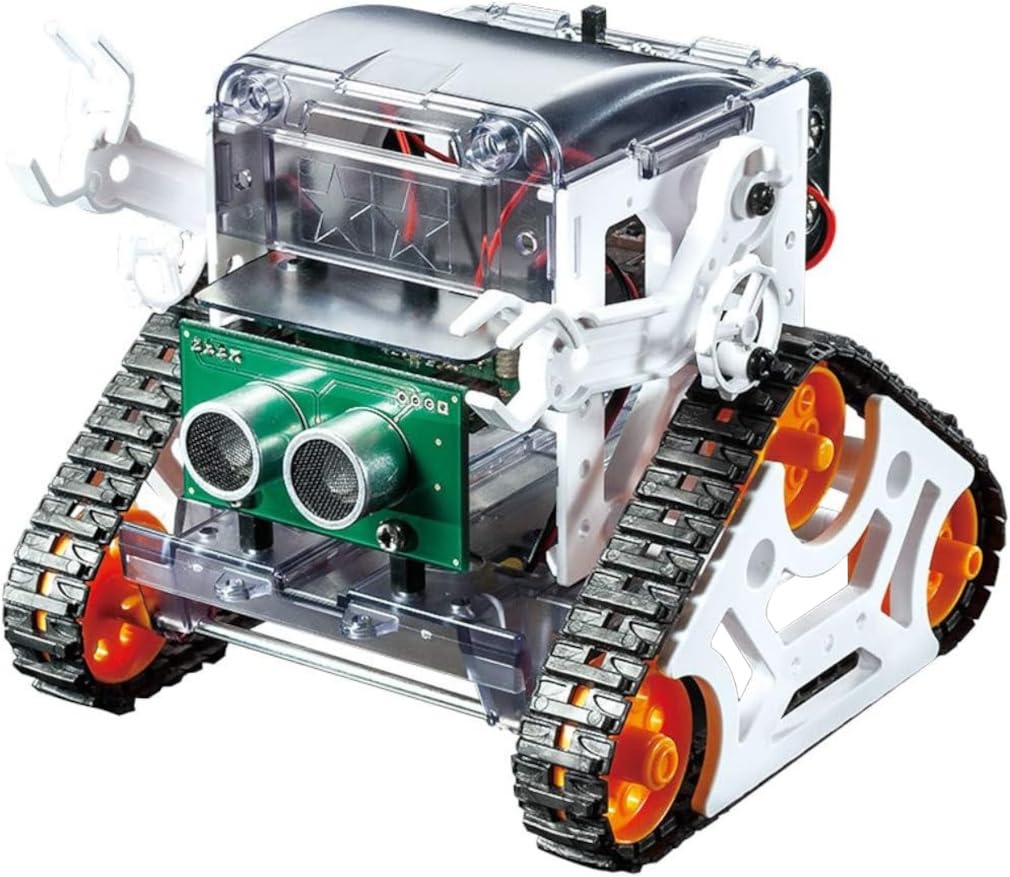
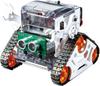
With its front-mounted ultrasound scanner "eyes" and a small smile engraved on the front of the robot chassis, mBot has a friendly appearance that makes it easy for kids to find it. It's charming and cute without being intimidating.
Function Description
mBot is a robotic toy for kids.
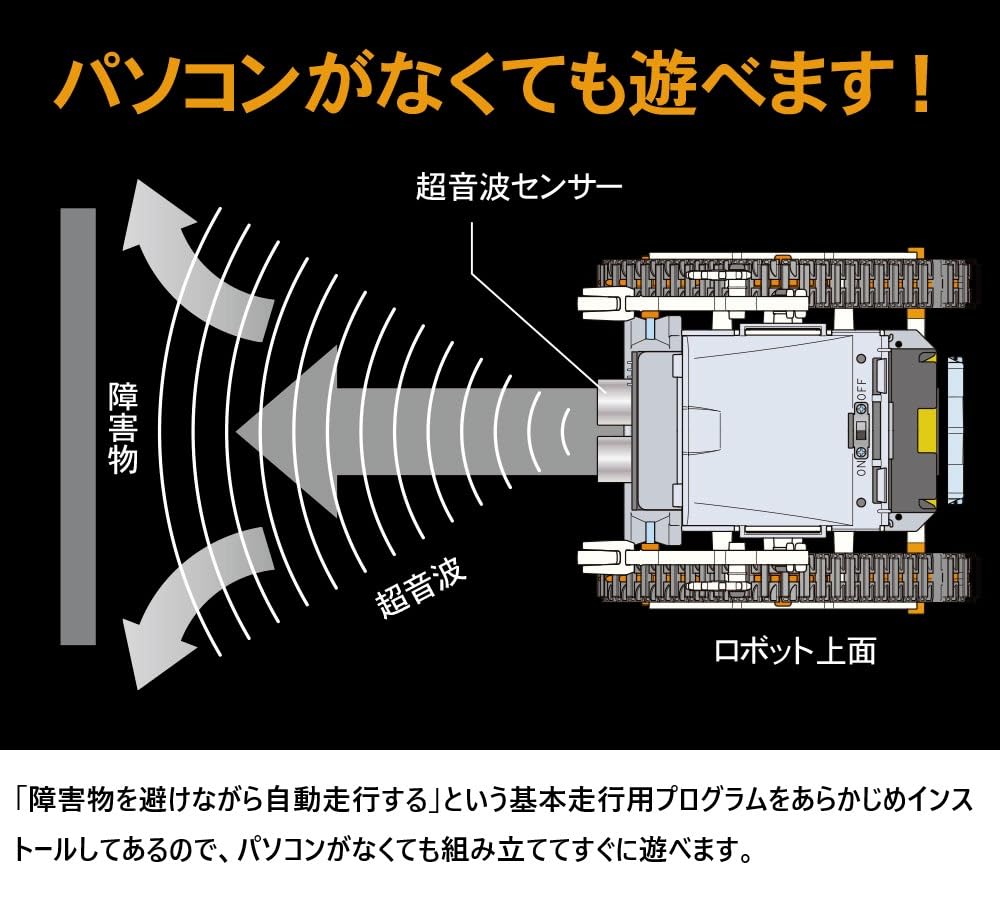
It centers around an Arduino circuit board, a popular open-source electronics platform, and a mostly blank slate for kids to work with. It incorporates several sensor modules, including a light sensor, an IR receiver, an ultrasonic sensor, and a line-following sensor.
This means that right from the start, your child can create numerous programs for collision detection, object avoidance and line following, or just play with it using the included infrared remote control.
Another great thing is that the robot parts are Lego compatible, so you can integrate Lego parts into your projects or even get your little Lego guy on board.
battery
mBot uses four AA batteries (sold separately).
For all ages
According to Makeblock, mBot is suitable for children aged 8 and above.
It really depends on your child's technical ability and comfort with electronics and mechanical devices, but we don't think children over 10 years old will have much of a problem.
Building mBot
Overall, assembling the mBot took about 15 minutes and was not difficult.
The kit comes with its own screwdriver and requires no soldering or complicated electronics work.
That said, assembling mBot requires screwing, attaching parts, and all sorts of tinkering. There are modules that can be accidentally damaged and screws that can get lost, so parental supervision is recommended.
If you prefer to use a tablet or smartphone, you can use the Makeblock app, which turns your mobile device into a touchscreen controller that communicates with the robot (the new mBot robot) via Bluetooth, allowing you to physically draw the path for mBot to follow.
If you have any problems, please contact us.
Please note: The instructions and assembly manual are in English. If you need the Japanese manual, please download it from the product page or contact customer service.