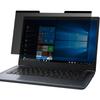
Filter Size: Width: 11 9/16" (11.6 inch/294 mm), Height: 6 1/2" (6.5 inch/166 mm), Diagonal: 13.3" (337.8 mm) - Protescreen 13.3" Dark Blackout Privacy Filter is designed to be compatible with Dell Vostro 15 3000, Lenovo ThinkPad E595 / Ideapad S540, NEC LAVIE Direct NS / Note NEXT NX850, Dell G3 15, HP ENVY x360 15, HP Pavilion 15, m-Book F556SD, FMV LIFEBOOK AH77, NEC VersaPro J VX-Type VX-9 and other 13.3" laptop brands. Please verify your screen's width and height dimensions before ordering. We don't recommend selecting a screen based solely on the diagonal size.
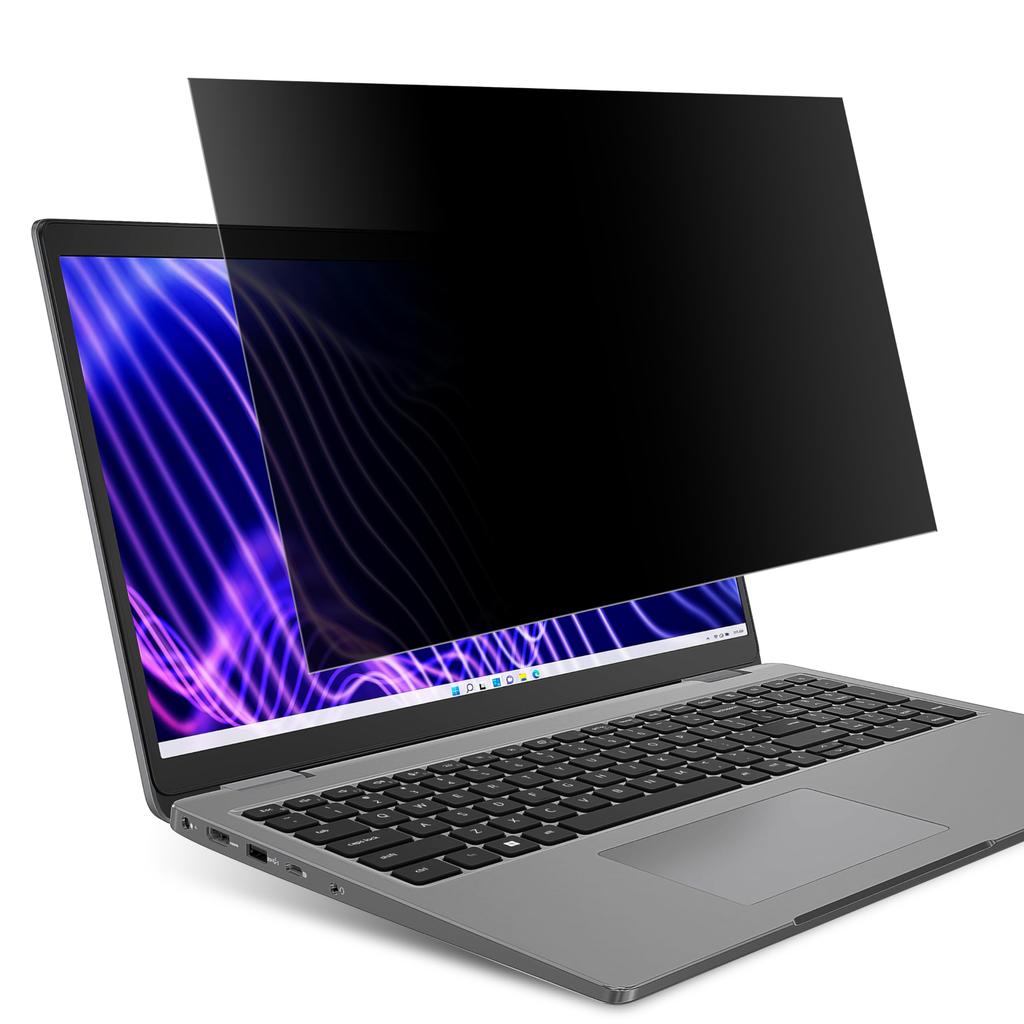
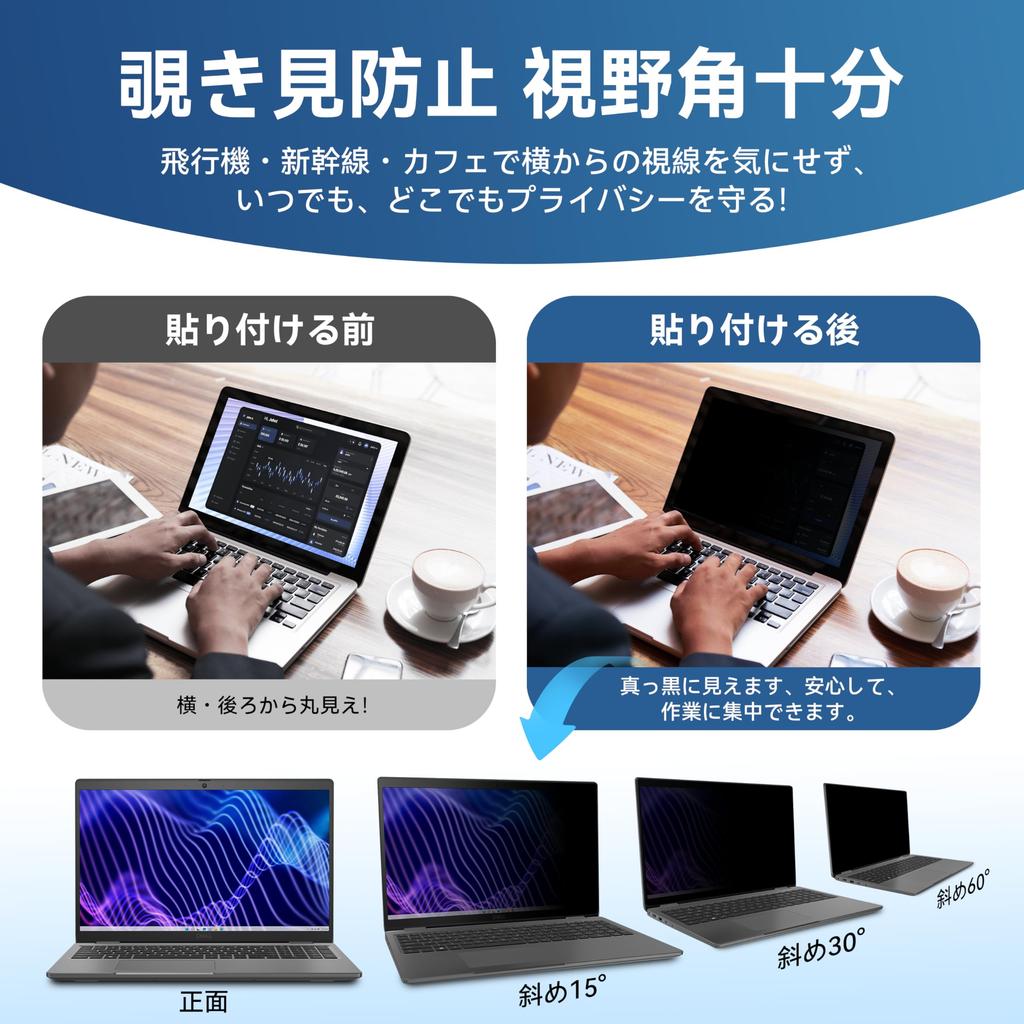
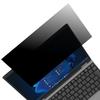
[Privacy Filter] Protescreen collected suggestions from over 500 laptop users and used micro-blind optical technology to perform 2,000 anti-peeping angle corrections, blocking viewing angles of more than +/-30° toward the screen. With a privacy screen for 13.3-inch laptops, your screen privacy will never be compromised. Our computer screen privacy filter is ideal for business travelers, students, mobile workers, and bankers. It protects confidential information in public places like airplanes, subways, and airports.
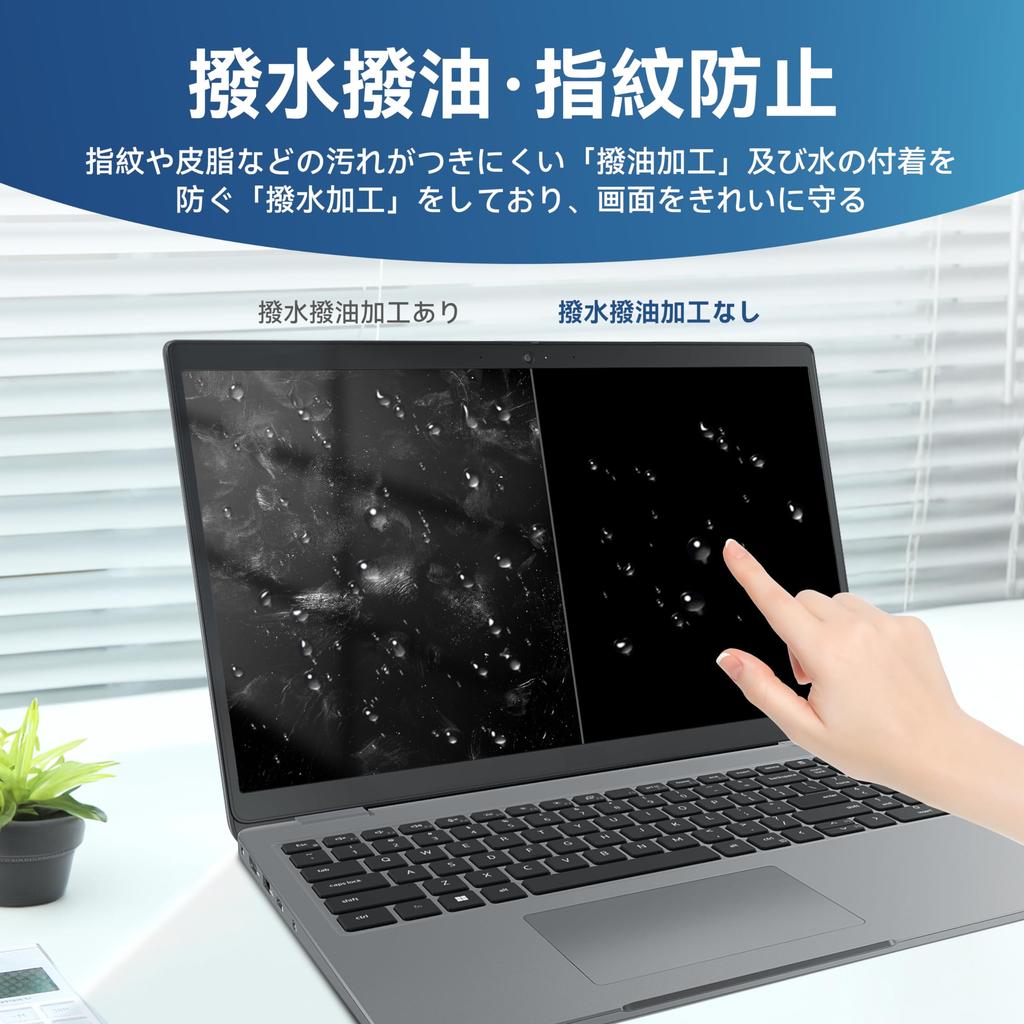
[Blue Light Filter] The Japanese-made optical filter material blocks 92% of blue light and 98% of UV rays, protecting your eyes by filtering out all harmful light emitted from the screen. The highly transparent and reinforced built-in protective layer not only ensures high image quality, but also protects the screen from scratches. Hurry up and order your 13.3-inch laptop screen privacy shield to protect your screen and your eyes.
[Anti-Glare] German AG anti-glare technology reduces over 90% of glare and softens the light, eliminating dazzling reflections even in strong light. The 13.3" laptop privacy screen features a unique double-sided construction: the glossy surface provides excellent privacy, while the matte surface provides excellent anti-glare protection. Choose the one that best suits your needs.
[Easy Installation] The Protescreen laptop privacy screen offers two mounting options, allowing you to use your 13.3" laptop privacy screen whether the monitor frame is elevated or flush with the screen. Follow the instructions in the simple installation manual to complete the installation in under 30 seconds. If your monitor's screen frame is elevated, you can choose the "sliding" or "double-sided tape" mounting options. If your monitor screen is flush with the frame, only the double-sided tape mounting option is available.






![LOE 13.5-inch 3:2 Privacy Filter for PCs [Easy Removal] Blue Light Blocking, Anti-Reflective, Privacy Film (285x190mm) - 1 Sheet](https://img.joomcdn.net/376279b05249a5c8011e5ff146f381d5bdf2449d_100_100.jpeg)



![[Amazon Exclusive Brand] 13.3-inch 16:9 Screen Protector, Magnetic Privacy Filter](https://img.joomcdn.net/8891113401f3c323eeef3d80085dbc8b33a32567_100_100.jpeg)
![[Amazon Exclusive Brand] 14-inch 16:9 Screen Protection Filter, Privacy Screen Protector](https://img.joomcdn.net/d6d2a07a63102b8a7dc59c1c74c019b3d4e73e6c_100_100.jpeg)