----------------------------------------------------------------------
【Voltage Compatibility】
When using electrical appliances, please note that they are designed for Japanese voltage specifications (90-110V), so if you use them with a different voltage, it may cause a malfunction.
【Plug Type】
Our products use Japanese plug types (A or B type).
Please use a conversion adapter if necessary.
【Important Note on Transformers and Adapters】
A transformer adjusts voltage to match your device’s requirements.
A conversion adapter only changes the plug shape and does not adjust voltage.
Using only a conversion adapter without a transformer may result in damage to the product.
【Liability】
We are not responsible for malfunctions or damages caused by improper use, such as operating the product without a transformer.
----------------------------------------------------------------------
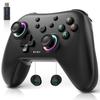
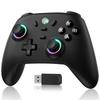
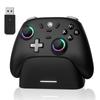
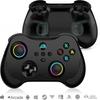
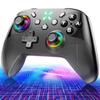
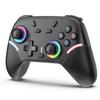
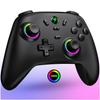
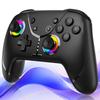
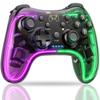
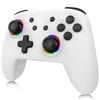
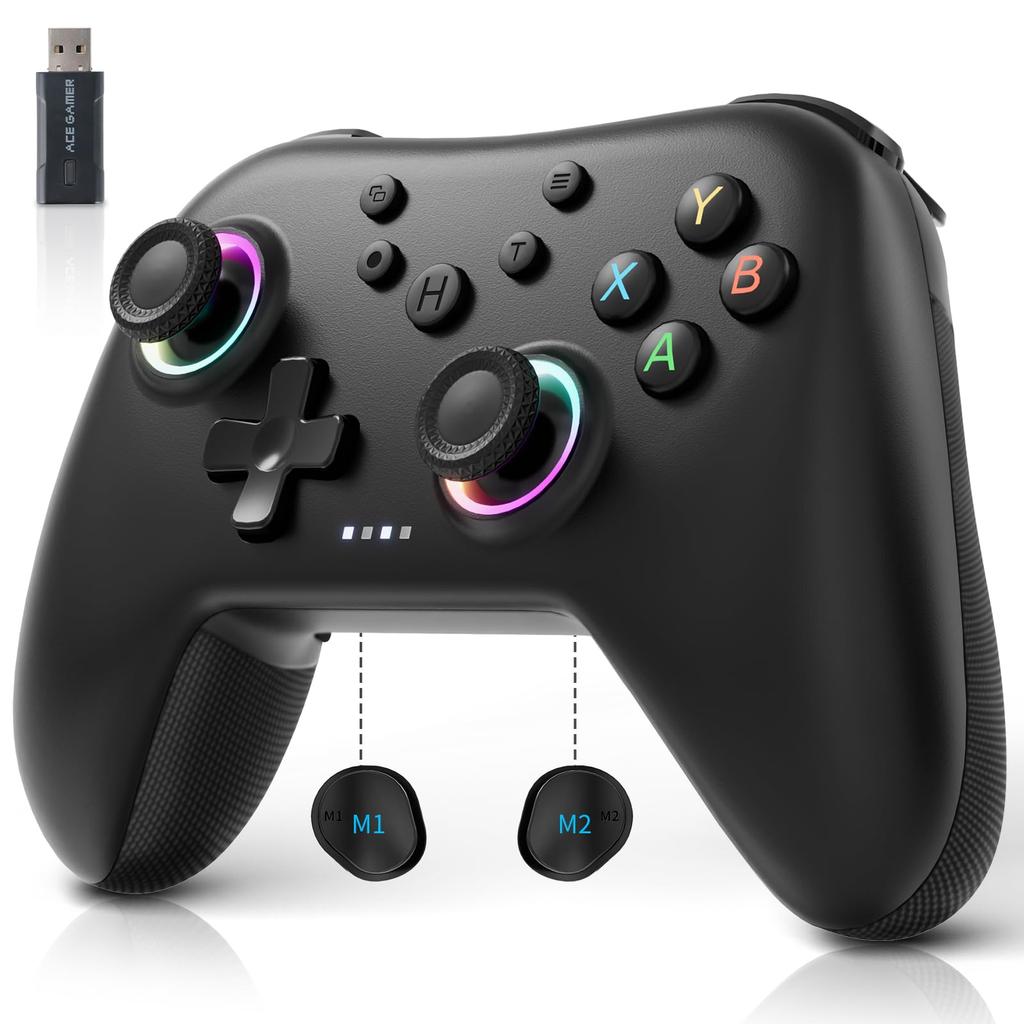
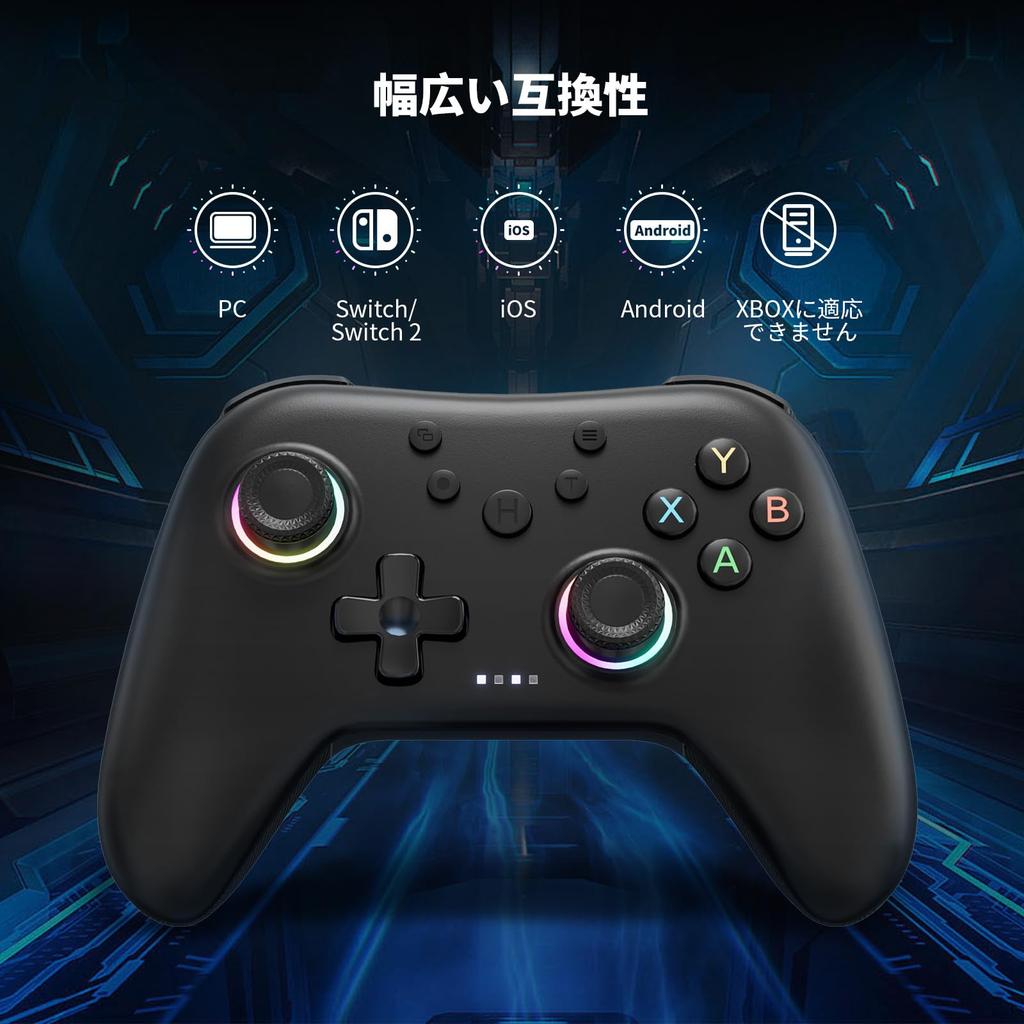
Wide Compatibility: This wireless controller is compatible with Windows 10+, Switch, Android, iOS, Steam Deck, and more. You can freely switch between different devices with just one controller. While this product is not compatible with Xbox Series consoles, you can still play Xbox games on your PC.
"Swapping the output values of 'A/B' and 'X/Y'" This product has XBOX mode and Switch mode. (Default: XBOX mode) You can freely switch between modes according to your preference. How to do it: Press the "T" + "Capture" buttons for 3 seconds to swap the output values of A/B and X/Y. *The setting will not be saved after the device is shut down.
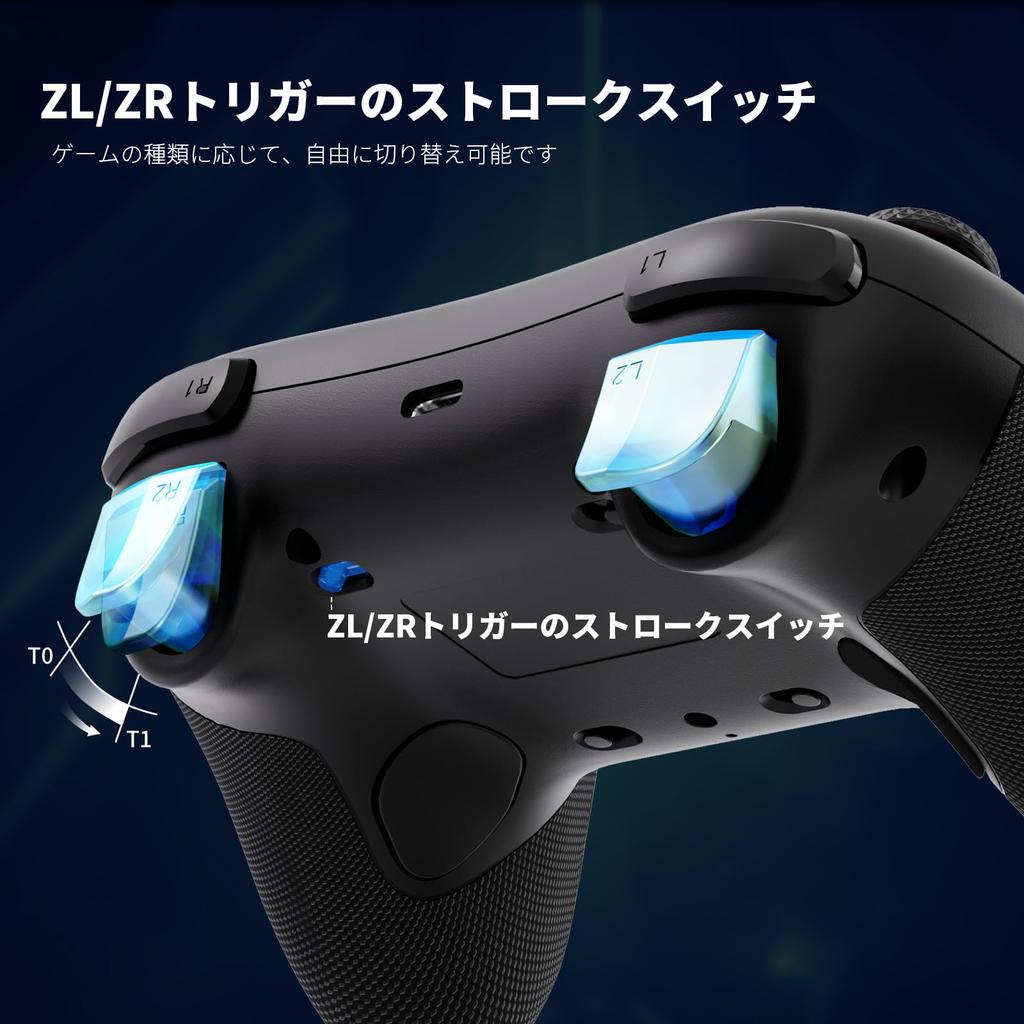
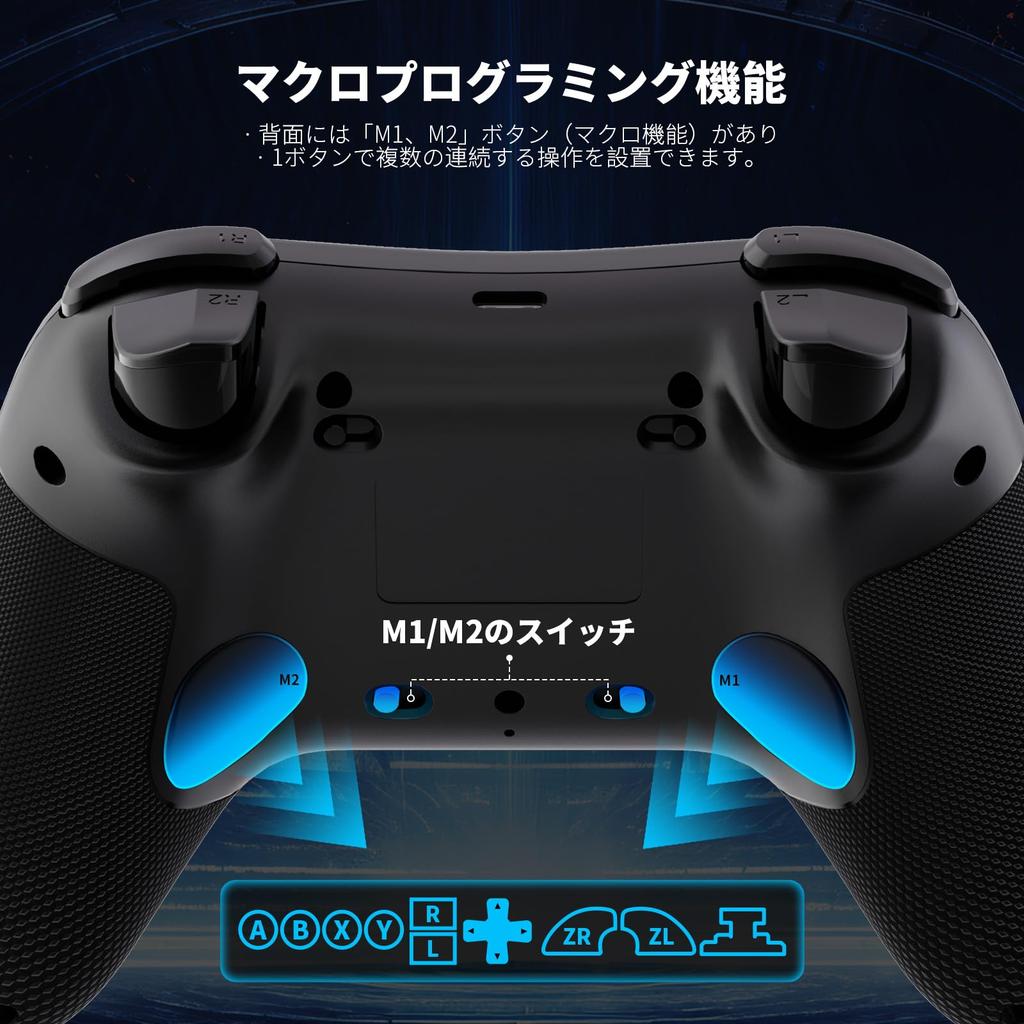
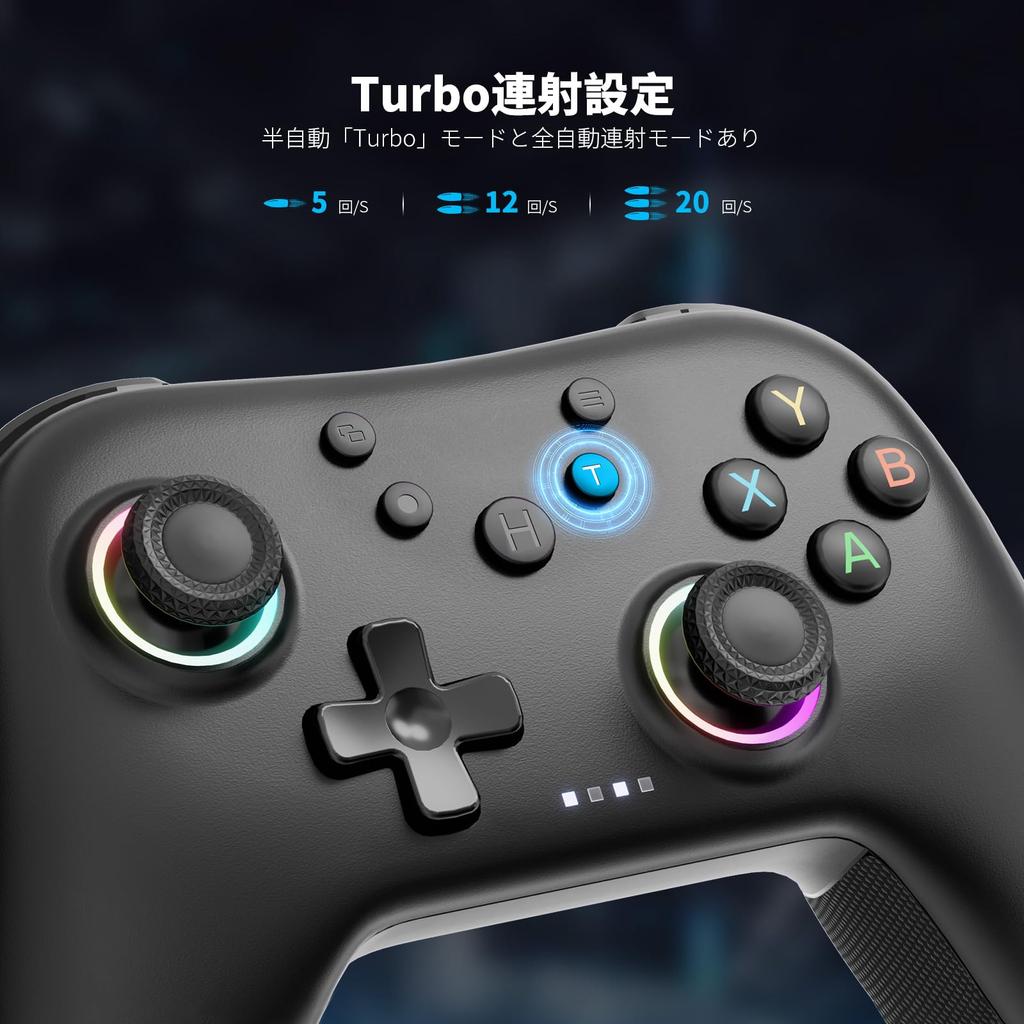
"Various Functions" This product has multiple functions that can be freely configured depending on the game. 1. Vibration Adjustment: Four vibration intensities available: 100%, 80%, 50%, and 0% (default is 100%). 2. Turbo Fire: Semi-automatic and fully automatic modes available. Turbo speed can be adjusted from 5/s to 12/s to 20/s (default is 12/s). 3. Macro Function: M1/M2 on the back have switches to prevent accidental operation when not using the programming function. 4. Low Power Warning: When the battery level drops below 10%, the light will flash to indicate low power. 5. A function can be set to disable diagonal directional buttons to prevent accidental operation during gameplay.
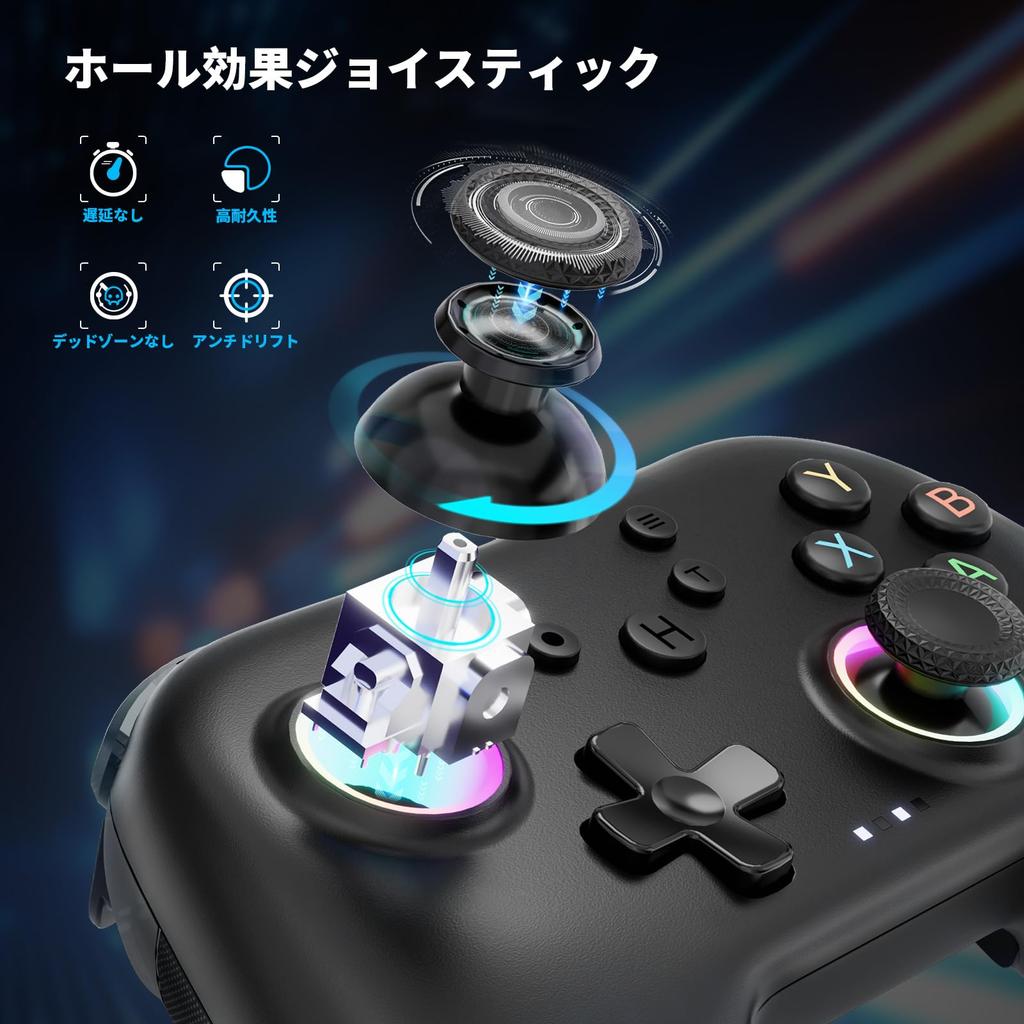
"How to calibrate the controller" If the joystick is drifting or experiencing other problems, you can correct it. The triggers can also be adjusted. Method: Manually calibrating the sticks and triggers: With the power on, press the "View + Menu + Home" buttons for about 2 seconds to enter the calibration state. Press the "L2 and R2" buttons to the bottom 2-3 times, then rotate the stick 2-3 times and record the data.
"1-Year Warranty": We aim to provide our customers with great value products and the best service. Therefore, all products come with a 12-month warranty. If you experience any quality issues during the warranty period, please contact us through your order history. ★★When your ordered product arrives, it may not be able to start due to insufficient power, so please charge it before use.
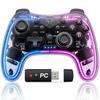
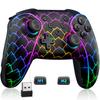
PC controller with 2.4G receiver for PC


 No-delivery refund