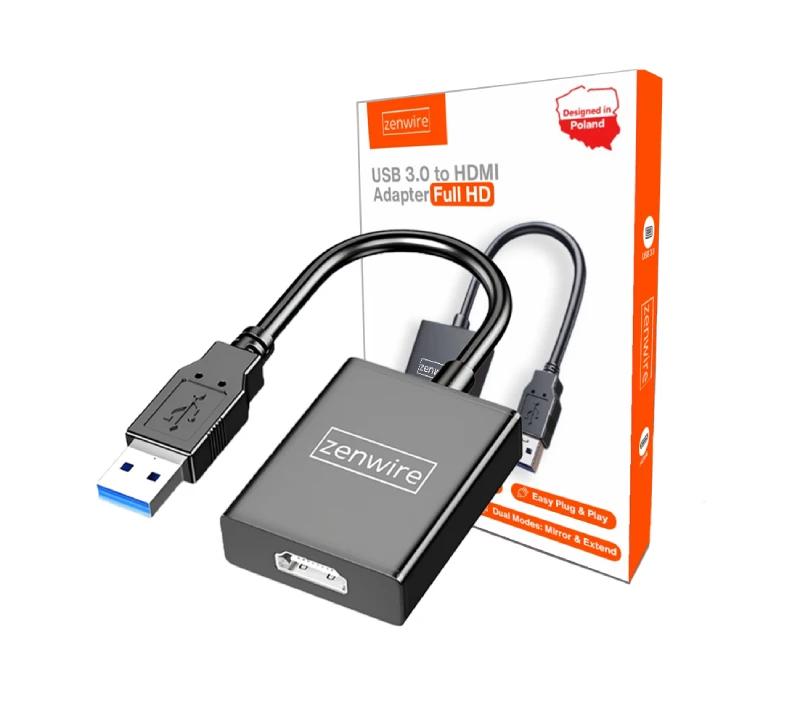
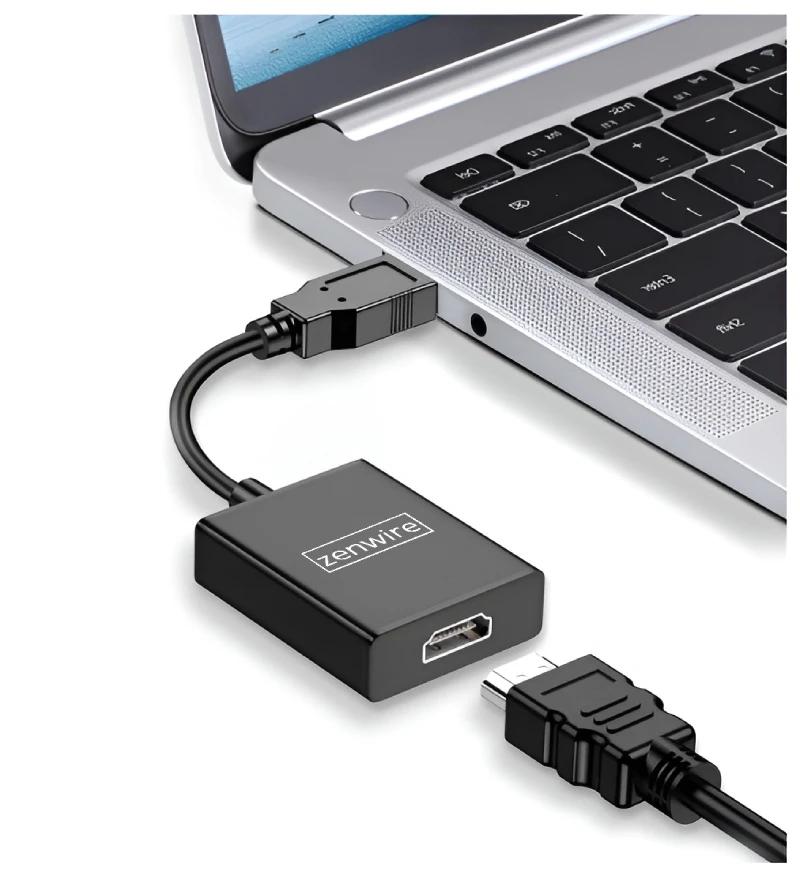
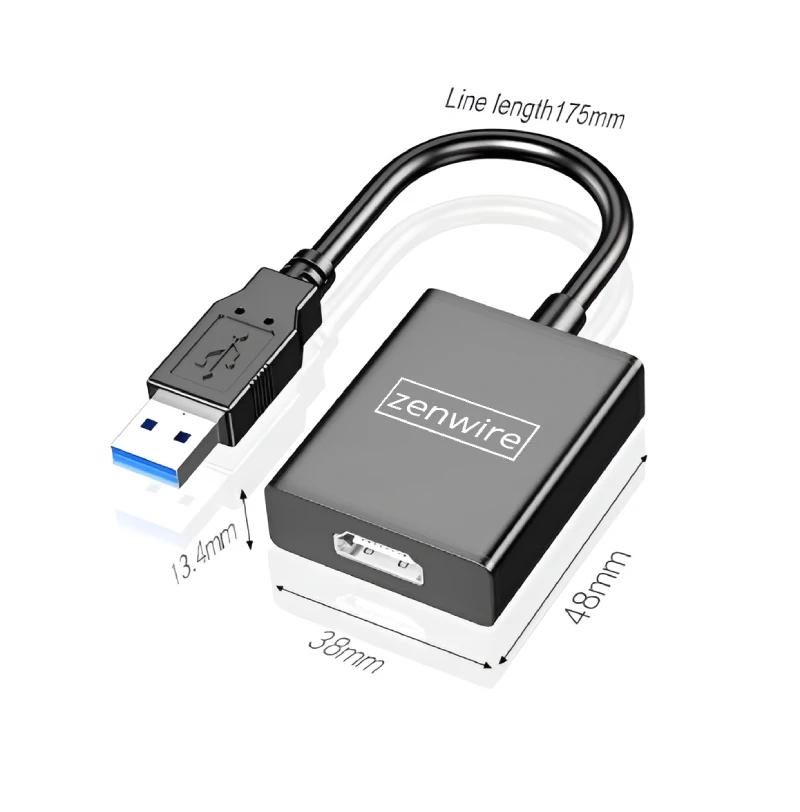
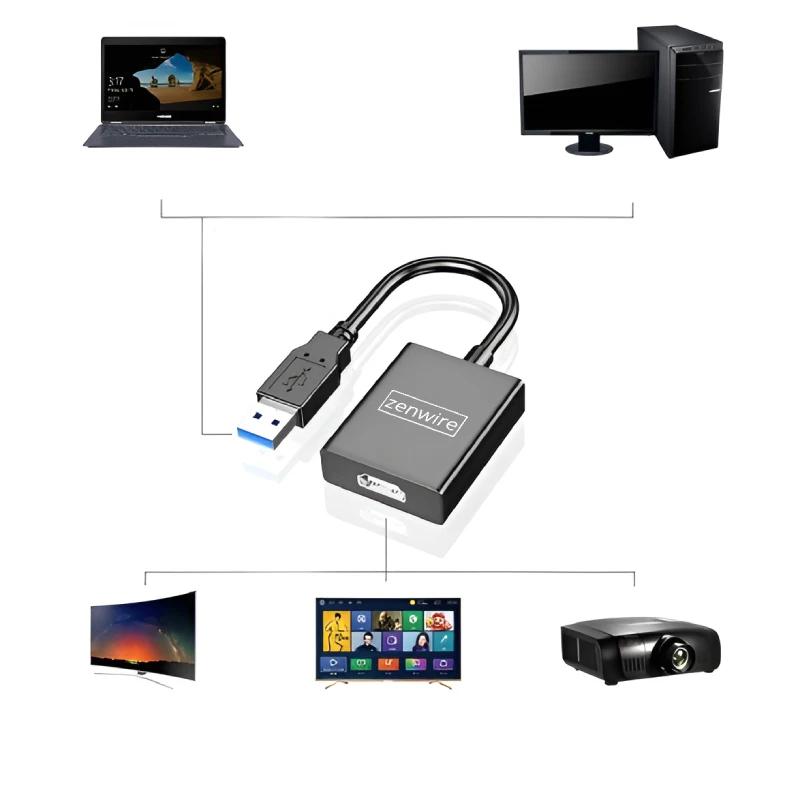
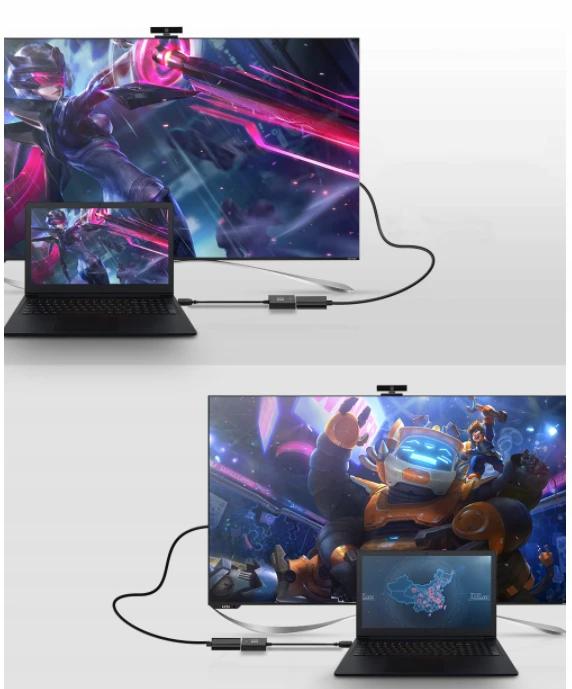
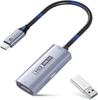
CONVERTER Adapter from USB 3.0 to HDMI Full HDThe high-quality adapter enables the transfer of image and sound from a USB 3.0 or 2.0 port to an HDMI port with Full HD resolution, works as an external graphics card.The USB 2.0/3.0 to HDMI adapter is a great solution for people who want to get an HDMI port in a device such as a laptop or PC, that do not have it. Additionally, the adapter is an ideal solution for users who would like to get an additional HDMI port in their device. The converter works in both Mirror (image cloning) and Extend (additional desktop) modes.An undoubted advantage of the adapter is the built-in driver, so you don't have to use CDs or download it from the Internet. This distinguishes this product and significantly simplifies installation and use. The application is in English, not Chinese, which makes installation easy and intuitive.Product from Zenwire - we are a Polish brand of such accessories. The most important product features:The ability to transfer image and sound from a USB 2.0 or USB 3.0 port to HDMIHigh image quality with a Full HD resolution of 1920x1080pAluminum housing -gives durability and does not leave fingerprints on the surface.Gold-plated USB tipUser manual explaining step-by-step installation included.Extremely simple installation,built-in driver in the adapter - just install the application. After connecting the adapter, an additional folder will appear in the "My Computer" tab next to your C, D, etc. drive. This folder contains the driver file for installation. Simply enable it by clicking "Next" a few times and restarting your computer for the adapter to work "Plug & Play." Play,meaning you get immediate action after connecting.Both Mirror and Extend operating modes.Compatibility with any device with an HDMI port, such as:TV, monitor, projector, etc. of any resolutionCompatibility with operating systems:Windows 10, 8, 7, XP,Compact dimensions and lightness ensure easy portability.Possibility to use the adapter as an additional monitor - The device can operate in parallel with other computer outputs, i.e. it can be used as a 3rd or 4th monitor, but only 1 USB card can work at a time.Backward compatibility -if your monitor supports a lower image quality than Full HD, the highest possible image quality supported by the monitor will be displayed. Installing the USB 3.0/2.0 to HDMI Full HD converter is exceptionally simple. Installation instructions.To make the installation as easy and transparent as possible for you, below you will find instructions on how to do it. See how simple it is :).Connect the converter to a USB 3.0 or 2.0 port on your laptop.A notification about the connected device will appear, click on it and go to the folder. You will see 3 installation files: Windows_XP_1.0.8.exe for Windows XP, Windows 7-10_2.0.2.exe for Windows 7, 8, 10. The folder with the installation files can also be found in the "My Computer" tab next to drive C, D, etc. It will be displayed as a regular external drive when you connect e.g. a pendrive.Select the appropriate file and install the application - the application is in English, not Chinese, which makes the installation easier, intuitive, and simple..Restart your computer.The adapter is ready to work, you will see a monitor icon in the start bar, which indicates correct installation. devices.After connecting the HDMI to the socket on the adapter, it should work immediately after connecting the HDMI.During installation, antivirus software may interfere with the operation of the adapter, so we recommend disabling it or ignoring notifications.The adapter transmits both image and sound in Full HD quality. It works in both Mirror and Extend modes. CONNECT THE MONITOR AND USE IT AS YOU FEEL MORE CONVENIENTThe adapter supports many modes of cooperation with image transmitting devices, including:Mirror Mode -duplication of the laptop screen on an external device.Extended Mode -using an external screen as an additional desktop on which an additional content.USB Type-C Hub supports Full HD (1920x1080) resolution up to 60 Hz.Use your devices more efficiently thanks to this function.Possibility to use the adapter as an additional monitor - The device can operate in parallel with other computer outputs, i.e. it can be used as a 3rd or 4th monitor, but only 1 USB card can work at a time. Technical specification:Brand new, high quality productInput: USB type AOutput: 19-pin HDMI portCompatibility with Windows 10, 8, 7 operating systemsPower supply: Directly from the USB portFull support forFULL HD 1080P for the USB port 3.0and lower resolutions1680x1050, 1600x1200,440x900, 1400x1050, 1280x1024, 1280x800, 1280x720, 1024x768, 800x600, 640x480Only support resolution800x600 for USB 2.0Direction: from USB to HDMIPossibility operation:screen mirroringandscreen extension (extend)Frequency support from 25 MHz to 165 MHzCable length: approx. 20 cmHardware requirements: CPU (processor): >1.5 GHz, RAM: >512 MBAluminum housingDriver built into the adapter (the latest version application)CE, RoHS certificatesThe application built into the adapter is ENGLISH, not Chinese, which facilitates product installation. No CD is required for installation because the application is built into the adapter.What makes this adapter better than others of this type?:The English application built into the adapter -makes installation intuitive and simple. Many such adapters have software in Chinese, which makes installation complicated and incomprehensible.Built-in application with driver in the adapter - you don't have to use CDs or search for drivers on the Internet to find the software necessary for operation.Instructions in Polish and English.High quality workmanship, aluminum housing. The set includes everything you need to use the adapter:USB 3.0/2.0 to HDMI Full HD adapter with built-in installation driver.User manual in Polish and English.Packaging.The adapter driver is built into the adapter, which means you get access to it immediately after connecting to your laptop's USB port, it works like a flash drive. This means you don't have to use any CDs or download it from the Internet to install it.




 No-delivery refund



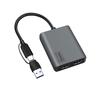
![Basicest USB 3.0 To HDMI Graphics Converter Adapter Cable with DisplayLink Chip, Windows 10 Compatible [Compatibility Guaranteed]](https://img.joomcdn.net/d4439a2bbdb4dc63011583fd7acec0b51175d6d2_100_100.jpeg)
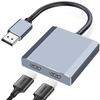
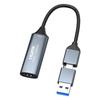
![Yasoku USB & HDMI Conversion Adapter Capture Board [Improved Design & Braided Nylon Cable] HDMI Capture Board HD Quality Recording HD1080P60Hz4K](https://img.joomcdn.net/f4c6bd52054d309705e336b199778174b6ed77d9_100_98.jpeg)
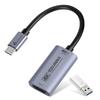

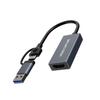
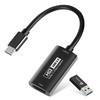
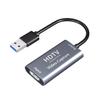
![[Hangzhou Wholesale] 4K HDMI Capture Card 1080P 60FPS Passthrough Support USB 3.0 Connection Ideal for Game Streaming, Live Broadcasting,](https://img.joomcdn.net/7c1e9be26f23d77aafb23c468b94d8049603c636_100_100.jpeg)
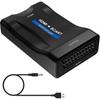
![SSA Service USB3.0 - HDMI Capture Card [1080P 60Hz Compatible] SU3-CHDTV](https://img.joomcdn.net/382af4ef347d2dc2f50d5a429e74b82d95058bc0_100_100.jpeg)