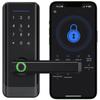
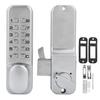
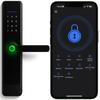
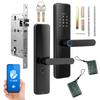
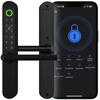
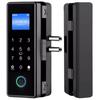
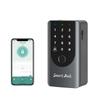
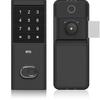
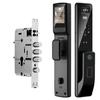
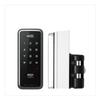
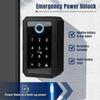
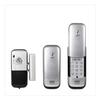
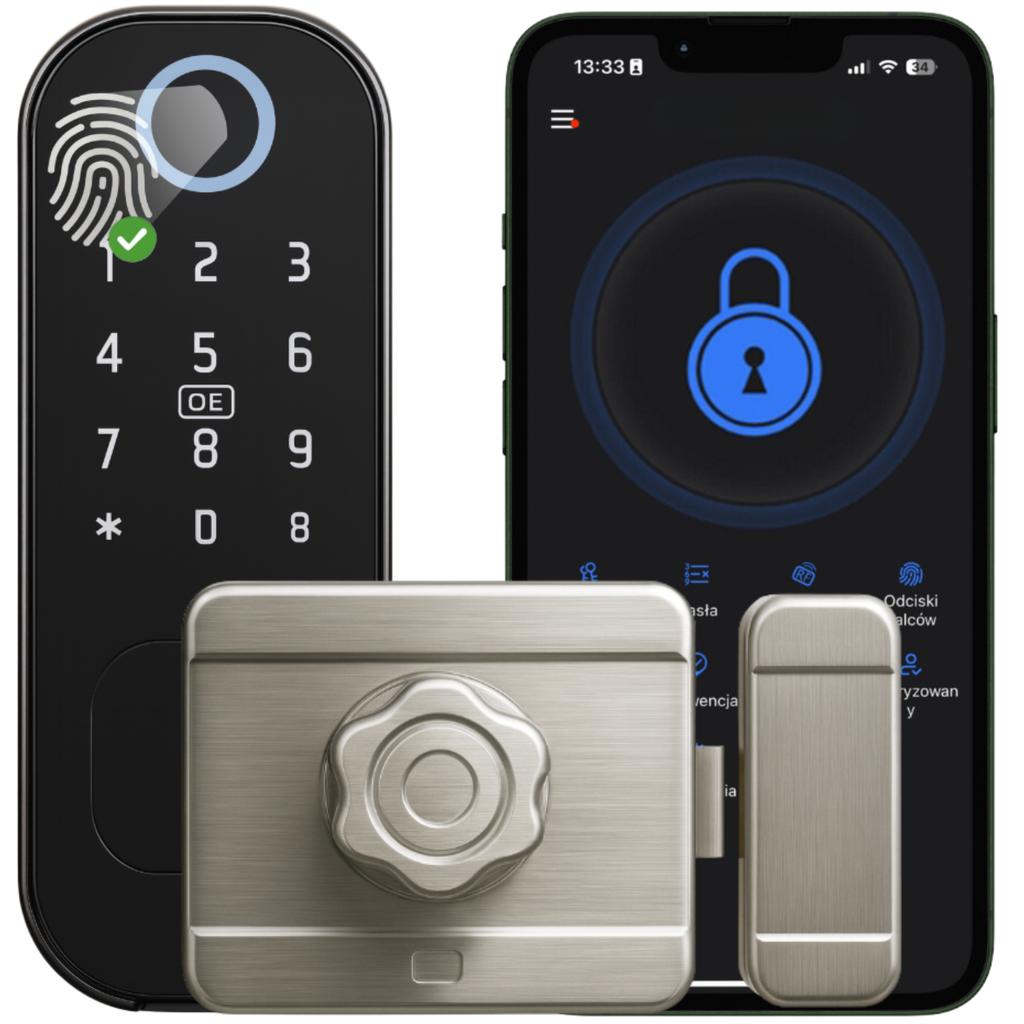
The iFinger-S TTLock electronic lock insert by Spreest is a modern and convenient solution that in a few moments turns an ordinary door into a intelligent access point . Keyless opening – using a code, card, fingerprint or e-key in the app – makes using the lock quick, intuitive and safe . Create one-time codes for guests, grant temporary access to cleaning crews, or use automatic locking when the door is closed. The lock is perfect for short-term rentals (e.g. Airbnb), self-check-in hotels, practices, offices or warehouses , where remotely granting access during specific hours significantly simplifies space management. Automatic closing after slamming eliminates the risk of leaving the door open — the lock only locks when both elements are in the correct position , which is controlled by a magnetic sensor. Built-in memory allows you to save up to 200 cards, 200 fingerprints, 200 PIN codes and an unlimited number of e-keys in the app. The lock also works offline , guaranteeing data security and uninterrupted access. The external panel with an IP54 protection class ensures resistance to rain and dust, so the device can also be successfully installed in external doors. The battery power lasts for approximately 12 months of operation, and the system automatically notifies about a low battery . Cylinder fits left and right doors 35-70 mm thick , made of wood, steel or aluminum. Opening methods Fingerprint – quick entry thanks to fingerprint recognition. Mechanical key – the classic emergency option when the batteries are discharged. Proximity card or key fob – touch the reader and you're done. PIN code – enter your own code and enter without keys. Bluetooth and app – the lock opens with one click on your phone. Automatic closing when slammed eliminates the risk of leaving the door open — the lock only locks when both elements are in the correct position , which is controlled by a magnetic sensor. App capabilities Remote control – open and configure the lock from anywhere (gateway required), without a gateway within Bluetooth range. Automatic locking – set the time after which the lock will close itself. Alerts and event log – push notifications + full opening history. Code profiles and eKey – permanent, timed, cyclical or one-time guest access. Card, remote and fingerprint support – add and manage in a few clicks. OTA Updates – over-the-air firmware updates. Voice Integration – commands via Amazon Alexa and Google Assistant. Silent Mode – mute the lock beeps when you need silence. Additional Features for Businesses Integration with Booking, Airbnb, Hotres – automatic assignment of codes for online reservations. Multi-location Panel – manage multiple locks and facilities in one application. Roles and Permissions – create groups (administrator, reception, service) with different access levels. Work Schedules – define office opening hours and grant access only at specific times. Attendance Reports – export entry/exit reports (late arrivals, early departures). “Freeze” lock – temporarily disabling all electronic opening methods (e.g. alarm). Mass adding users – importing a list of employees or tenants from a CSV file. Wi-Fi gateway → multiple locks – economical expansion of the system in a large facility. Installation You can install the lock yourself – installation is quick and requires no specialized tools. The device fits most doors with a thickness of 35-70 mm , both left-handed and right-handed , made of wood, steel or aluminum. The set includes sets of screws and spacers , adapted to various door thicknesses. You mount the silver lock from the inside of the door, screwing it to the surface using the included screws. You mount the second element on the doorframe so that the bolt precisely engages the lock and the door closes without resistance. After opening the lock from the outside, the lock will automatically lock when the door is closed and in the appropriate position. If the door does not have pre-prepared holes, the set includes a drilling template that will facilitate correct and precise drilling. Low Battery Alarm The lock is equipped with a low battery alarm, which allows to constantly monitor the power supply status of . A low battery notification will be sent to the app ≥20%, ≥10%, ≥5% and a red light on the lock itself will turn on after it is unlocked (3 flashes). The device is powered by four AA batteries that can last up to from 9 to 12 months. Technical specifications TTLock app (Bluetooth): remote management and unlocking Power supply voltage: 6.0 ± 0.3 V Power source: 4 × AA alkaline battery (LR06) Quiescent current: ≤ 80 µA Operating current: Low voltage alarm: 4.8 ± 0.2 V, LED indication (flashes 5 times), approx. 100 uses after signal Unlocking not possible: at voltage Operating temperature: from -25 °C to +65 °C Operating humidity: 20–90 % RH Waterproof: IP53 Fingerprint: up to 100 fingerprints PIN code: up to 100 codes (6-9 digits, confirmation with the lock key) IC card / RFID key fob: up to 100, frequency 13.56 MHz Mechanical key: emergency opening in case of low battery Number of users: up to 300 (administrators + users) Protection against burglary attempts: after 5 incorrect attempts there is a 1-minute lock Dimensions: external panel 155 x 60 x 35 mm, internal lock 132 x 100 x 45 mm and 100 x 42 x 37 mm Weight: 1572 g The set includes 1x Electronic lock iFinger-S TTLock insert 1x Mounting accessories for different door thicknesses (35-70mm) 1x Rim lock 1x Drilling template 2x Mechanical key 2x Access card 1x User manual Instructions in Polish in electronic version are available in the downloadable attachment. You will find it below or above our product description. FAQ – frequently asked questions 1. Does the lock work without an internet gateway? - Yes. Operation then takes place via Bluetooth – codes can only be sent while at the door, and the event history synchronizes after reconnection. 2. Can the cylinder be positioned to the right or left? - Yes, the lock direction is variable and is set during installation. 3. What if the lock runs out of battery? - The lock warns at ~30% battery. When completely discharged, you can power it with a powerbank through the charging socket or open it with an emergency key. 4. What is the Wi-Fi gateway for? - It allows you to open doors and assign codes remotely. One gateway supports multiple locks within Bluetooth range. 5. Does the app work on all smartphones? - TTLock is available on iOS ≥ 11 and Android ≥ 5.1 (with Bluetooth 4.0 or later). 6. Is it possible to limit access to only specific days or times? - Yes. In the app, you create cyclical codes or eKeys with a schedule (e.g. Mon-Fri 8am-4pm). 7. Can I export opening logs to a file? - Yes, TTLock allows you to download the history in CSV or PDF format from the web panel. 8. How many users can I add? - Unlimited. Everyone can be given different permissions: owner, admin, reception, service. 9. Is the software paid? - No. The firmware is free, it updates OTA free of charge via Bluetooth (or remotely via a gateway). 10. What languages does the app support? - Polish, English, German, Spanish, French and several others. 11. What should I do if my phone is lost? - Log in on another device or in the web panel and immediately remove the lost eKey account/phone from the list of authorized users. ___HtM1P14CEhO1D3R___


 No-delivery refund