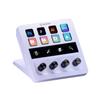
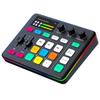
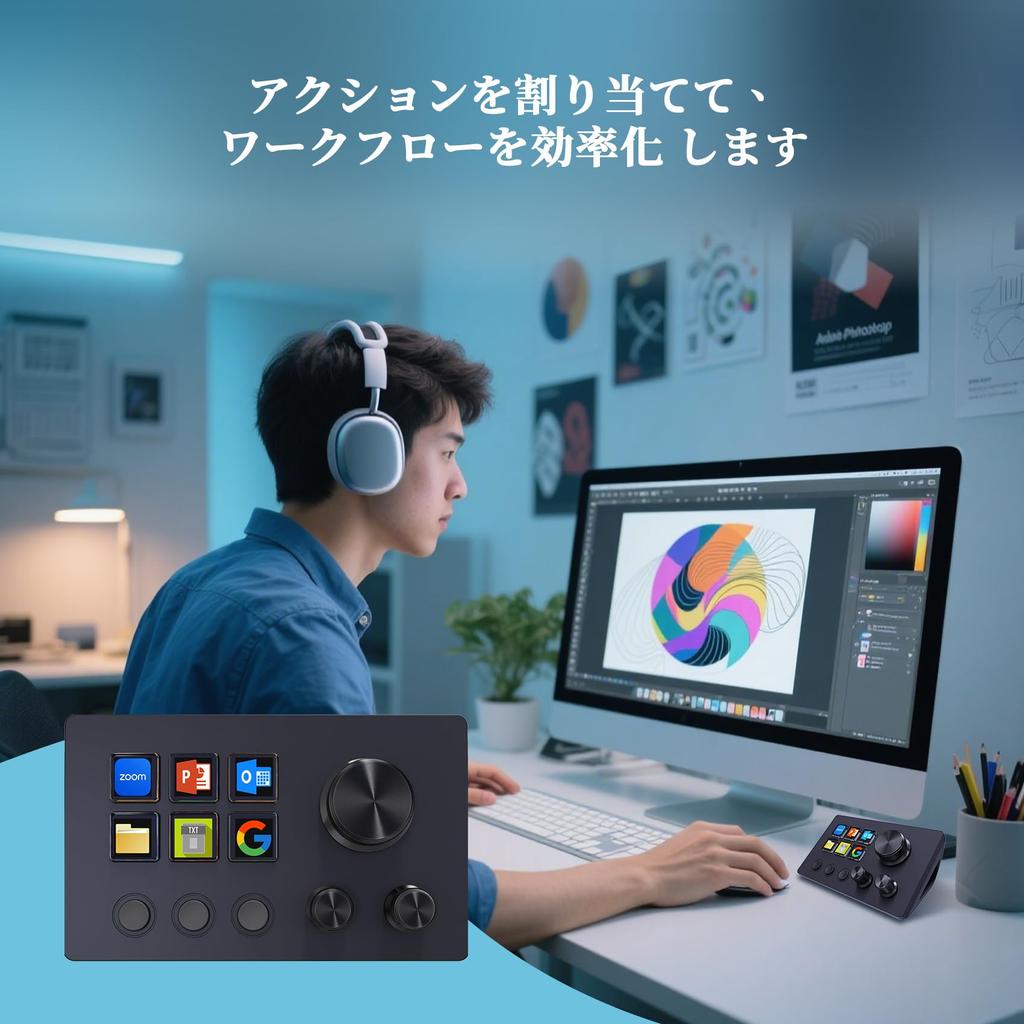
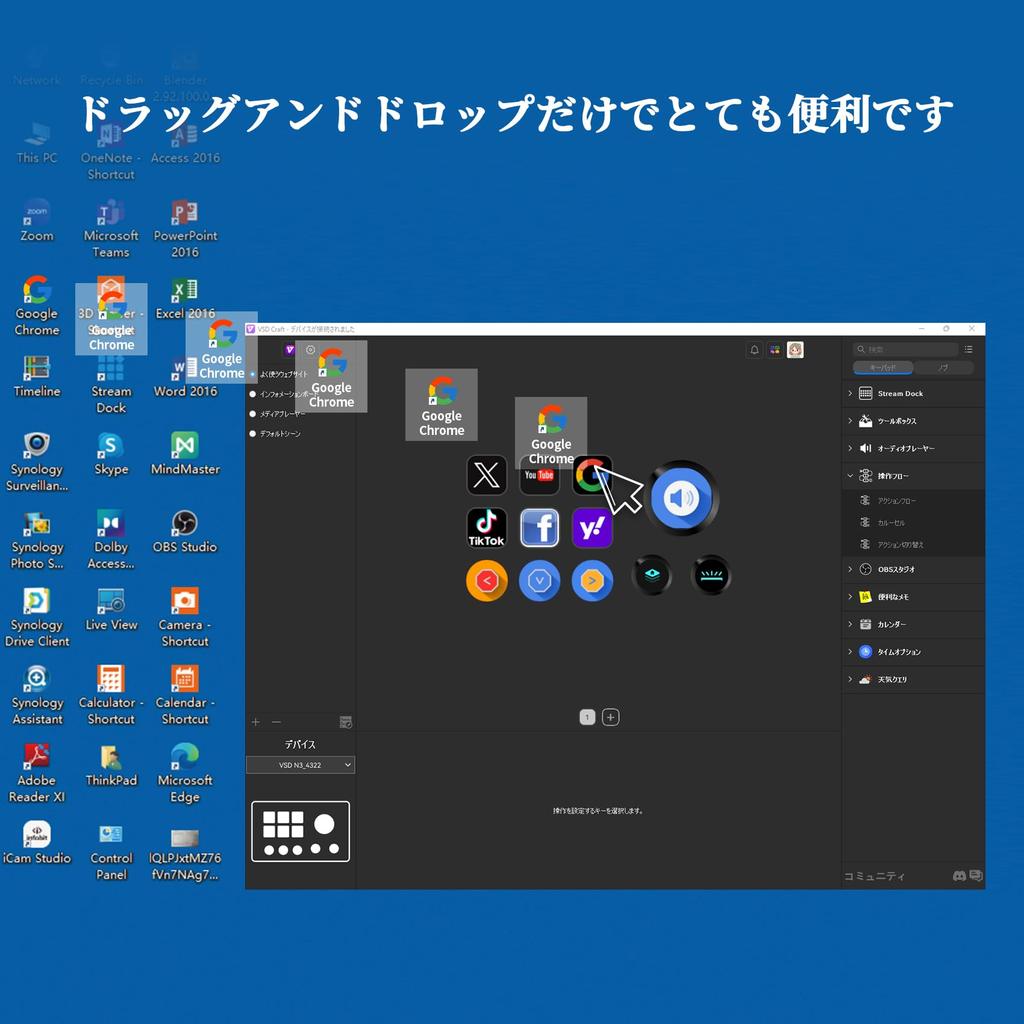
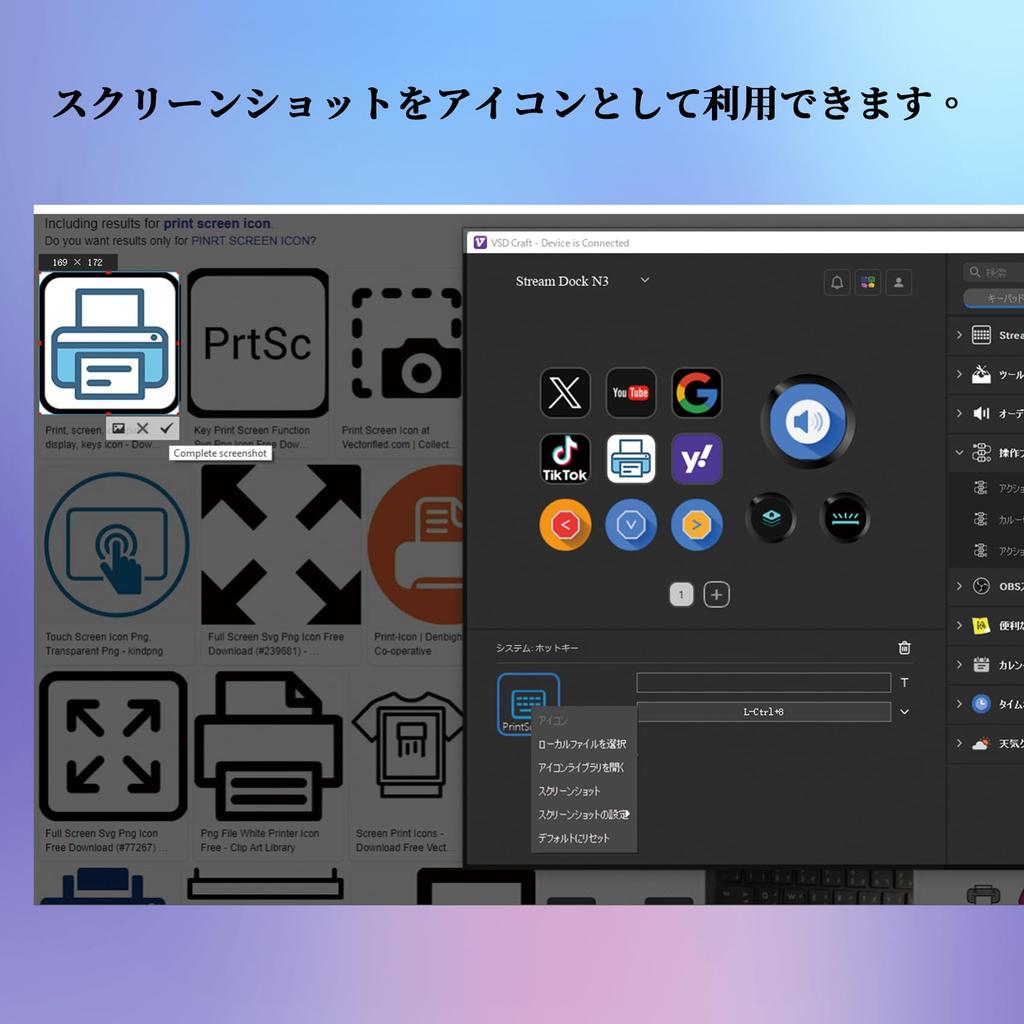
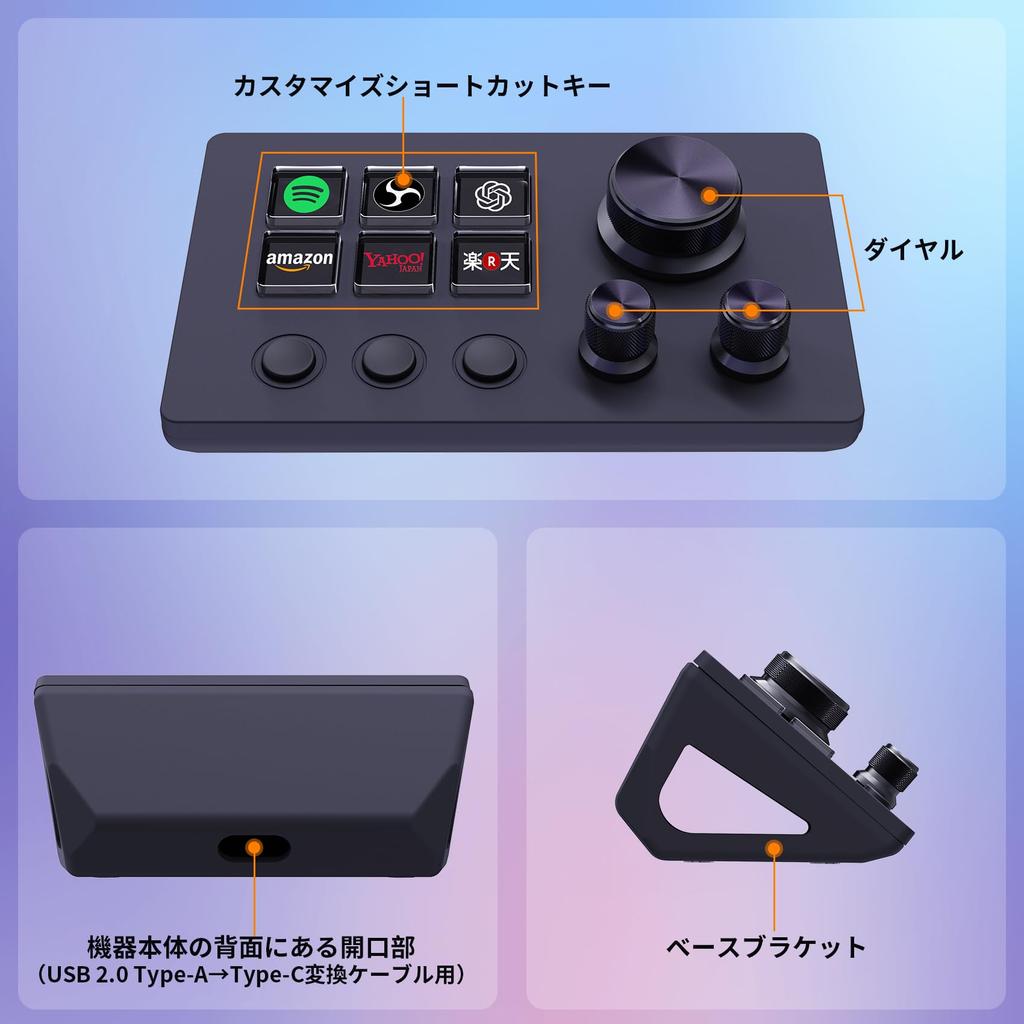
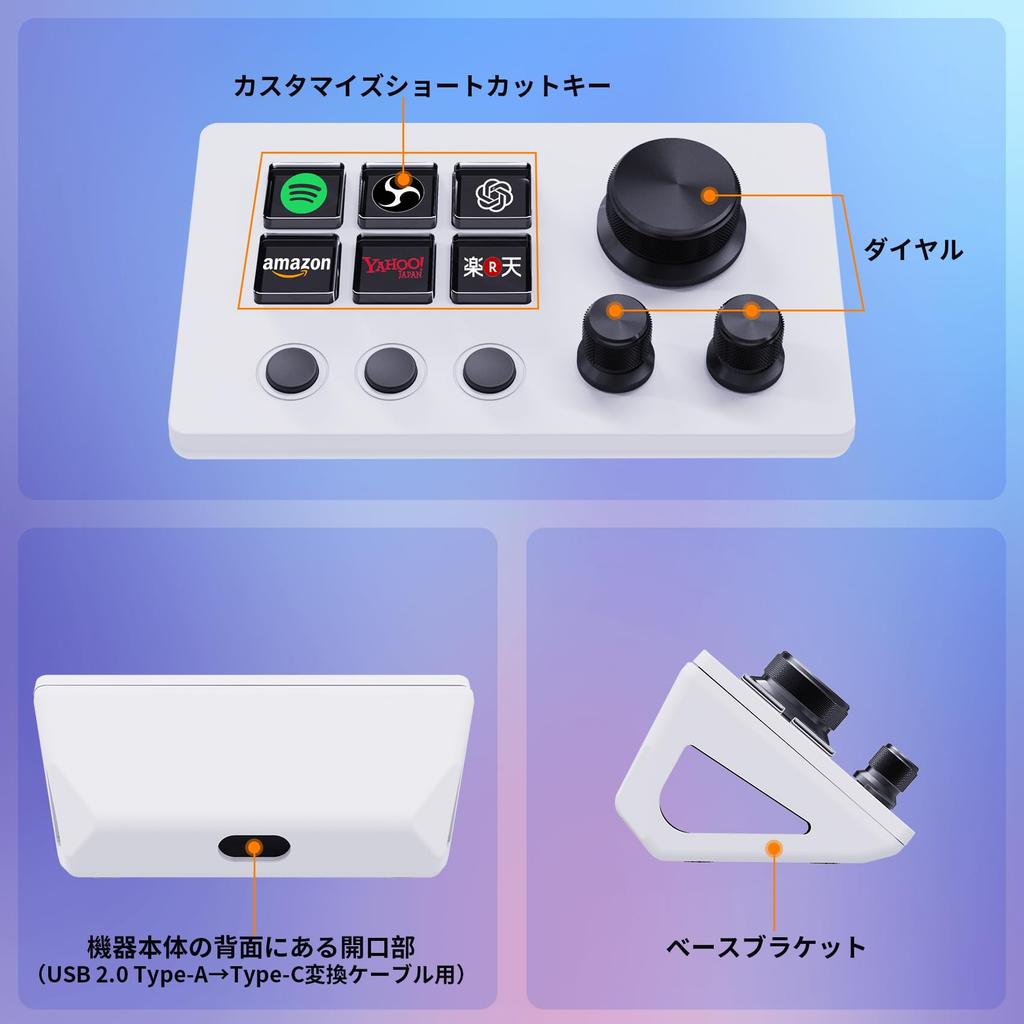
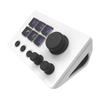
[Freely Customizable] Drag and drop your desired actions onto the six customizable LCD keys and set their properties to assign single or multiple actions. Additionally, the built-in LCD allows you to add your own images or animations (JPG, PNG, GIF) to each key, creating your own icons to enhance button recognition and memorization. Three dials allow you to easily adjust the volume, fast-forward, and rewind playback.
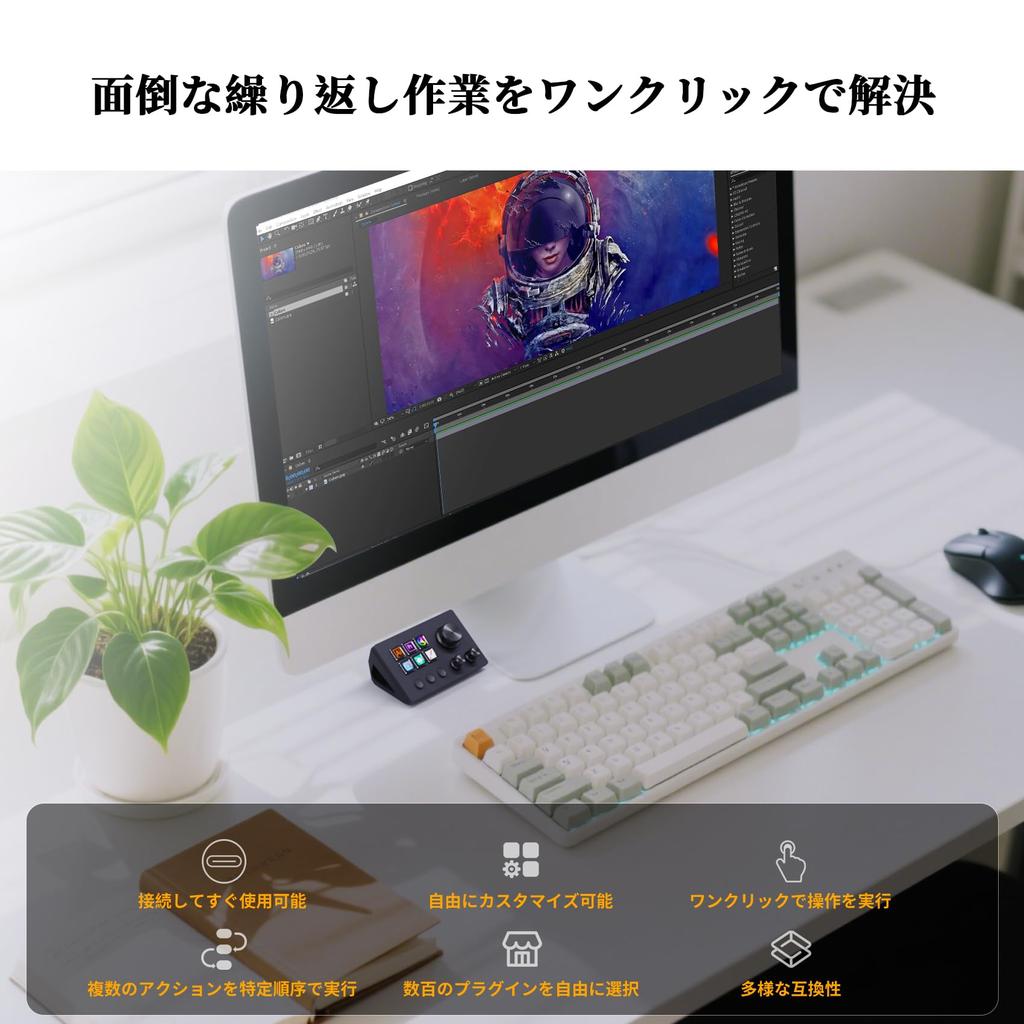
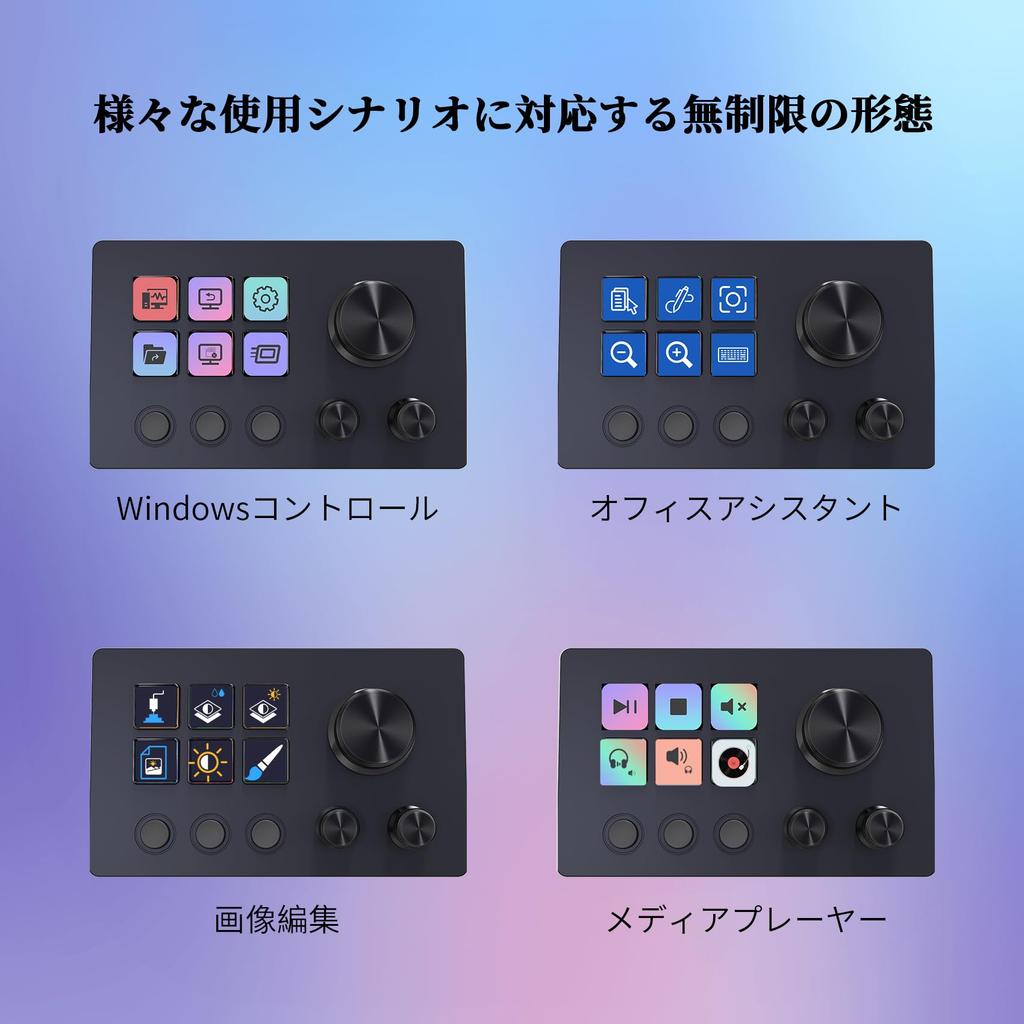
[Perform Any Action with One Click] The customizable macro keyboard lets you work efficiently with just one click. Launch macros, enter text, open documents and websites, execute game combos, launch apps, control media, switch scenes and hide sources in OBS, and more. The possibilities are endless. Plus, with the [Action Flow] feature, you can execute multiple macro actions in a specific order for ultimate task control.
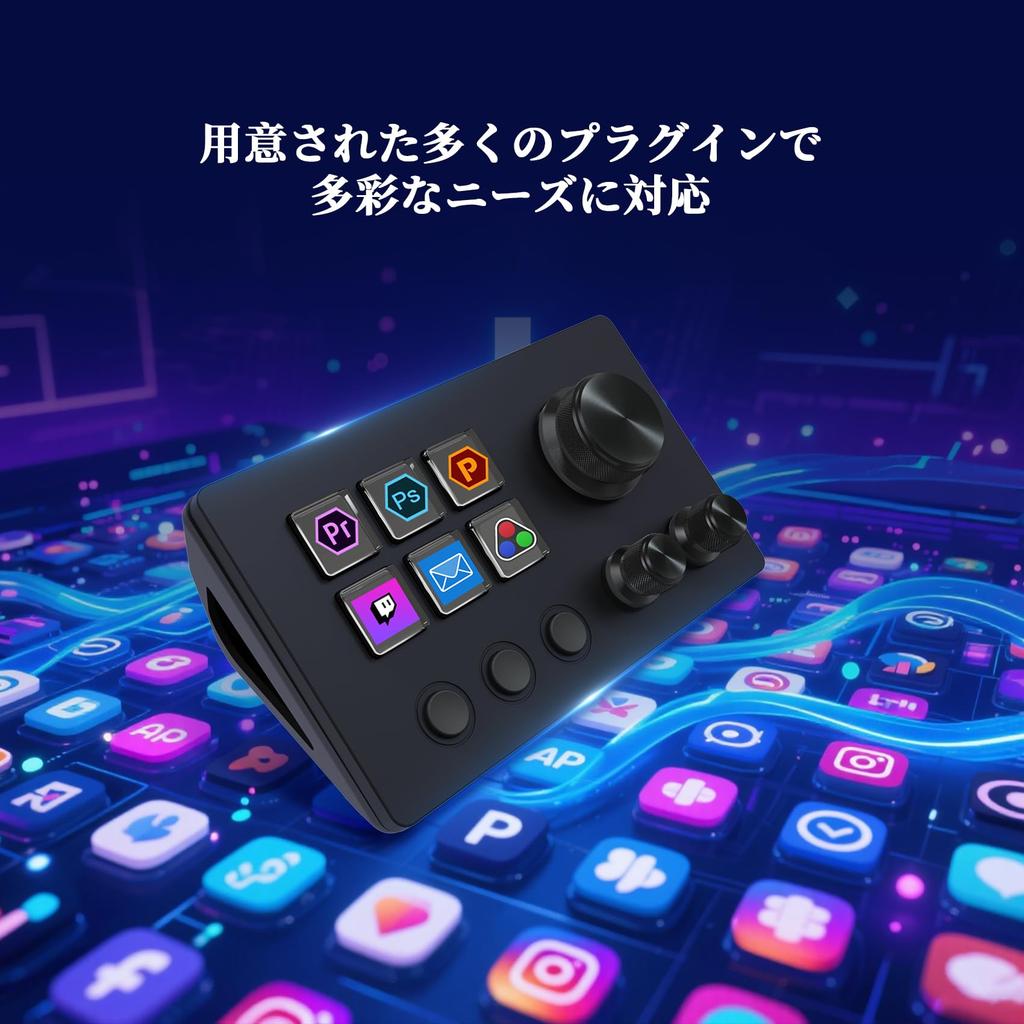
[Multiple Compatibility] This stream controller deck is compatible with both Windows and macOS. It works seamlessly with popular software such as OBS, PowerPoint, YouTube, Twitter, Discord, Excel, Word, Photoshop, and Adobe Premiere Pro, making your workflow even smoother.
[Multifunctional to Meet Your Needs] This shortcut keyboard's application space offers hundreds of plugins, including schedule reminders, clocks, stopwatches, weather, calendars, etc., making it not only a productivity tool but also a perfect desktop companion. In addition, there are 60 icon packs available for you to download and use according to your needs.
[Customer Support] If you are still unsure about the setup or operation of the product after reading the Quick Start Guide that came with it, you can get support in the following ways: 1. Watch the tutorial video for each operation below the product image. 2. Select the [Ask a Question] button to contact us.
[Warranty Period] The product warranty period is 24 months from the date of purchase.
[Note] If you already have Stream Dock software installed on your computer, the Stream Dock operation screen will likely appear on the software interface when you install and launch VSD Craft software. Therefore, we recommend uninstalling Stream Dock and restarting VSD Craft. VSD Craft is compatible with Stream Dock, so you can connect to compatible devices without installing Stream Dock.





![[.co.jp Exclusive] Elgato Stream Deck+, Audio Mixer, Live Production and Studio Controller for Content Creators, Streaming, Broadcasting, and Gaming,](https://img.joomcdn.net/7a70c2fdd3d2b0bc2787372b0c684ecda3140e1a_100_100.jpeg)